
Quelle couleur de cheveux me va le mieux ?
Téléversez un portrait clair, gardez votre coupe actuelle et comparez des couleurs réalistes selon votre teint, votre contraste, vos yeux, votre style et le niveau d’entretien souhaité.
Téléverser une photo
Téléverser une photo
Utilisez un portrait net en lumière naturelle pour comparer la couleur avec votre visage, votre teint et votre style actuel.
Formats : JPG, PNG, WEBP - 10 Mo max
Conseils pour un aperçu fiable :
- Use daylight or neutral indoor lighting instead of colored lighting
- Keep your full hair outline visible, including roots and ends
- Avoid hats, heavy beauty filters, sunglasses, or strong shadows
- Use a recent photo if you want the preview to match your current skin tone and haircut
Conserver la coupe actuelle
Cet outil conserve votre coupe actuelle et change seulement la nuance afin de voir quelle couleur vous met le mieux en valeur.
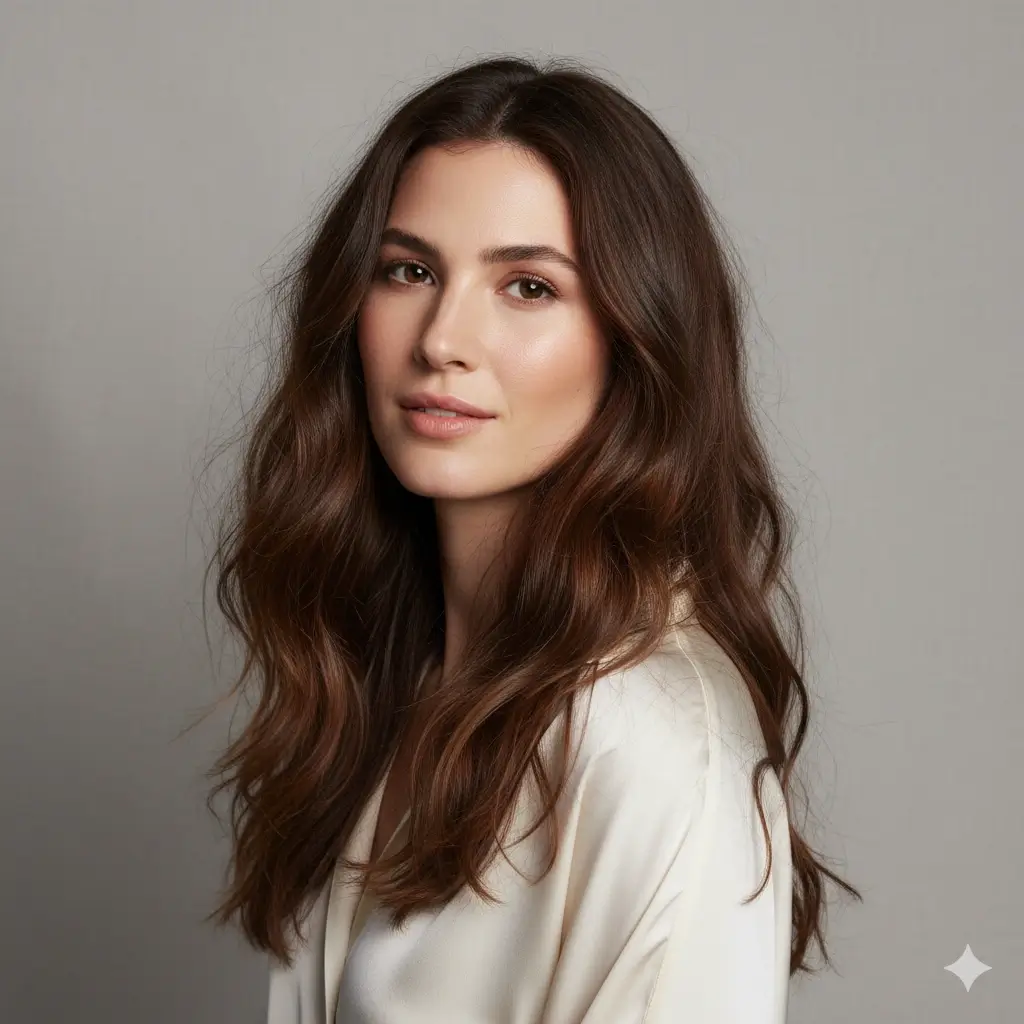
Choisissez une couleur à tester
Commencez par la nuance qui correspond à votre objectif, puis comparez plusieurs aperçus avec la même photo.
Configuration de la couleur :
Chargement des crédits...
Chaque aperçu couleur coûte 2 crédits
Guide rapide des couleurs
Choisissez un premier ton, puis comparez le rendu directement sur votre photo.
| Your starting point | Try first | Best for | Watch out for |
|---|---|---|---|
| Soft, low-contrast features | Brown or soft blonde | A natural change that does not overpower the face | Very black or platinum shades may feel too harsh |
| Warm or golden skin tone | Auburn, warm brown, or honey blonde | Adding glow and warmth around the face | Ashy tones can look flat in warm lighting |
| Cool or rosy skin tone | Black, cool brown, gray, or platinum | Cleaner contrast and a cooler fashion look | Orange-red tones may emphasize redness |
| Dark natural hair | Brown, auburn, or black | Low-maintenance color changes | Platinum requires major lightening in real life |
| Trying a bold change | Platinum, gray, or deep black | Testing a dramatic identity shift before booking | Preview the shade in neutral light before deciding |
Comment choisir une couleur flatteuse
La bonne nuance doit convenir au visage, au style et au niveau d’entretien souhaité.
Check undertone and contrast
Warm skin often pairs well with honey, auburn, and warm brown. Cool or high-contrast features often handle black, ash, gray, or platinum better.
Look at eye and brow balance
A shade that makes your eyes look clearer and your brows feel intentional usually reads more natural than a color that fights your features.
Match the maintenance level
Brown and auburn are usually easier to maintain than platinum or gray. Use the preview to decide whether the visual payoff is worth the upkeep.
Conseils photo et limites
The better the input photo, the easier it is to judge whether a color really flatters you.
Use a photo that helps the AI
- Face the camera with hair visible on both sides
- Use neutral daylight or soft indoor light
- Keep makeup and clothing close to your normal style
- Generate two or three nearby shades before choosing one
What the preview cannot guarantee
- It cannot predict exact bleach lift or salon formula
- It may simplify highlights, balayage, and root shadow details
- Colored room lighting can make warm and cool shades misleading
- For allergies, scalp issues, or chemical dye concerns, ask a licensed professional
FAQ couleur de cheveux
Answers to common questions about choosing a flattering hair color with an AI preview.
Prêt à trouver votre meilleure couleur ?
Téléversez une photo claire et comparez une nuance réaliste avant la coloration.
Utilisez ce chercheur de couleur IA pour savoir quelle couleur de cheveux vous va le mieux, comparer les nuances et préparer une décision plus claire avant le salon.