
사진 업로드
사진 업로드
중립적인 조명의 선명한 인물 사진을 사용하면 얼굴, 피부 톤, 현재 스타일에 맞는 컬러를 비교하기 쉽습니다.
지원 형식: JPG, PNG, WEBP - 최대 10MB
정확한 미리보기를 위한 팁:
- Use daylight or neutral indoor lighting instead of colored lighting
- Keep your full hair outline visible, including roots and ends
- Avoid hats, heavy beauty filters, sunglasses, or strong shadows
- Use a recent photo if you want the preview to match your current skin tone and haircut
현재 헤어스타일 유지
이 도구는 현재 컷을 유지하고 색상만 바꿔 어떤 머리색이 어울리는지 보여줍니다.
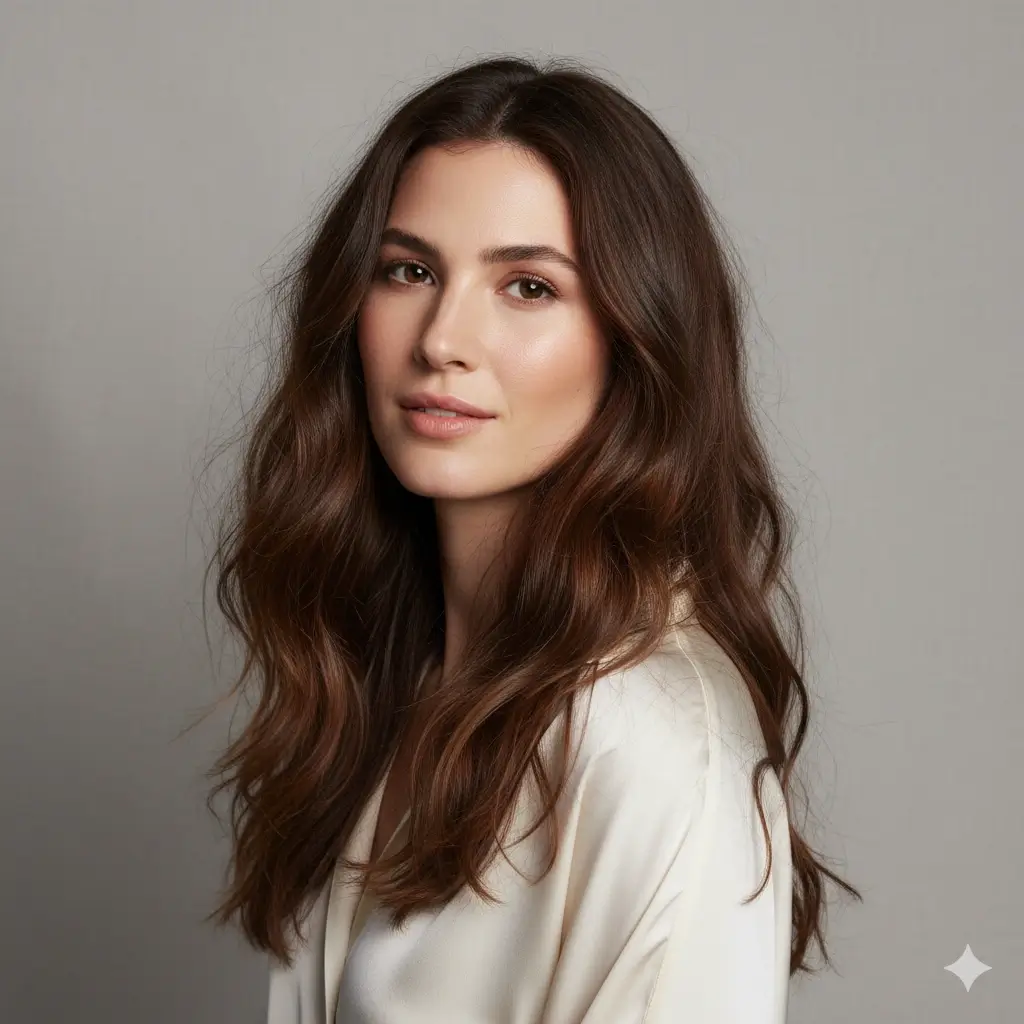
테스트할 컬러 선택
목표에 가까운 컬러부터 선택하고 같은 사진으로 여러 미리보기를 비교하세요.
컬러 매칭 설정:
크레딧 로딩 중...
헤어 컬러 미리보기 1회는 2 크레딧입니다
빠른 헤어 컬러 가이드
먼저 테스트할 컬러를 고르고, 사진 미리보기로 얼굴과의 균형을 비교하세요.
| Your starting point | Try first | Best for | Watch out for |
|---|---|---|---|
| Soft, low-contrast features | Brown or soft blonde | A natural change that does not overpower the face | Very black or platinum shades may feel too harsh |
| Warm or golden skin tone | Auburn, warm brown, or honey blonde | Adding glow and warmth around the face | Ashy tones can look flat in warm lighting |
| Cool or rosy skin tone | Black, cool brown, gray, or platinum | Cleaner contrast and a cooler fashion look | Orange-red tones may emphasize redness |
| Dark natural hair | Brown, auburn, or black | Low-maintenance color changes | Platinum requires major lightening in real life |
| Trying a bold change | Platinum, gray, or deep black | Testing a dramatic identity shift before booking | Preview the shade in neutral light before deciding |
어울리는 머리색 고르는 법
유행뿐 아니라 얼굴 대비, 눈썹, 관리 난이도까지 함께 확인하세요.
Check undertone and contrast
Warm skin often pairs well with honey, auburn, and warm brown. Cool or high-contrast features often handle black, ash, gray, or platinum better.
Look at eye and brow balance
A shade that makes your eyes look clearer and your brows feel intentional usually reads more natural than a color that fights your features.
Match the maintenance level
Brown and auburn are usually easier to maintain than platinum or gray. Use the preview to decide whether the visual payoff is worth the upkeep.
사진 팁과 미리보기 한계
The better the input photo, the easier it is to judge whether a color really flatters you.
Use a photo that helps the AI
- Face the camera with hair visible on both sides
- Use neutral daylight or soft indoor light
- Keep makeup and clothing close to your normal style
- Generate two or three nearby shades before choosing one
What the preview cannot guarantee
- It cannot predict exact bleach lift or salon formula
- It may simplify highlights, balayage, and root shadow details
- Colored room lighting can make warm and cool shades misleading
- For allergies, scalp issues, or chemical dye concerns, ask a licensed professional
헤어 컬러 FAQ
Answers to common questions about choosing a flattering hair color with an AI preview.