
写真をアップロード
写真をアップロード
自然光に近い明るい写真を使うと、顔立ちや肌色、今の雰囲気との相性を比べやすくなります。
対応形式:JPG、PNG、WEBP - 最大10MB
きれいに比較するコツ:
- Use daylight or neutral indoor lighting instead of colored lighting
- Keep your full hair outline visible, including roots and ends
- Avoid hats, heavy beauty filters, sunglasses, or strong shadows
- Use a recent photo if you want the preview to match your current skin tone and haircut
現在の髪型をキープ
このツールは現在の髪型を保ち、髪色だけを変えて、どの色が似合うかを確認します。
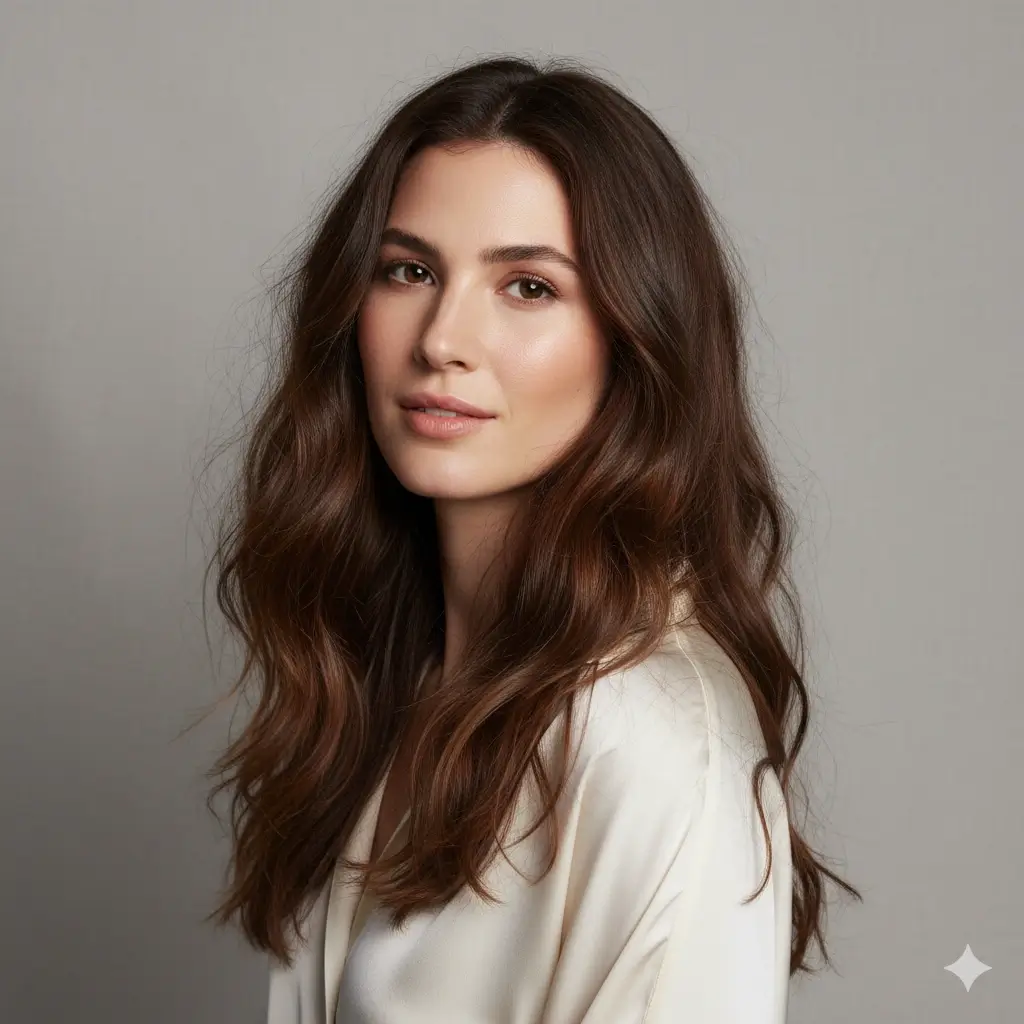
試す髪色を選ぶ
目的に近い色から選び、同じ写真で複数のプレビューを比較できます。
髪色プレビュー設定:
クレジットを読み込み中...
1回の髪色プレビューは2クレジットです
髪色マッチ早見ガイド
まず試す色を選び、写真プレビューで顔全体とのバランスを比べましょう。
| Your starting point | Try first | Best for | Watch out for |
|---|---|---|---|
| Soft, low-contrast features | Brown or soft blonde | A natural change that does not overpower the face | Very black or platinum shades may feel too harsh |
| Warm or golden skin tone | Auburn, warm brown, or honey blonde | Adding glow and warmth around the face | Ashy tones can look flat in warm lighting |
| Cool or rosy skin tone | Black, cool brown, gray, or platinum | Cleaner contrast and a cooler fashion look | Orange-red tones may emphasize redness |
| Dark natural hair | Brown, auburn, or black | Low-maintenance color changes | Platinum requires major lightening in real life |
| Trying a bold change | Platinum, gray, or deep black | Testing a dramatic identity shift before booking | Preview the shade in neutral light before deciding |
似合う髪色の決め方
流行だけでなく、顔立ち、普段の服装、維持のしやすさも確認します。
Check undertone and contrast
Warm skin often pairs well with honey, auburn, and warm brown. Cool or high-contrast features often handle black, ash, gray, or platinum better.
Look at eye and brow balance
A shade that makes your eyes look clearer and your brows feel intentional usually reads more natural than a color that fights your features.
Match the maintenance level
Brown and auburn are usually easier to maintain than platinum or gray. Use the preview to decide whether the visual payoff is worth the upkeep.
写真のコツとプレビューの限界
The better the input photo, the easier it is to judge whether a color really flatters you.
Use a photo that helps the AI
- Face the camera with hair visible on both sides
- Use neutral daylight or soft indoor light
- Keep makeup and clothing close to your normal style
- Generate two or three nearby shades before choosing one
What the preview cannot guarantee
- It cannot predict exact bleach lift or salon formula
- It may simplify highlights, balayage, and root shadow details
- Colored room lighting can make warm and cool shades misleading
- For allergies, scalp issues, or chemical dye concerns, ask a licensed professional
似合う髪色 FAQ
Answers to common questions about choosing a flattering hair color with an AI preview.