
Short Hair Filter - See How You Look with Short Hair
Upload one clear photo and use this short hair filter to compare pixie cuts, bobs, bixies, textured crops, crew cuts, and short fades on your own face. It is built for the real question behind the search: how would I look with short hair before I make a hard-to-reverse haircut decision?
Upload a Photo for Your Short Hair Preview
Upload Your Selfie
Use a clear, front-facing photo so the short hair filter can show how less length changes your face framing, jawline, and daily style.
Supported: JPG, PNG, WEBP • Max size: 10MB
Best photo tips for a more realistic short hair preview:
- Use a front-facing selfie with your full face and hairline visible
- Keep your ears, forehead, jawline, and neckline as clear as possible
- Choose even lighting so short layers and side volume are easier to judge
- Avoid hats, heavy filters, deep shadows, and strong side angles
Choose the Short Hair Style to Preview
Start with the shortest style you are seriously considering, then compare a softer short option on the same photo.


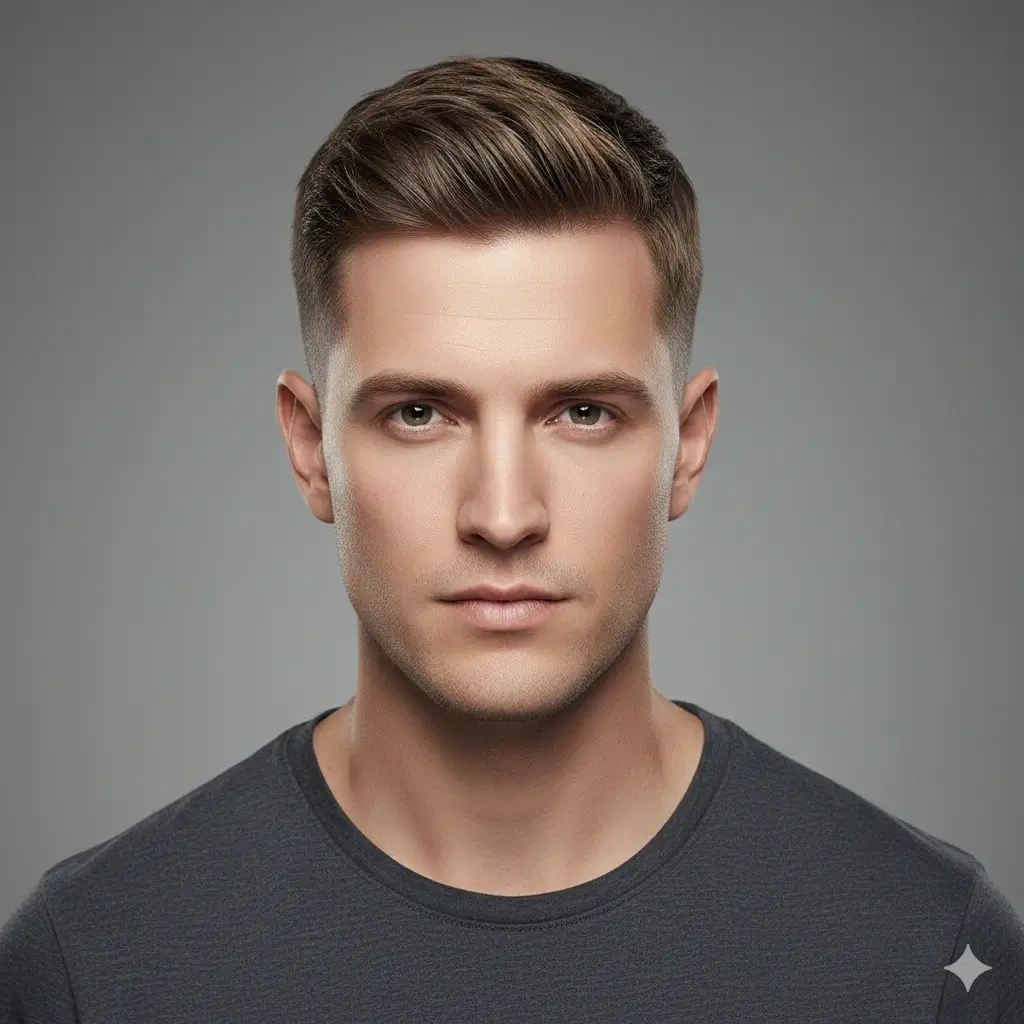
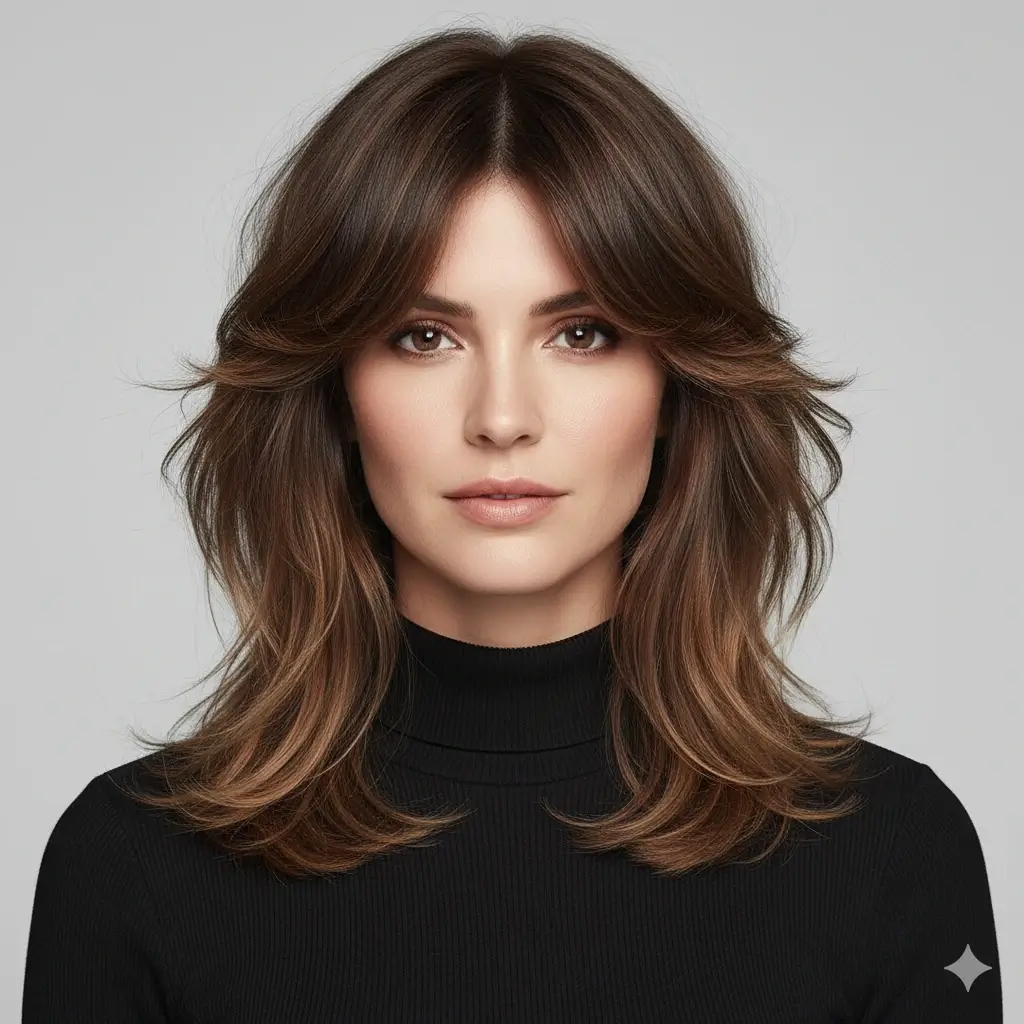
Preview Color with the Short Hair
Optional: keep your current color or test whether a lighter or darker shade changes how short hair frames your face.
Your short hair filter setup:
Loading credits...
Each short hair preview costs 2 credits
Why People Search for a Short Hair Filter
Short hair changes face framing, neckline, ears, jawline, and styling routine more than a small trim. People searching this term want to see the change on their own photo before cutting off real length.
See Short Hair on Your Own Face
A model photo cannot show whether a pixie, bob, crop, or short fade works with your forehead, cheeks, jawline, and neck. This filter puts the decision on your own photo.
Reduce Regret Before a Big Cut
Going short can feel freeing, but it also takes time to grow out. A preview helps you compare bold and safer short options before you commit.
Create a Better Stylist Reference
A saved result helps you explain whether you want a soft bixie, classic bob, sharp pixie, textured crop, or short fade at your appointment.
Short Hair Preview Examples to Compare First
These examples focus on the most common short hair decisions: a pixie-level change, a softer bob or bixie, and a short textured cut.
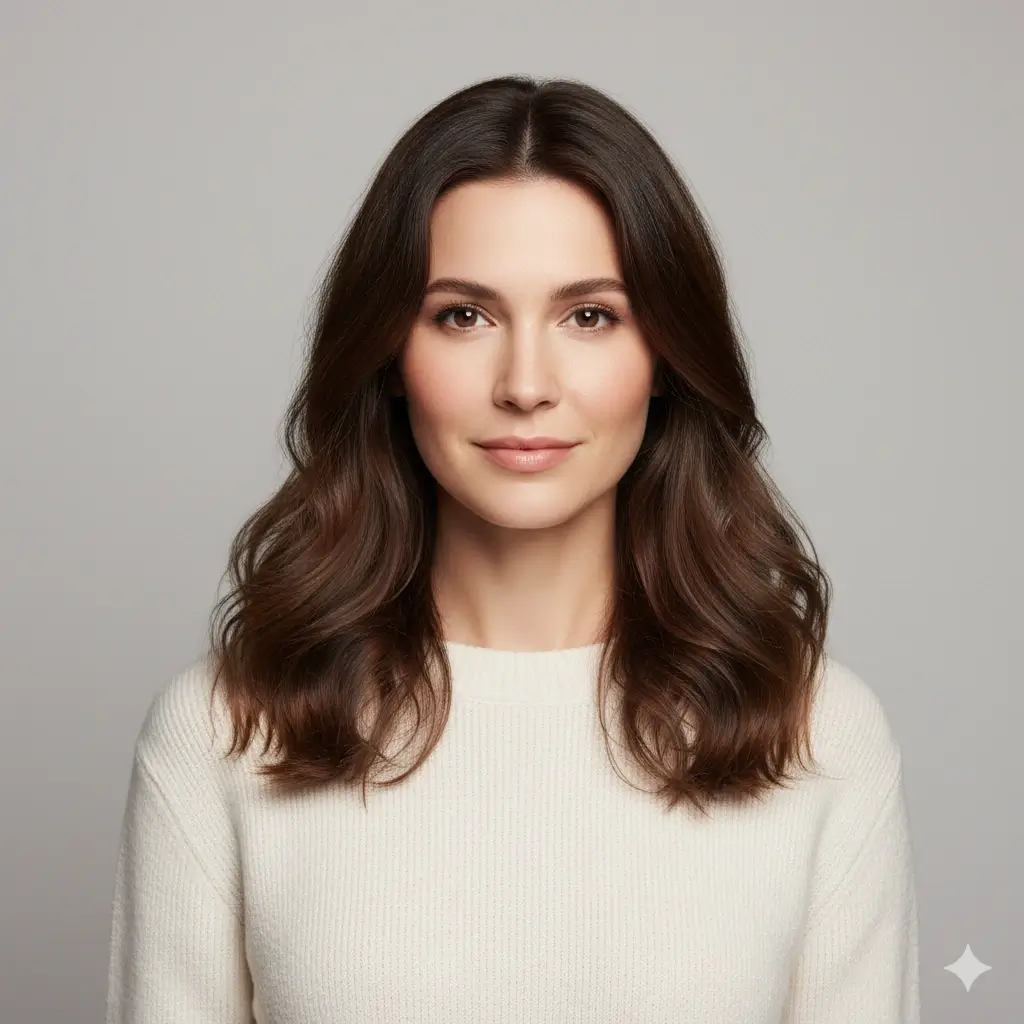
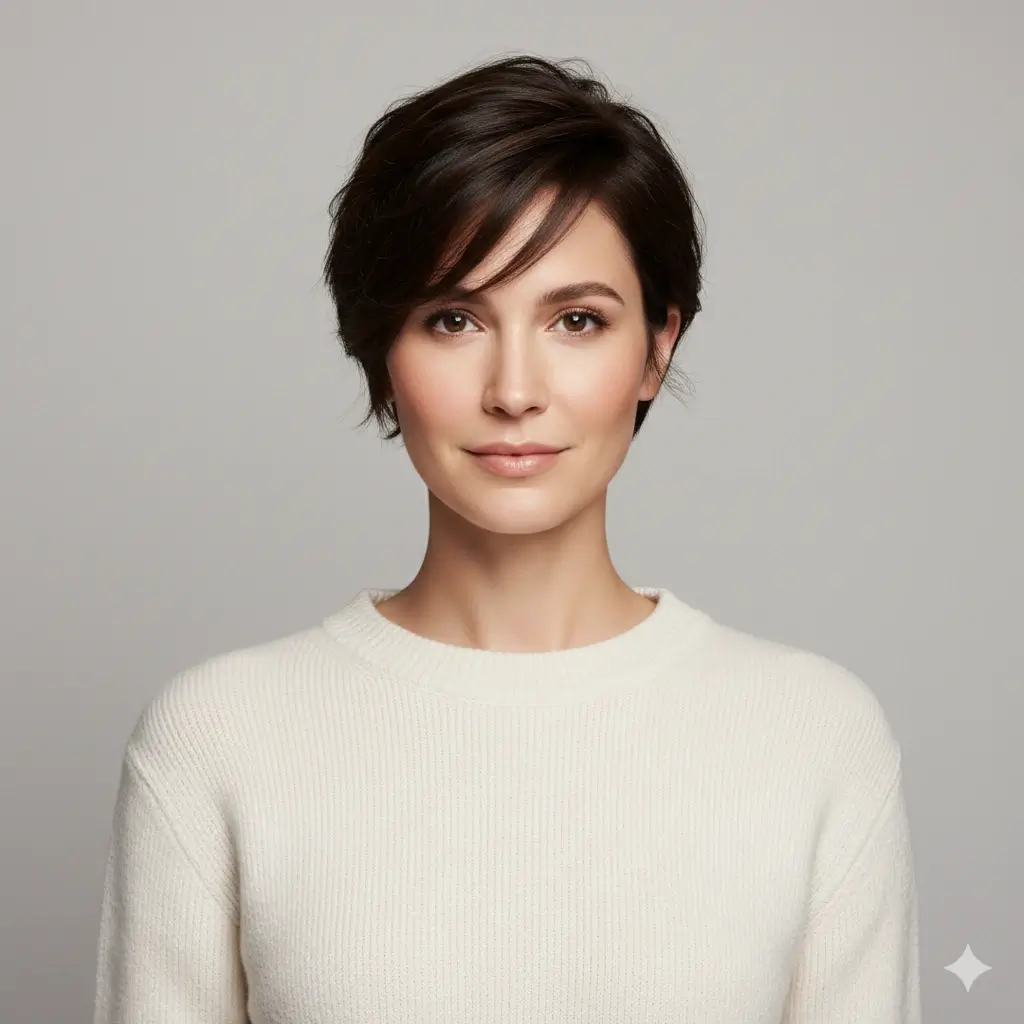
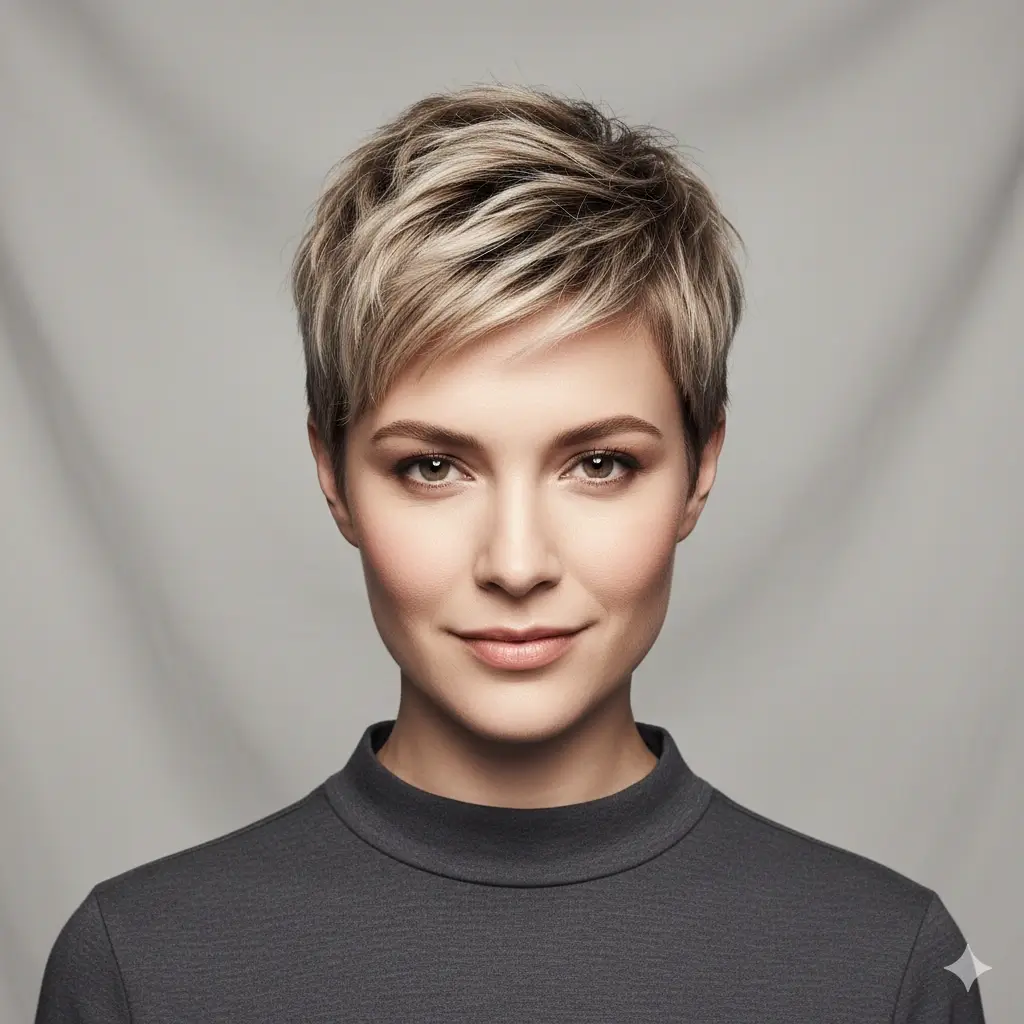
Pixie Cut Preview
A pixie cut is the clearest test for whether very short hair opens your face in a way you like.


Short Fade Preview
A short fade keeps the sides clean and helps you judge whether a tighter barber cut suits your head shape.
Pixie Cut
A bold short cut for checking cheekbones, forehead balance, and confidence before a major change.
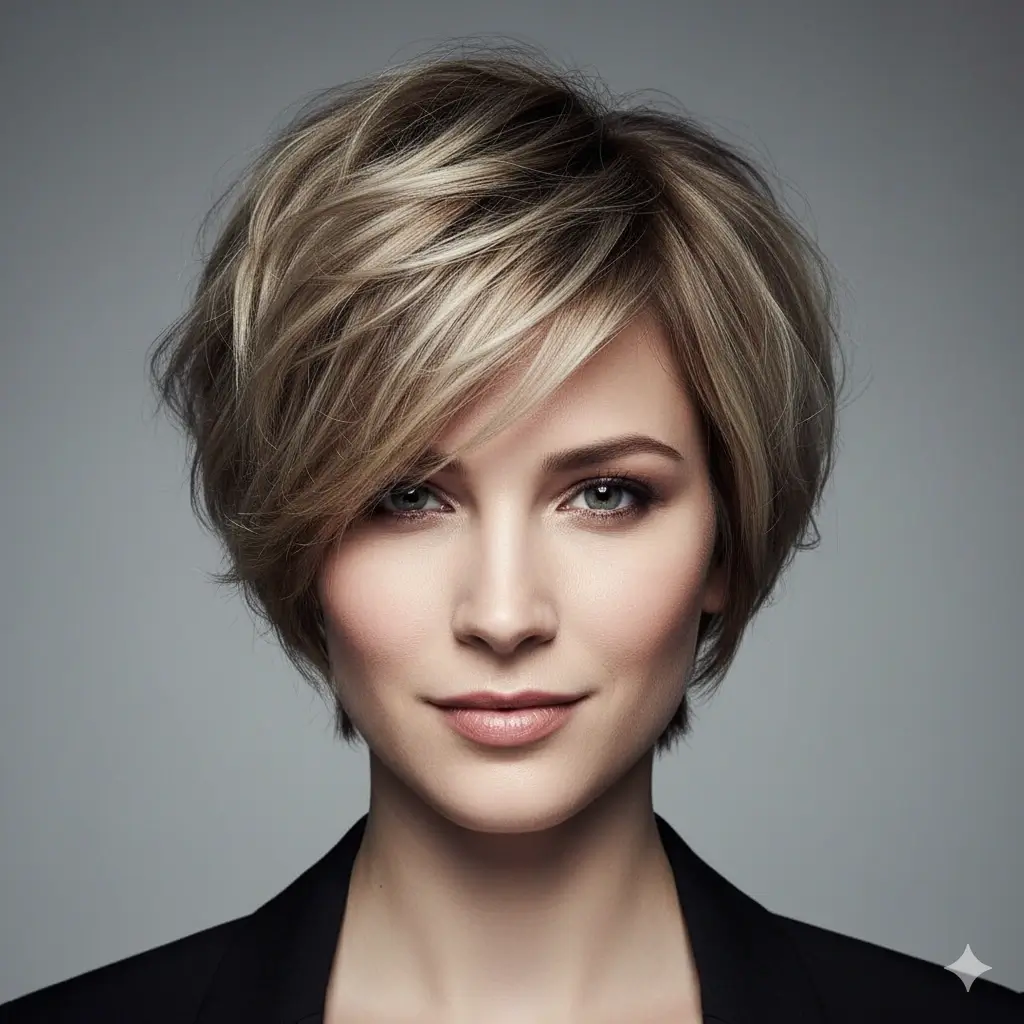
Bixie Cut
A softer middle ground between a pixie and a bob when you want short hair with movement.
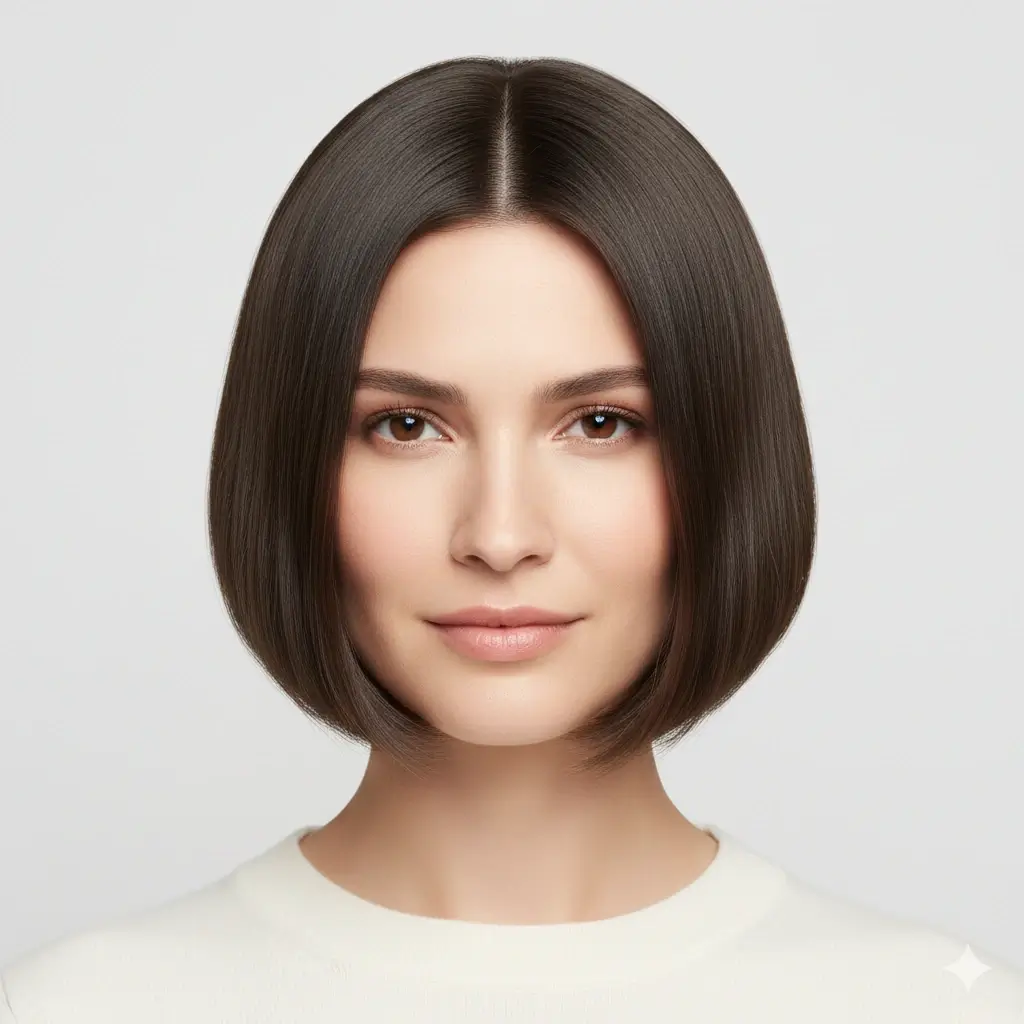
Classic Bob
A practical first short style if you want less length but still want face-framing softness.
Textured Crop
A short, structured option for people comparing crop, crew, and fade directions.
Short Hair Directions Worth Testing
A useful short hair filter should help you compare the level of change, not push every user toward the same short haircut.
Soft Short Hair
These previews help when you want shorter hair but still want movement around the face.
- Bixie cut for a softer pixie-bob blend
- Classic bob if you want a safer first short haircut
- Short shag when you want texture without a severe outline
- Brown or auburn color if you want a warmer short style
Bold Short Cuts
These options answer the direct question: would I like myself with clearly short hair?
- Pixie cut for the biggest face-framing change
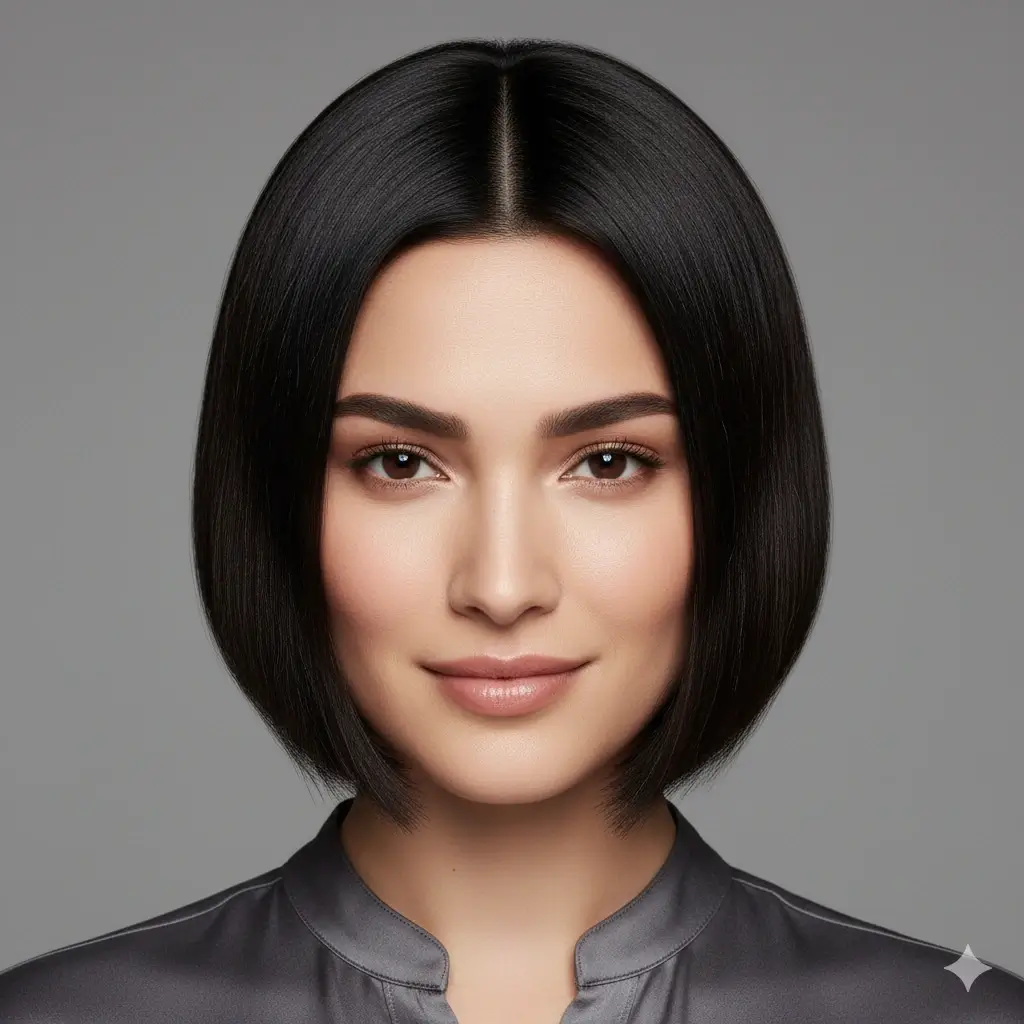
- Blunt bob for a stronger short silhouette
- Platinum or black color if you want to test higher contrast
- Compare one bold cut against a softer bob before deciding
Short Barber Cuts
These previews help if you are considering a tighter, cleaner, lower-maintenance short haircut.
- Textured crop for short hair with shape on top
- Crew cut for a very practical low-maintenance look
- Short fade for cleaner sides and a barber finish
- Use the same photo to compare side volume and neckline
How to Use the Short Hair Filter
Upload a photo, choose a short haircut direction, then generate a preview you can inspect before booking a salon or barber visit.
Upload One Clear Photo
Use a selfie with your face, ears, neckline, and hairline visible. This gives the short hair filter the best chance of showing a believable shape.
Choose a Short Hair Style
Compare pixie, bixie, bob, blunt bob, textured crop, crew cut, short fade, or short shag. You can also test a different hair color with the cut.
Review and Save the Preview
In about 30-60 seconds, you get a short hair preview you can compare, download, or show to a stylist as a clearer reference.
Why This Short Hair Filter Fits the Search Intent
Built Around Short Hair Choices
The page focuses on short haircut decisions instead of mixing every possible long, color, and fringe style into one generic simulator.
Preview on Your Own Photo
The important question is not whether short hair looks good on someone else. It is whether the shorter length balances your own face and neck.
Compare Safe and Bold Short Cuts
Preview a softer bob or bixie beside a pixie, crop, or fade so the decision is based on contrast, not one extreme image.
Save a Clear Salon Reference
Download the strongest preview and use it to explain desired length, side shape, neckline, and texture.
Works on Phone and Desktop
Try short hair from a phone before an appointment, or compare the previews on a larger desktop screen.
Private Photo Handling
Your uploaded photo is used only to generate the preview, and uploaded and generated images are automatically deleted within 24 hours.
How Accurate Is a Short Hair Preview?
A short hair filter is most useful for judging shape, balance, and commitment level. It cannot promise an identical real-world salon result.
Best for Face-Framing Decisions
The preview is strongest when you compare how shorter hair changes forehead exposure, cheeks, ears, jawline, and neckline.
Not an Exact Salon Guarantee
Real results still depend on hair density, cowlicks, curl pattern, growth direction, styling tools, and how your stylist cuts the shape.
Compare More Than One Short Style
If you are unsure, test a bold pixie or crop and a softer bob or bixie on the same photo. The contrast usually gives a clearer answer.
Practical rule
If you still like the preview after checking your jawline, ears, neckline, and forehead balance, short hair is a stronger candidate than a style you only like on someone else.
What This Short Hair Filter Helps You Decide
The value is not only seeing shorter hair. It is deciding how short, how soft, and how much daily styling commitment feels right for you.
See Short Hair Before You Cut
Preview the shape first so you do not have to guess how dramatically losing length will change your look.
Pick a More Realistic Short Cut
Compare pixie, bob, bixie, crop, crew, and fade options instead of walking in with only one inspiration photo.
Reduce Haircut Regret
Short hair can be expensive to correct and slow to grow out. Trying it virtually first can prevent a mismatch.
Bring a Better Reference
A saved preview helps your stylist understand the level of shortness, softness, and side shape you actually want.
FAQ About the Short Hair Filter
Answers to common questions before trying short hair on your own photo.
Ready to See Yourself with Short Hair?
Upload a selfie, compare short haircut options, and keep the preview that helps your next salon or barber decision.
Use this short hair filter to try short hair on your own photo before cutting real length. Compare pixie cuts, bobs, bixies, textured crops, crew cuts, and short fades, then download a clearer salon or barber reference.