What Haircut Should I Get? Try Styles on Your Photo
Answer the question visually instead of guessing from a quiz. Upload a clear photo, compare safe and bold haircut ideas, and see which length, fringe, layers, or fade fits your face, hair texture, and daily styling routine.
Upload a Photo to Start Your Haircut Match
Upload Your Selfie
Use a clear front-facing photo so the haircut preview can show face-framing length, bangs, volume, and neckline more accurately.
Supported: JPG, PNG, WEBP - Max size: 10MB
Best photo tips for haircut previews:
- Use even lighting with your full face visible
- Keep your hairline, jaw, and cheekbones as clear as possible
- Avoid hats, sunglasses, heavy filters, and extreme side angles
- Use the same photo for every style so the comparison is fair
Choose Haircut Ideas to Compare
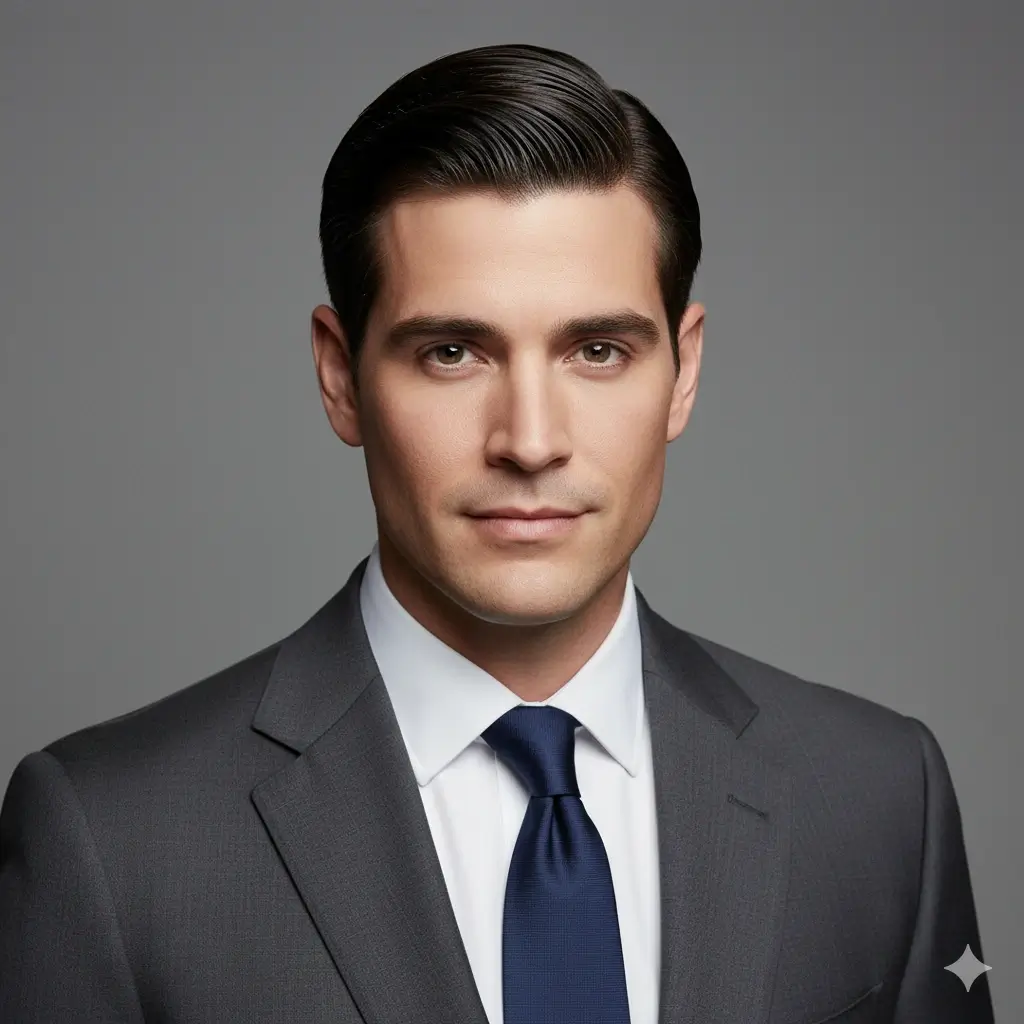
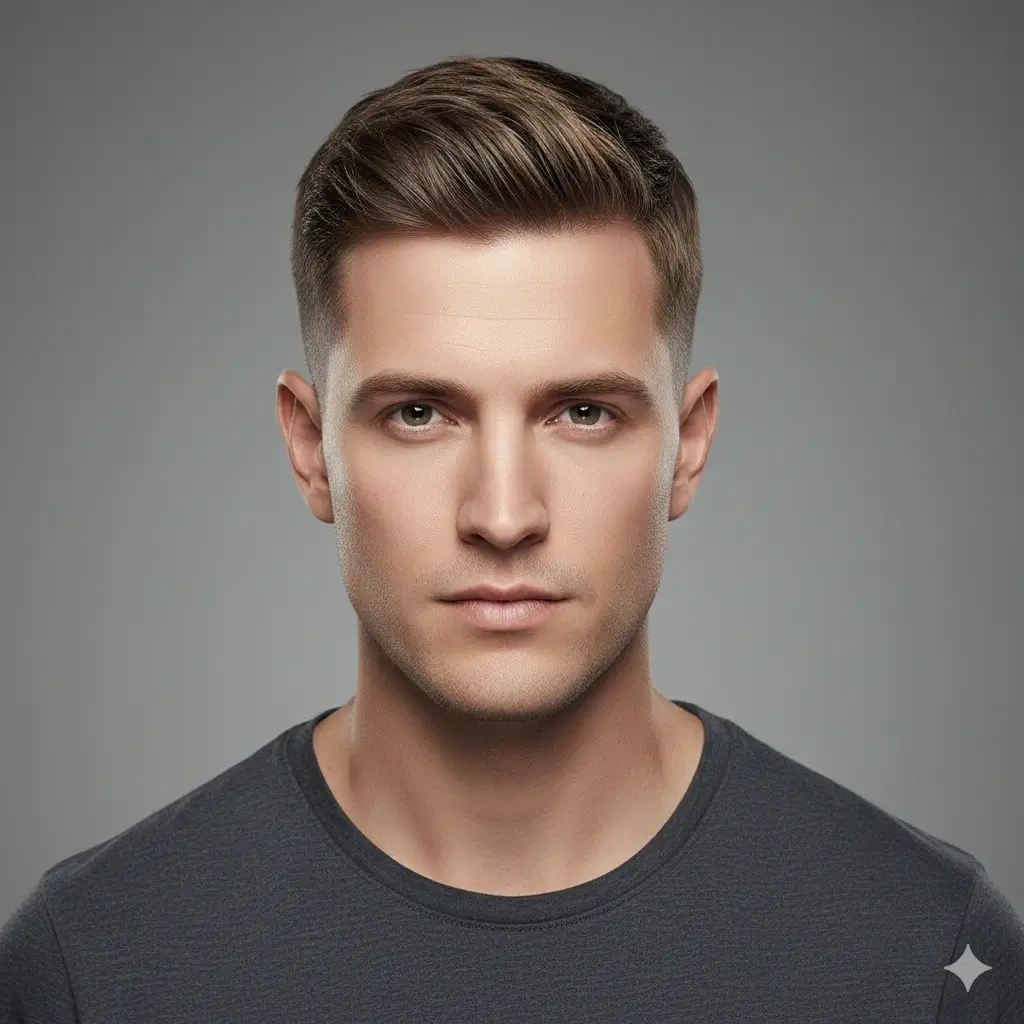
Start with one low-risk option, then test one bolder change such as bangs, a pixie, a fade, or stronger layers.
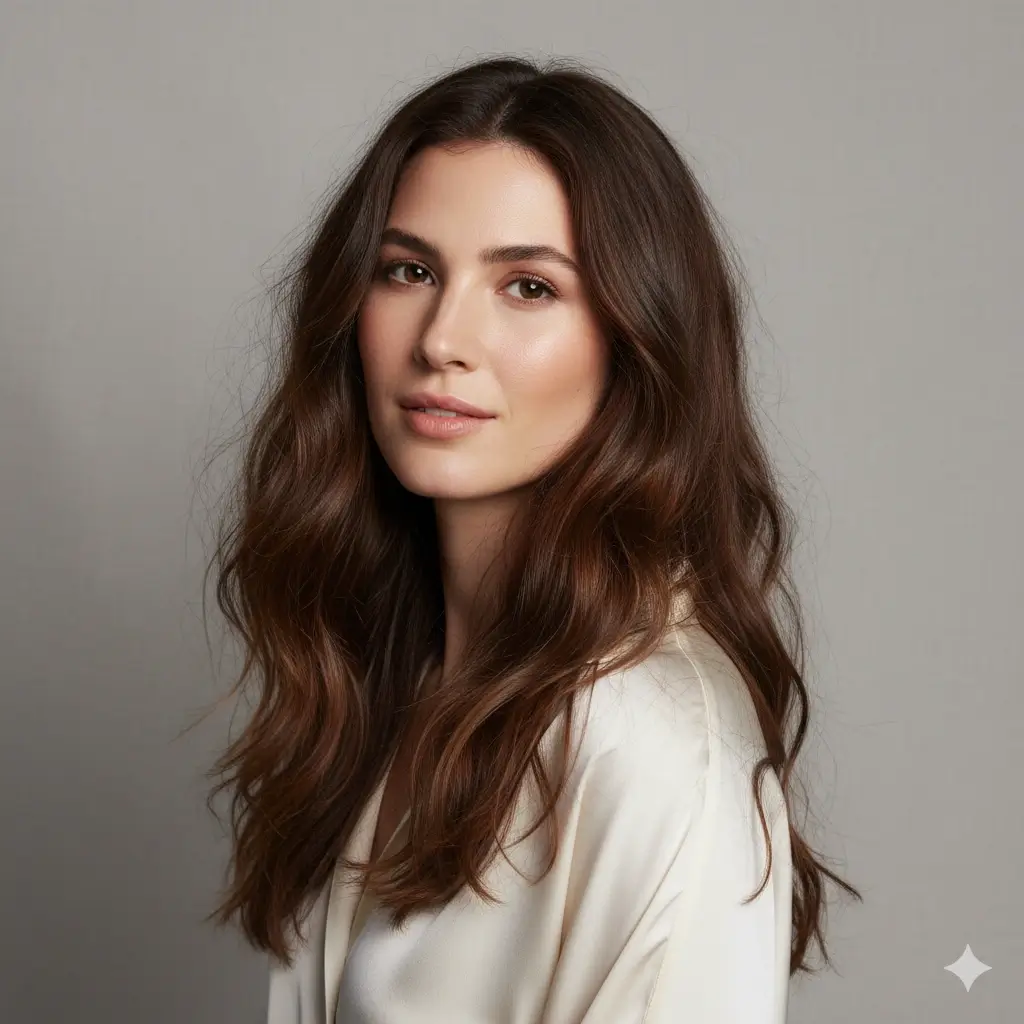
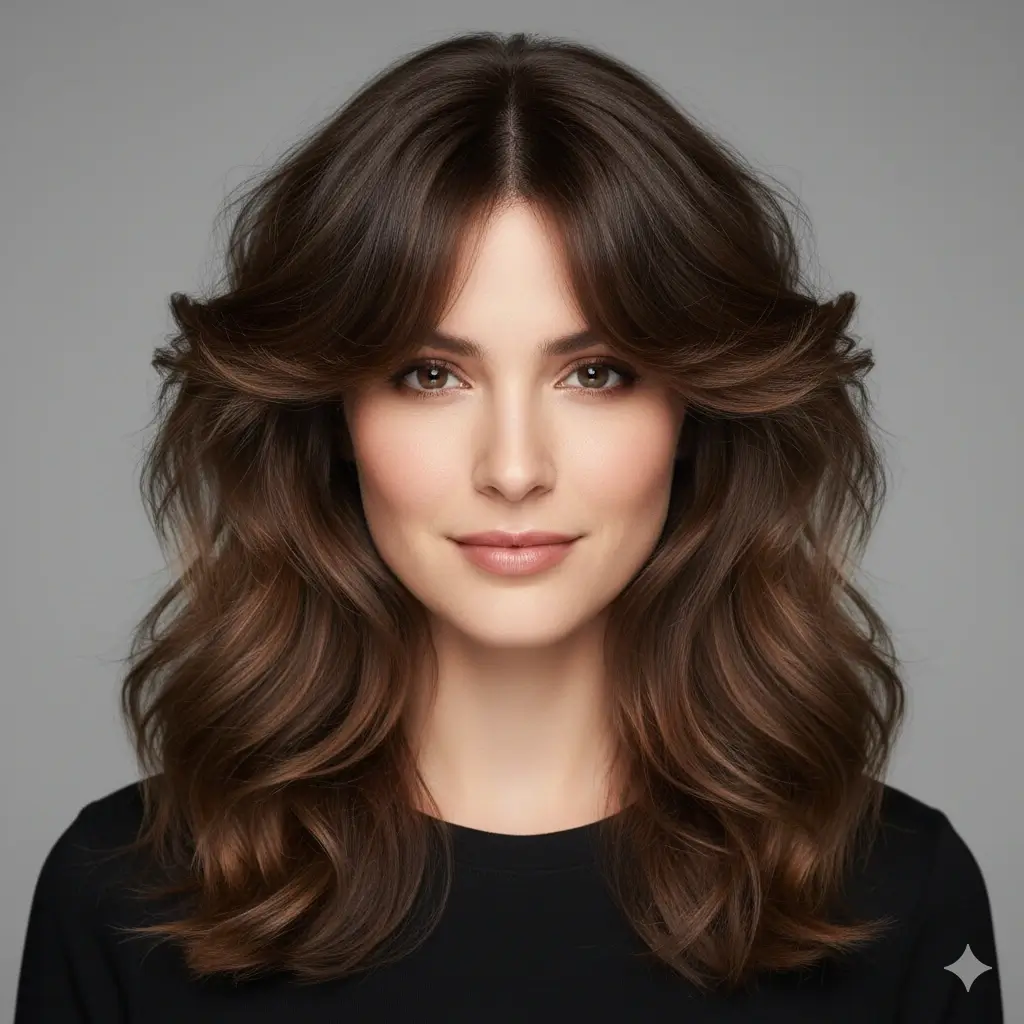
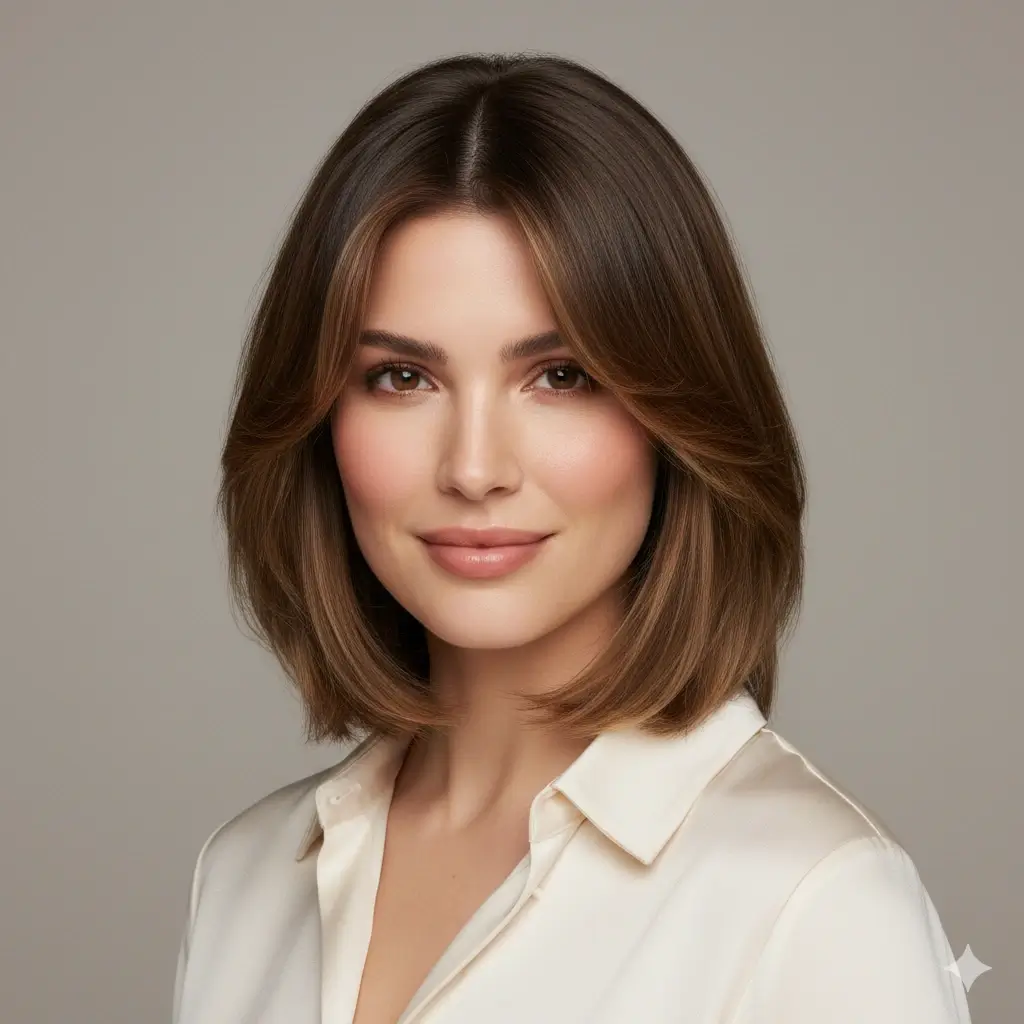
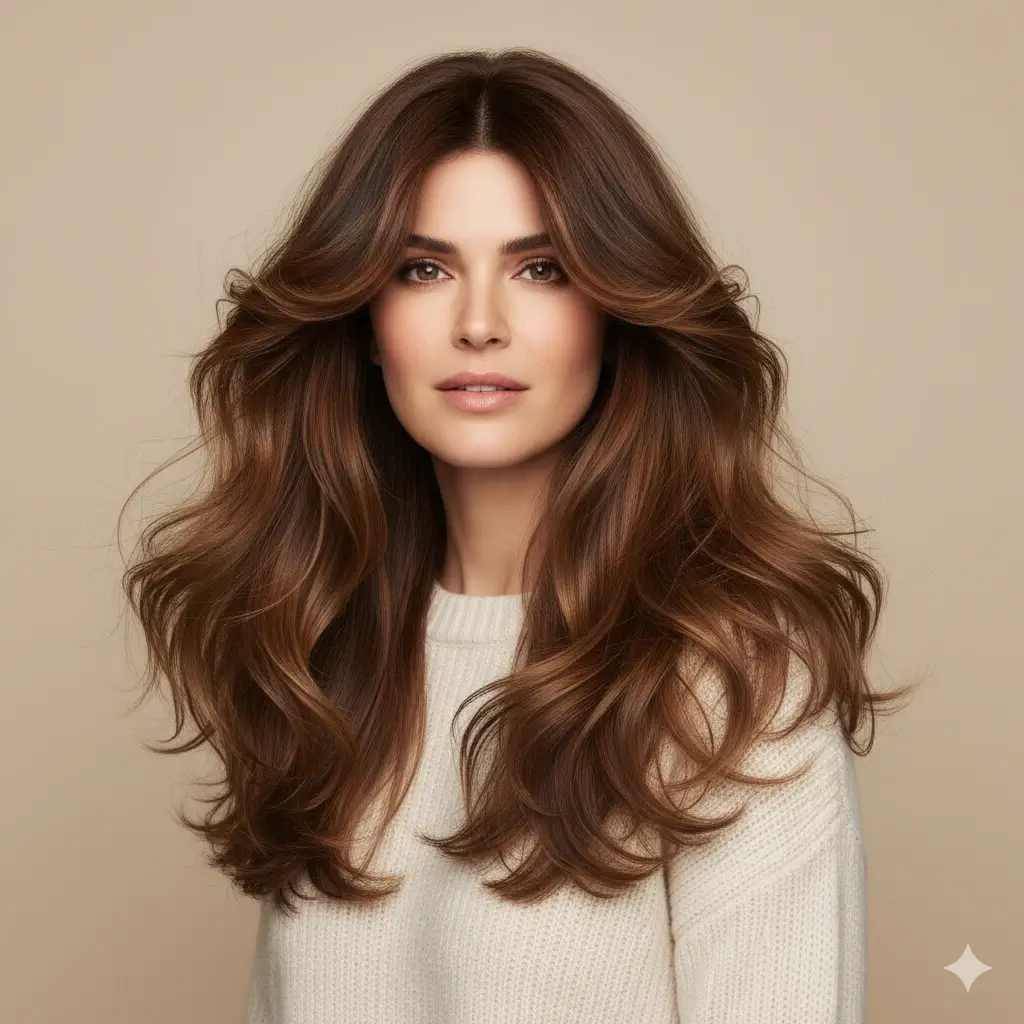
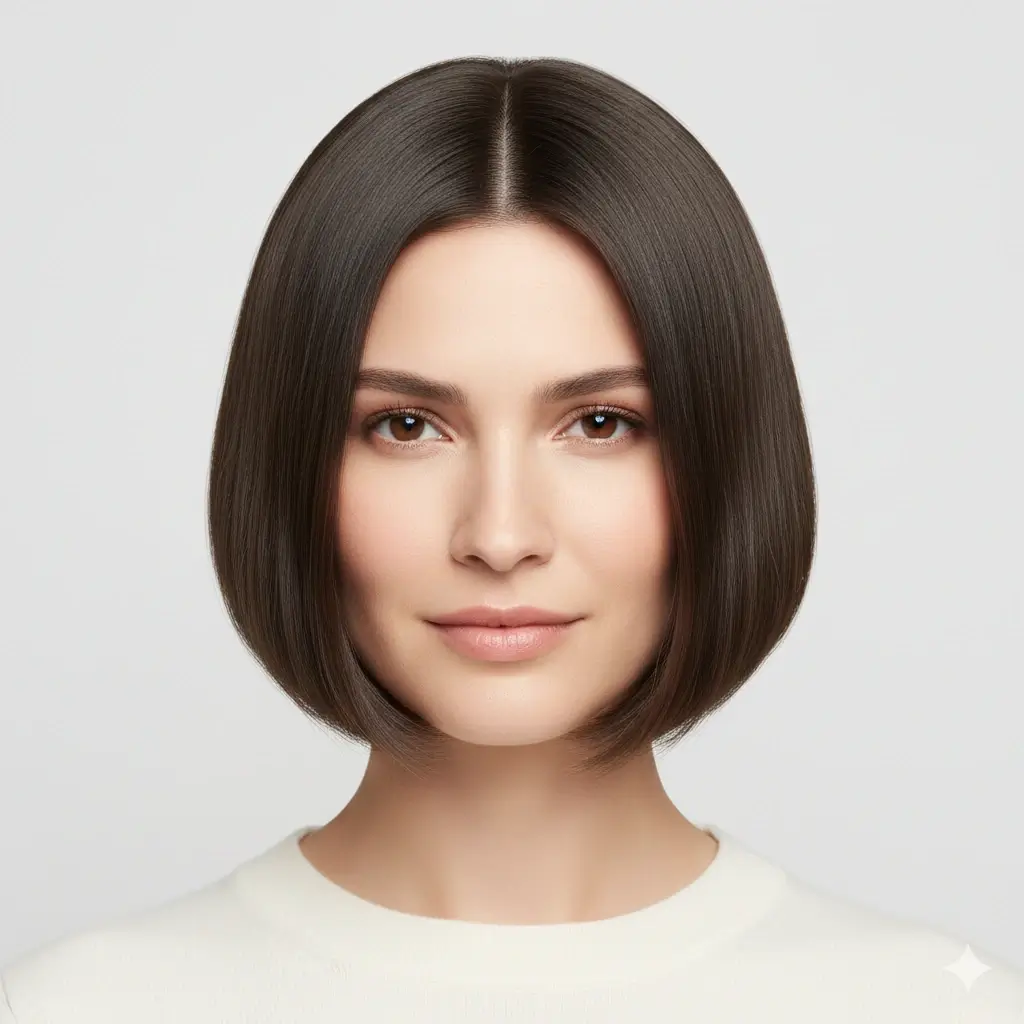
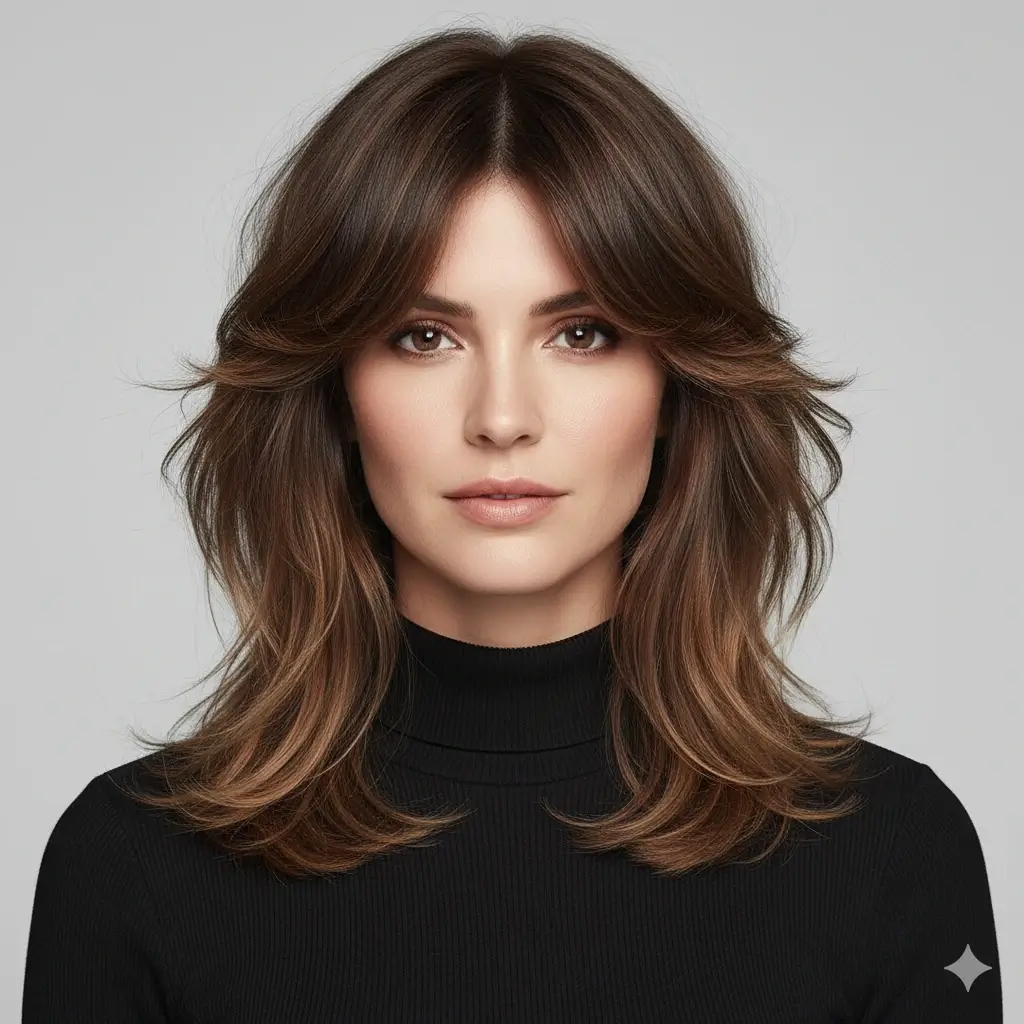
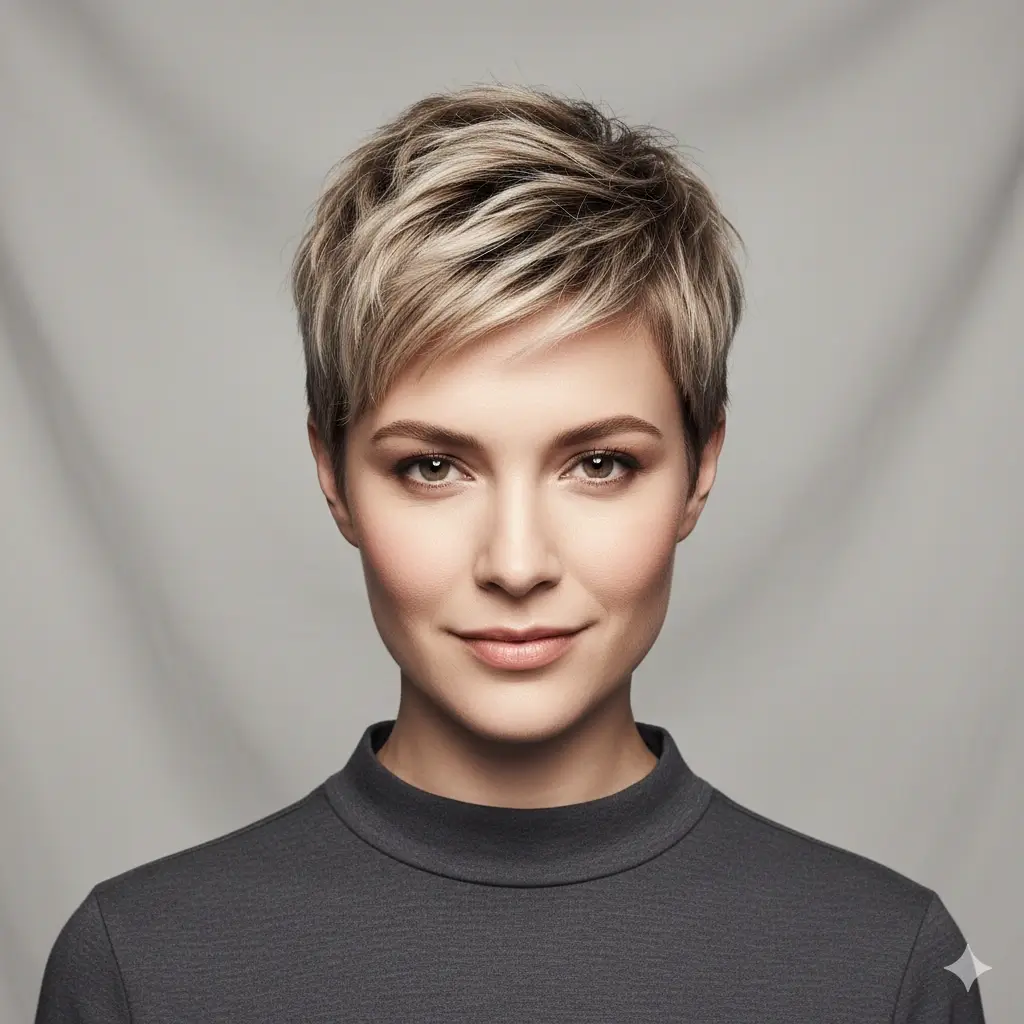
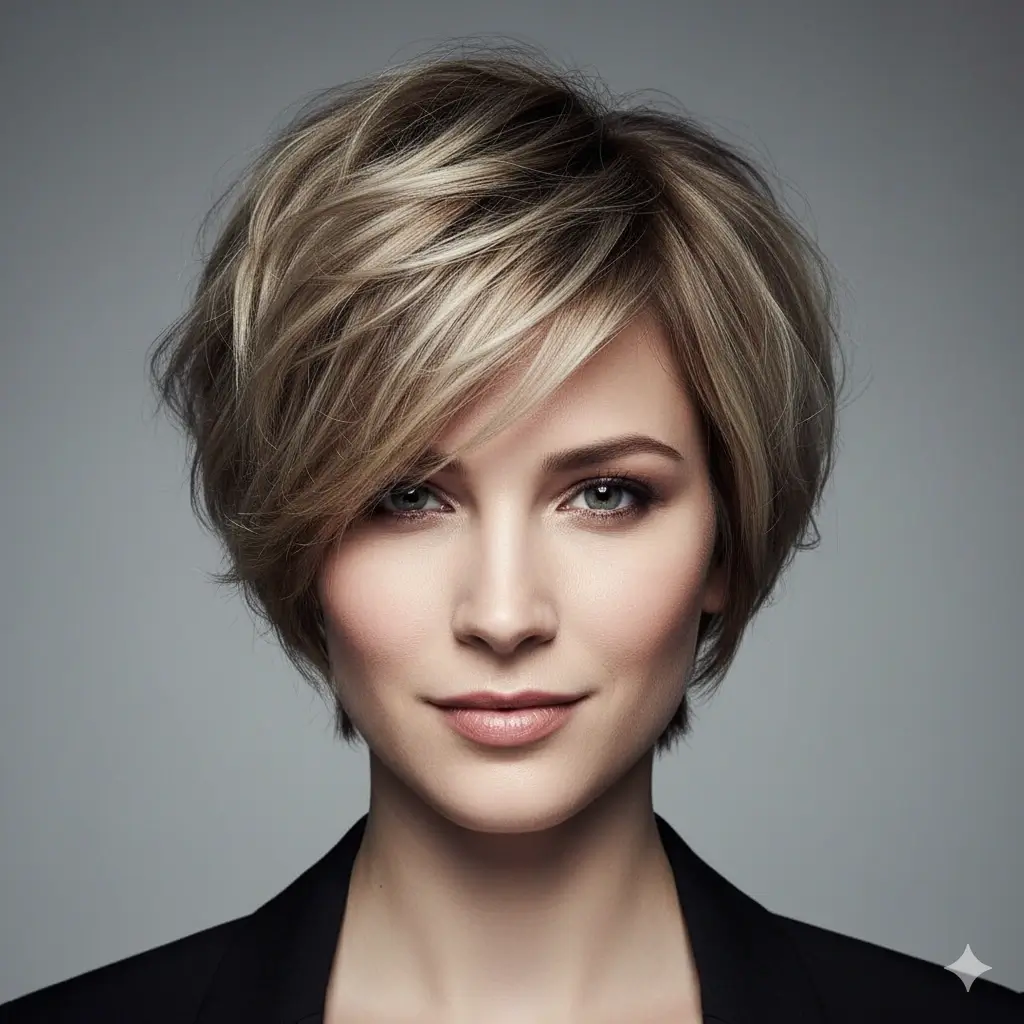


Optionally Test a Hair Color With the Same Cut
Color can change contrast around your face. Compare the haircut first, then decide whether a shade change helps.
Your haircut decision setup:
Loading credits...
Each haircut preview costs 2 credits
How to Decide What Haircut You Should Get
A good haircut choice balances face shape, hair behavior, maintenance, and how much change you actually want.
Choose your change level
Pick whether you want a subtle cleanup, a visible refresh, or a dramatic transformation. This keeps the preview realistic for your comfort level.
Compare fit, not just trend
Judge where the cut lands around your forehead, cheekbones, jaw, neck, and shoulders. A trendy cut only works if it fits your proportions.
Check upkeep before saving
Short cuts, bangs, fades, and high-volume layers can need more trims or styling. Choose the preview you can maintain on a normal week.
Haircut Ideas by Goal
Use this table to pick your first two previews. It is more useful to compare a safe option and a bold option on the same photo than to browse random styles.
| Your goal | Try first | Often works best when | Check in the preview |
|---|---|---|---|
| Keep length but look fresher | Layered long hair, long waves, butterfly cut | You like your current length but want movement, volume, or face framing. | Whether layers open the face without making the ends look thin. |
| Make the face look longer or more structured | Side part, textured crop, lob with curtain bangs | You want more vertical line, cheekbone definition, or less width at the sides. | Whether volume sits above the cheekbones instead of widening the face. |
| Soften a strong jaw or angular outline | Soft bob, shag cut, waves, curtain hair | You want movement around the jaw rather than a hard blunt edge. | Where the length hits and whether the outline feels softer. |
| Try a bold change | Pixie cut, bixie cut, fade, modern short crop | You are comfortable showing more face shape and trimming more often. | Hairline, ears, neckline, and whether the cut still feels like you. |
Photo Tips, Accuracy, and Limits
The clearer the photo, the easier it is to compare length, fringe, layers, and volume.
Use photos that make the decision easier
- Straight-on selfie with natural expression
- Hair pulled away enough to show your face outline
- No strong shadows across the jaw, forehead, or neckline
- Neutral background so the haircut shape is easy to judge
Know what AI cannot decide alone
- It cannot feel hair density, cowlicks, or growth direction
- Curly, coily, fine, or very thick hair may need a stylist-adjusted version
- A color preview can change contrast, so compare cut and color separately
- Final salon results depend on cutting technique, styling tools, and maintenance
What Haircut Should I Get FAQ
Answers to common questions before choosing a haircut preview.
Find the Haircut That Feels Right Before You Cut
Upload your photo, compare multiple haircut ideas, and save a clearer reference for your next salon visit.
Use this what haircut should I get tool when you want to test short hair, long layers, bangs, a bob, a pixie, a fade, or a new color before cutting. The page combines an AI haircut preview with decision guidance for face shape, lifestyle, hair type, and upkeep.