
AI Hair Color Changer Online
Upload a clear portrait, choose a hair color, and preview how blonde, brown, black, auburn, gray, or platinum hair could look on your own photo. This virtual hair color try on keeps your haircut shape and face the same, so you can compare dye ideas before a salon appointment or at-home color decision.
Upload a Photo for Hair Color Try On
Upload Your Photo
Use a clear portrait with visible hair so the AI hair color changer can preserve your haircut, lighting, and natural hair texture.
Supported: JPG, PNG, WEBP • Max size: 10MB
Best photo tips for a realistic hair color preview:
- Use a front-facing portrait with most of your hair visible
- Choose even lighting so color, highlights, and shadows are easier to judge
- Avoid hats, sunglasses, heavy filters, and strong color lighting
- Use your current everyday hairstyle if you want the most practical dye preview
Keep Your Current Haircut
This page is built for color-only previews. The selected option keeps your current haircut shape while changing the hair color.
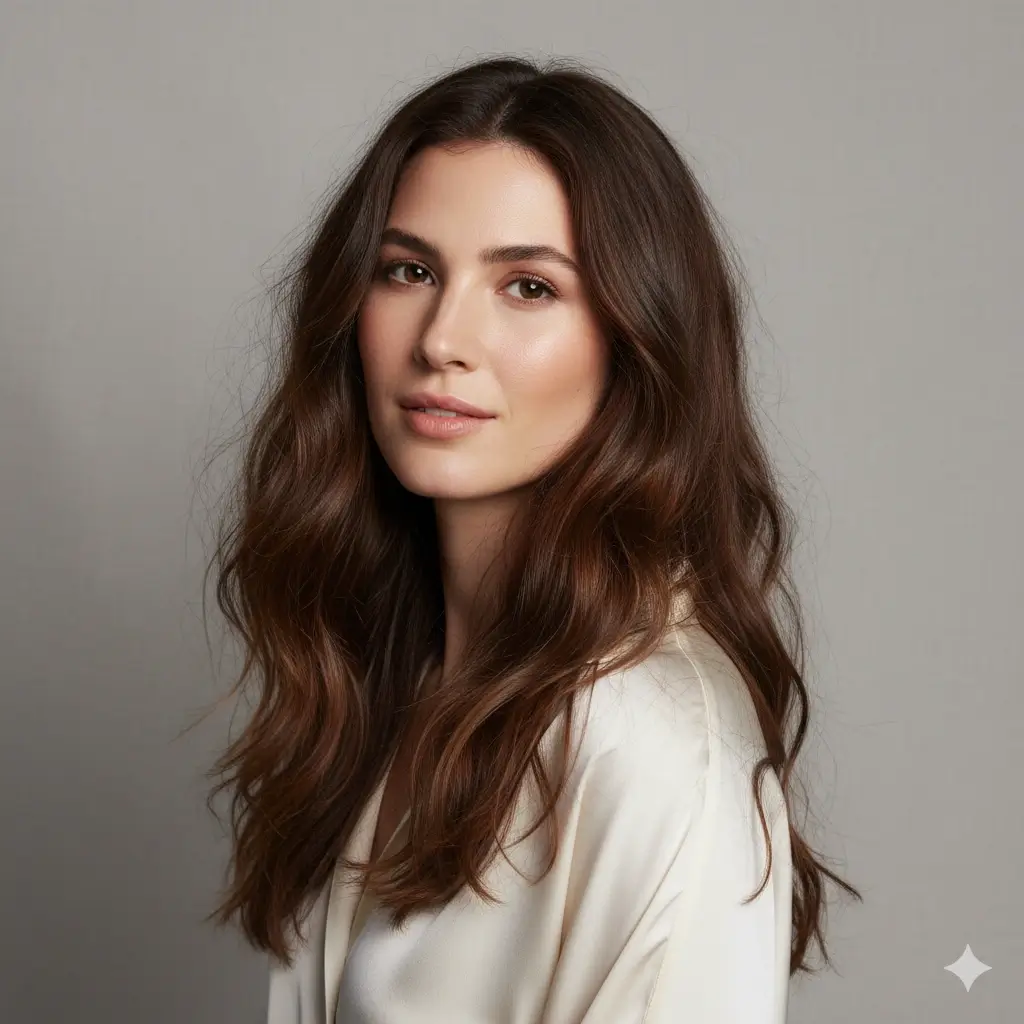
Choose the Hair Color to Preview
Pick the shade you want to compare before dyeing. You can generate more than one color from the same photo to compare side by side.
Your hair color changer setup:
Loading credits...
Each AI hair color preview costs 2 credits
Hair Colors You Can Preview
Start with a color family that matches your real dye decision, then compare a second option on the same photo.
Blonde Hair Color
Preview a lighter look before bleaching or adding warm blonde tones.
Best for: checking brightness, contrast, and whether lighter hair works with your skin tone
Brown Hair Color
Try a natural brunette direction that keeps the result practical and low-maintenance.
Best for: softening dark hair, warming lighter hair, or testing a classic salon-safe shade
Black Hair Color
See whether a deeper color sharpens your features or feels too strong.
Best for: testing contrast before going darker or refreshing a natural black shade
Auburn Hair Color
Compare a warm red-brown shade before committing to a more noticeable color change.
Best for: trying red tones without jumping straight to vivid red hair
Gray Hair Color
Preview a gray or silver direction before blending natural grays or choosing a fashion shade.
Best for: checking whether cooler tones suit your face and wardrobe
Platinum Hair Color
Test a dramatic ultra-light look before bleaching, toning, or booking a major color service.
Best for: high-contrast transformations that are expensive and hard to reverse
How to Change Hair Color in a Photo
The tool focuses on a realistic hair dye preview rather than changing your whole hairstyle.
Upload a Clear Portrait
Start with a photo where your hair outline, roots, and face are visible. A clear image helps the AI separate hair from skin, clothing, and background.
Choose a Hair Color
Pick blonde, brown, black, auburn, gray, or platinum. The tool keeps your existing haircut direction and focuses the transformation on color.
Generate and Compare
Create your AI hair color preview, download the result, and compare it with your original photo before making a real dye decision.
Photo Tips for Better Virtual Hair Color Try On
Color previews depend heavily on lighting and hair visibility. A better source photo makes the result easier to judge.
Use Photos Like This
- Use natural or even indoor lighting without strong colored light.
- Keep your full hair shape visible, including roots and ends when possible.
- Choose a recent photo that shows your current hair color accurately.
- Use a simple background so hair edges are easier to preserve.
- Upload one photo at a time and compare colors on the same image.
When Hair Color Previews Can Be Less Accurate
- Very dark photos can hide strand detail and make colors look flat.
- Colored lighting can make blonde, gray, or auburn previews misleading.
- Hats, scarves, and hair covering the face make edge detection harder.
- Complex highlights, balayage, vivid rainbow color, and root smudges may not match salon technique exactly.
- A preview cannot predict how bleach or dye will lift on your real hair.
When an AI Hair Color Changer Helps Most
Use the tool when you need a fast visual answer before spending money, time, or hair health on a dye change.
Before a Salon Color Appointment
Bring a clearer reference to your stylist when discussing blonde, brown, auburn, gray, or platinum directions.
Before Going Much Lighter or Darker
Preview high-contrast changes before committing to bleach, toner, or permanent dye.
For Profile Photo Planning
Check how a new shade might look in photos before updating portraits, headshots, or social profiles.
For Comparing Opinions
Generate two or three color previews from the same photo and compare them with friends or a stylist.
AI Hair Color Changer FAQ
Answers to common questions about changing hair color in a photo online.
Ready to Try a New Hair Color?
Upload your photo, choose a shade, and create an AI hair color preview before you dye anything in real life.
Use this AI hair color changer to change hair color in photo, try virtual hair color online, preview blonde, brown, black, auburn, gray, or platinum hair, and download a realistic hair dye reference before your next salon visit.