
AI Hairstyle Changer vs Haircut Filter: Which Should You Use?
A haircut filter is quick and easy, while an AI hairstyle changer can explore a deeper change in length, texture, shape, or color. This guide explains the practical difference so you can choose the right preview before a salon or barber visit.
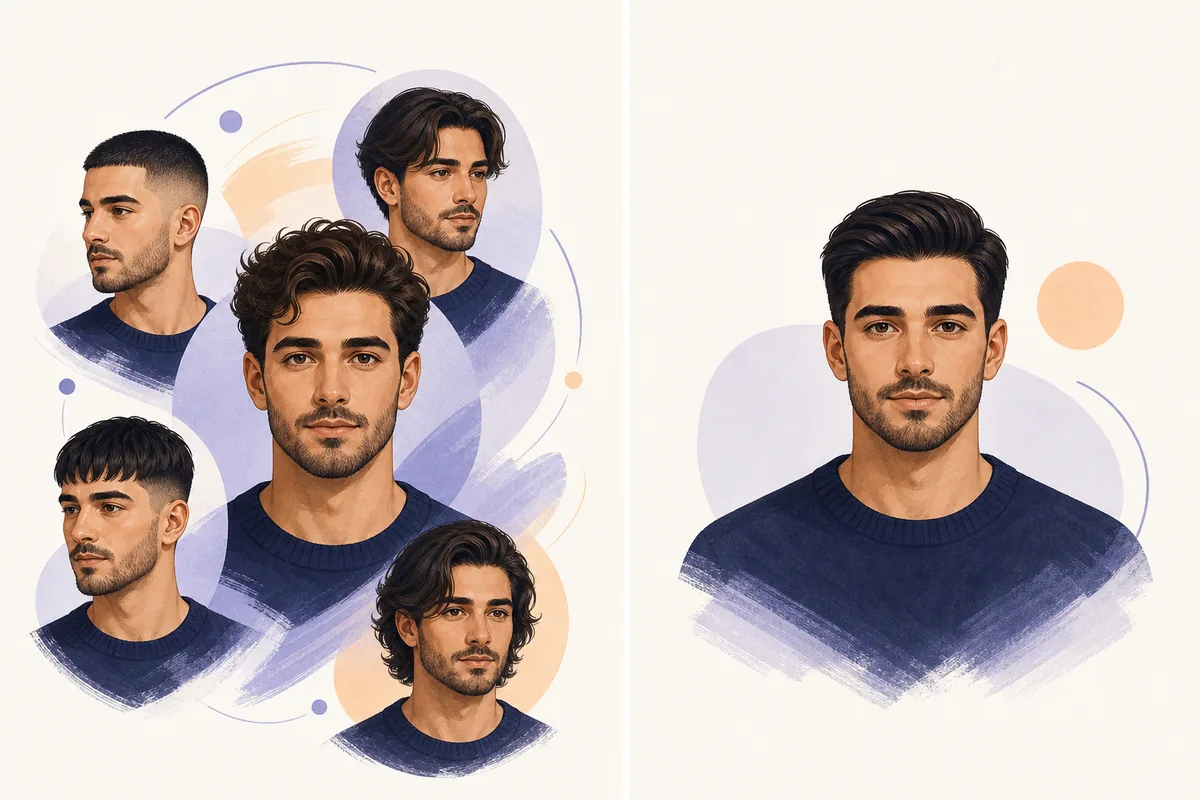
Quick answer
Choose a haircut filter when you want a fast, low-effort look such as a short haircut, bangs, or a fade preset. Filters are useful for a first impression, but they often keep the original photo structure and apply one predefined visual treatment.
Choose an AI hairstyle changer when you want to compare several different directions on your own photo. It is better suited to questions such as “Would a bob make my face look wider?”, “Should I try bangs before cutting them?”, or “Would a shorter fade work with my hairline?” For a practical test, use the same clear photo and compare two or three styles rather than trusting one result.
AI hairstyle changer vs haircut filter
Both can help you explore hair ideas, but the workflow and the kind of decision they support are different.
| Criterion | AI hairstyle changer | Haircut filter | Best fit |
|---|---|---|---|
| Main job | Explore a new hairstyle on your photo | Preview a quick preset effect | Use the tool that matches the question |
| Control | Compare length, texture, bangs, shape, and sometimes color | Usually one preset or a small set of fixed options | AI for a bigger change |
| Speed | Often needs a short generation step | Usually appears immediately | Filter for instant play |
| Realism | Can rebuild the hair area and adapt the silhouette | May look more like an overlay or camera effect | Compare the hairline and edges |
| Best decision | Choosing between several real haircut directions | Checking whether a simple look feels appealing | AI for salon planning |
| Photo input | Works best with a clear front-facing portrait | Can be more forgiving for casual images | Use good lighting for either |
What actually changes in the preview?
The word “filter” can describe many products, so look at the output rather than the label.
An AI hairstyle changer changes the visual direction
A generative tool may change the outline around the face, the apparent length, the fringe, the texture, and the way light falls across the hair. That makes it useful when the question is about a meaningful haircut decision rather than a small decoration.
A haircut filter usually starts with a fixed effect
A filter normally applies a preset style to the image or camera feed. It can be a fast way to see a buzz cut, bangs, long hair, or another category, but the preset may not match your exact density, curl pattern, hairline, or side profile.
The same word may hide different levels of control
Some modern filters use AI under the hood, while some AI tools still behave like a list of presets. Ask whether you can compare multiple styles, keep your face and background stable, adjust color separately, and download a reference image. Those details matter more than the product label.
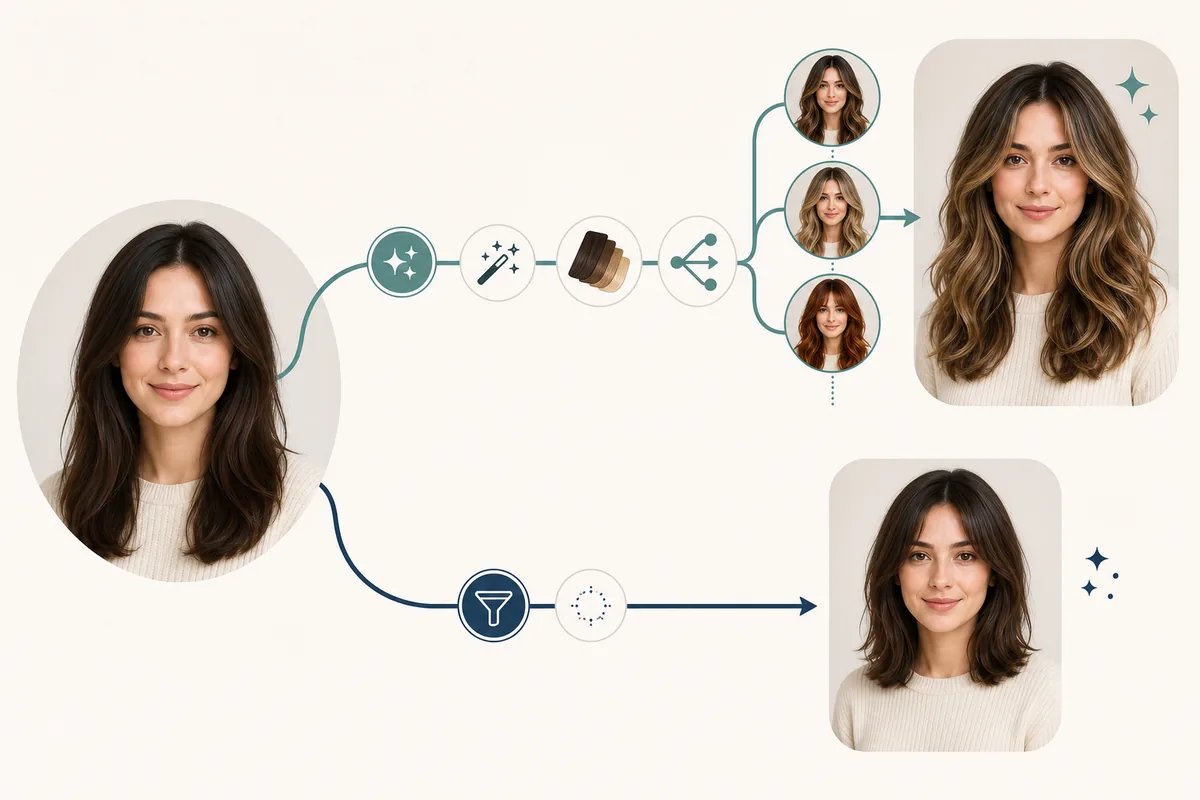
How to get a useful hairstyle preview
A better input photo makes the comparison more informative, especially for bangs, short cuts, fades, and strong color changes.
- 1. Start with one consistent photo. Use a front-facing portrait with even light, a visible hairline, and no heavy beauty filter. Keeping the same photo makes it easier to compare the output instead of comparing different camera angles.
- 2. Test the biggest decision first. If you are unsure about length, compare a short option with a medium or long option. If the decision is about framing, test bangs or face-framing layers before spending time on small color variations.
- 3. Check the edges, not just the mood. Look at the forehead, temples, ears, sideburns, jawline, and the border between hair and background. A result can feel attractive at a glance but still be a weak reference if those edges are inconsistent.
- 4. Save two or three useful references. Choose the versions that communicate length, shape, and maintenance level clearly. A stylist or barber can use a reference more effectively when you can explain what you like and what you want changed.
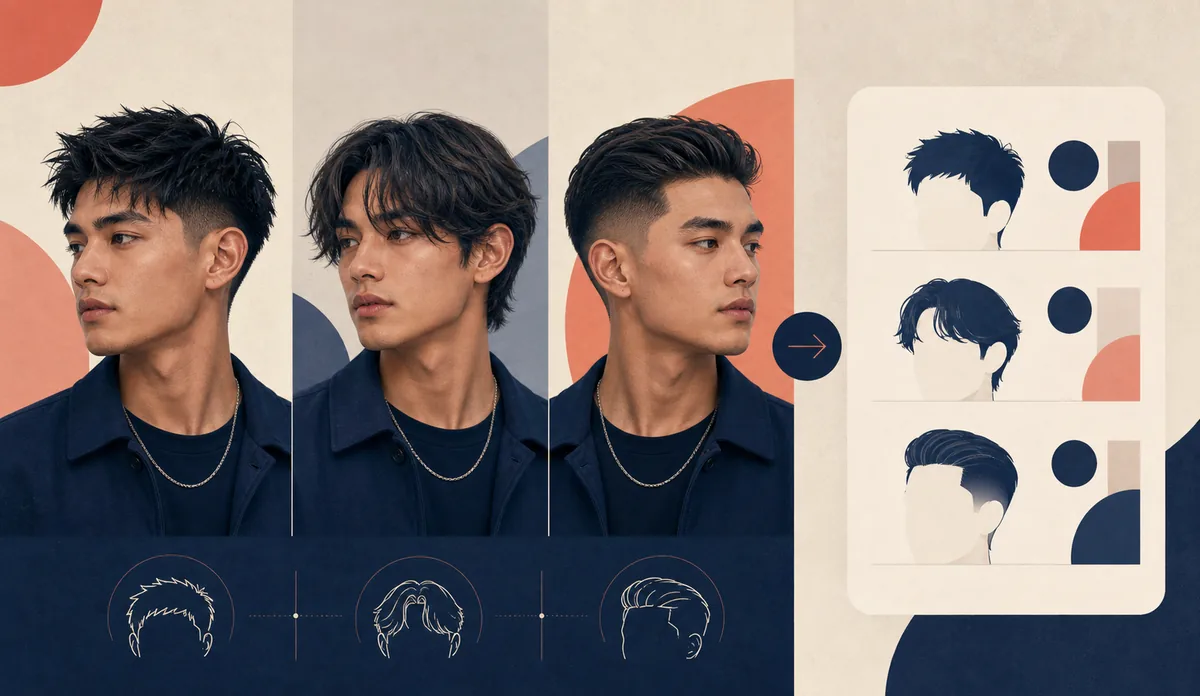
Which option fits your goal?
Use the shortest path that answers your real question, then confirm the final choice with a professional if the change is major.
Choose a filter for a quick idea
You want to see a simple preset immediately, share a playful preview, or decide whether a broad category is worth exploring.
Choose an AI changer for comparison
You are weighing a bob, pixie, bangs, long layers, curls, a fade, or a new color and want to compare more than one direction on your face.
Choose a specialized filter for one cut
You already know the question—such as buzz cut, bangs, short hair, or wolf cut—and want a focused page rather than a broad style library.
Use both when the decision is expensive
Start with a fast filter to reject ideas, then use a more flexible AI preview to create a clearer reference for a salon or barber conversation.
Accuracy and limits to remember
Neither a haircut filter nor an AI hairstyle changer can guarantee the exact result of a real haircut. Natural density, curl pattern, growth direction, hairline, styling products, scissors or clippers, and the skill of the stylist all affect the outcome. A front-facing image also says less about the back and sides than an in-person consultation.
Treat the result as a visual reference, not a promise. For a stronger decision, compare multiple options on the same image, inspect the hairline and side shape, and tell your stylist which parts matter most: the length, the fringe, the volume, the texture, or the maintenance routine.
Privacy matters too. Before uploading a portrait, check what the service says about storage, deletion, account requirements, and whether images are used for training. On this site, the relevant account and service details are available through the linked tool and pricing pages below.
AI hairstyle changer vs haircut filter FAQ
Is an AI hairstyle changer the same as a haircut filter?
Not always. A haircut filter usually means a quick preset effect, while an AI hairstyle changer may rebuild more of the hair shape and let you compare multiple directions. Some products use both labels, so inspect the actual controls and output.
Which is better for trying bangs before cutting them?
A flexible AI hairstyle changer is usually better when you want to compare curtain, wispy, blunt, or side-swept bangs on the same face. A bangs filter is useful for a fast first look, but it may not reflect your forehead, hairline, or natural density precisely.
Can a haircut filter show a fade or buzz cut?
Yes, a focused filter can be useful for a broad buzz-cut or fade idea. For a barber reference, compare the sides, temple area, hairline, and top length instead of judging only the front-facing result.
Will the AI result look exactly like my real haircut?
No tool can promise that. The preview is most useful for comparing direction and communicating the idea. Real texture, density, growth patterns, styling, and the cut itself can change the final appearance.
What photo gives the best result?
Use a clear front-facing photo with even light, visible forehead and hairline, minimal face or hair obstruction, and a simple background. Avoid hats, sunglasses, strong shadows, heavy filters, and extreme side angles.
Can I show an AI hairstyle preview to my stylist or barber?
Yes. A preview can be a useful starting reference when you explain what you want to keep or change. Bring two or three options and describe the length, fringe, texture, and maintenance level rather than relying on the image alone.
Ready to compare a new look?
Start with one clear photo, test the question that matters most, and keep the strongest result as a reference for your next haircut conversation.
Try Hairstyles on My PhotoUse the same photo for multiple comparisons so length, framing, texture, and color are easier to judge.