
Change Hairstyle in Photo with AI
Upload a clear photo, choose a hairstyle or hair color, and let AI create a realistic hairstyle preview on your own face. Try short hair, bangs, curls, bobs, fades, and new colors before your next real change.
Upload a Photo to Change Hairstyle
Upload Your Photo
Choose a clear portrait so the AI hair changer can read your face, hairline, lighting, and current hair shape.
Supported: JPG, PNG, WEBP • Max size: 10MB
Best photo tips for a natural hairstyle change:
- Use a front-facing portrait with your full face visible
- Keep your hairline, forehead, ears, and jawline visible when possible
- Choose even lighting so the new hairstyle blends with the photo
- Avoid hats, sunglasses, heavy filters, strong shadows, and hair covering your face
Choose the Hairstyle AI Should Add
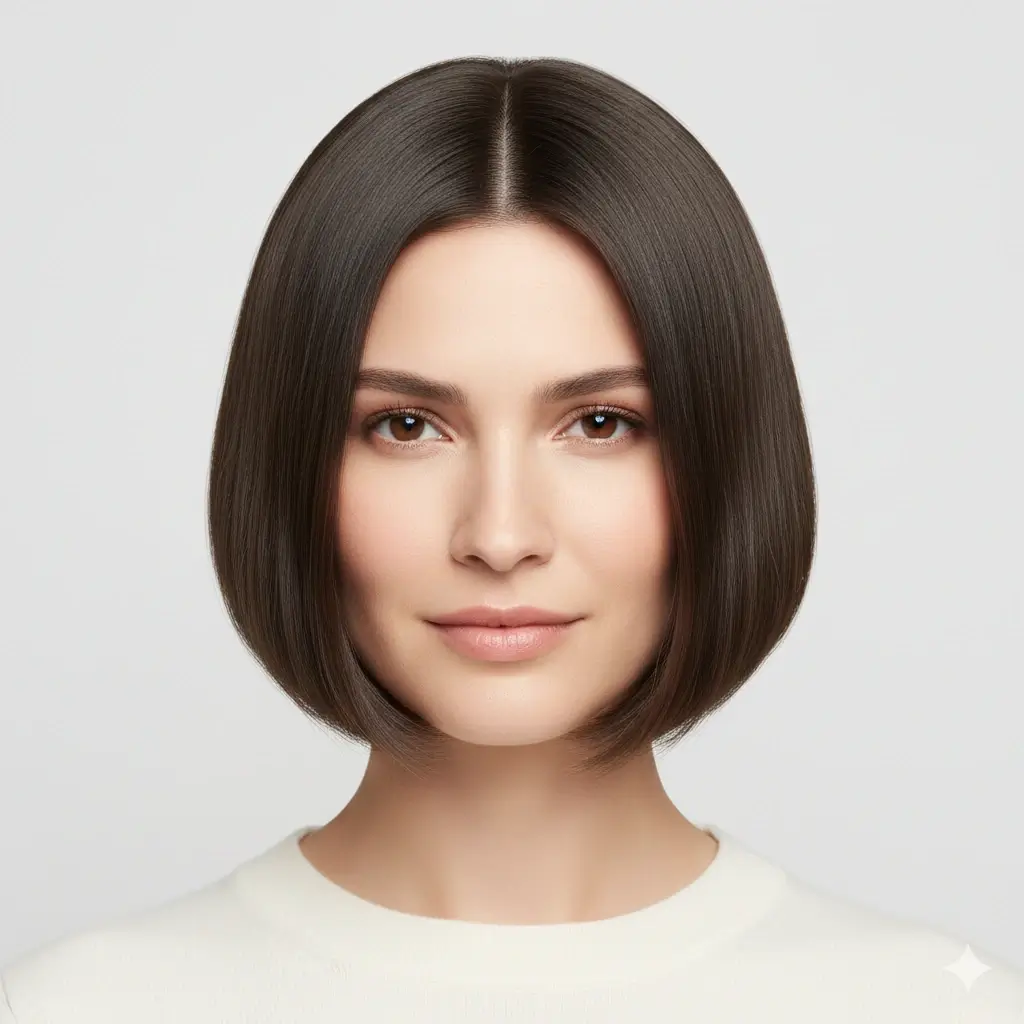
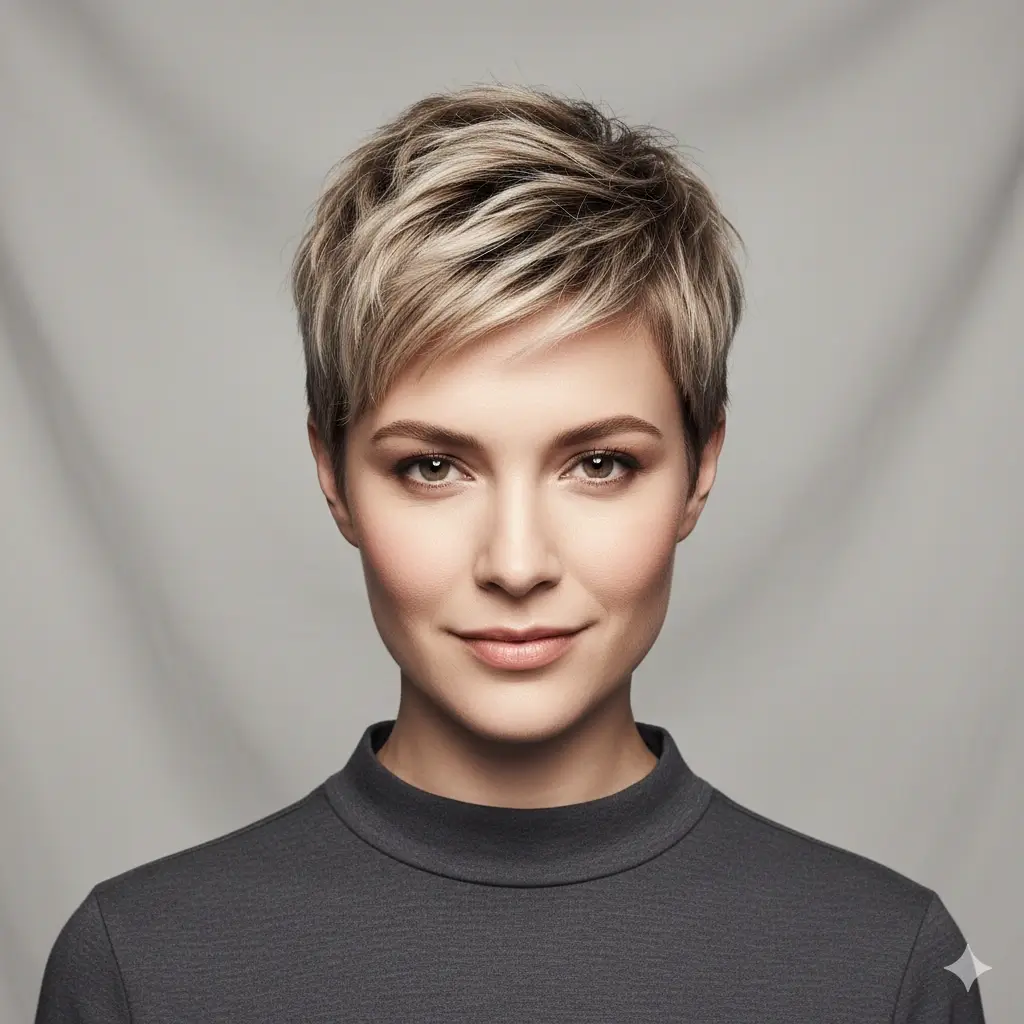
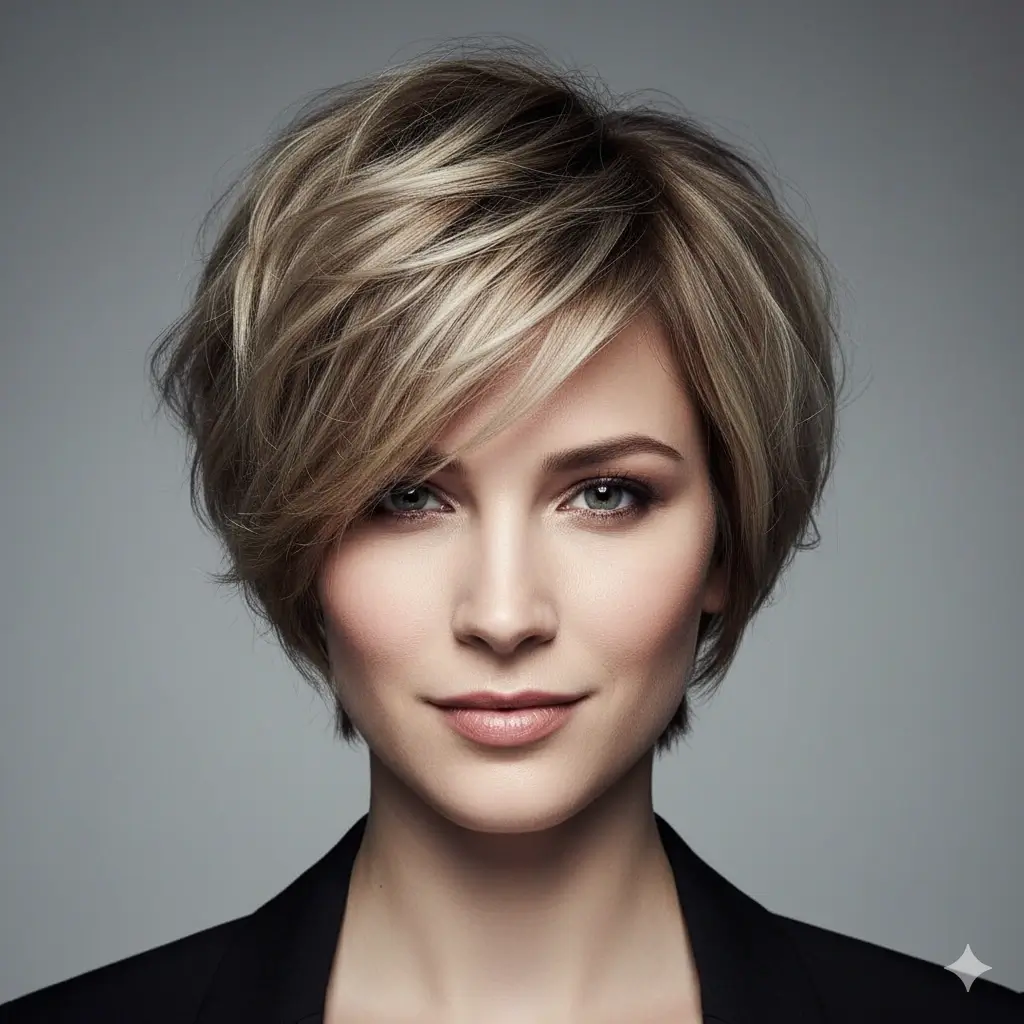
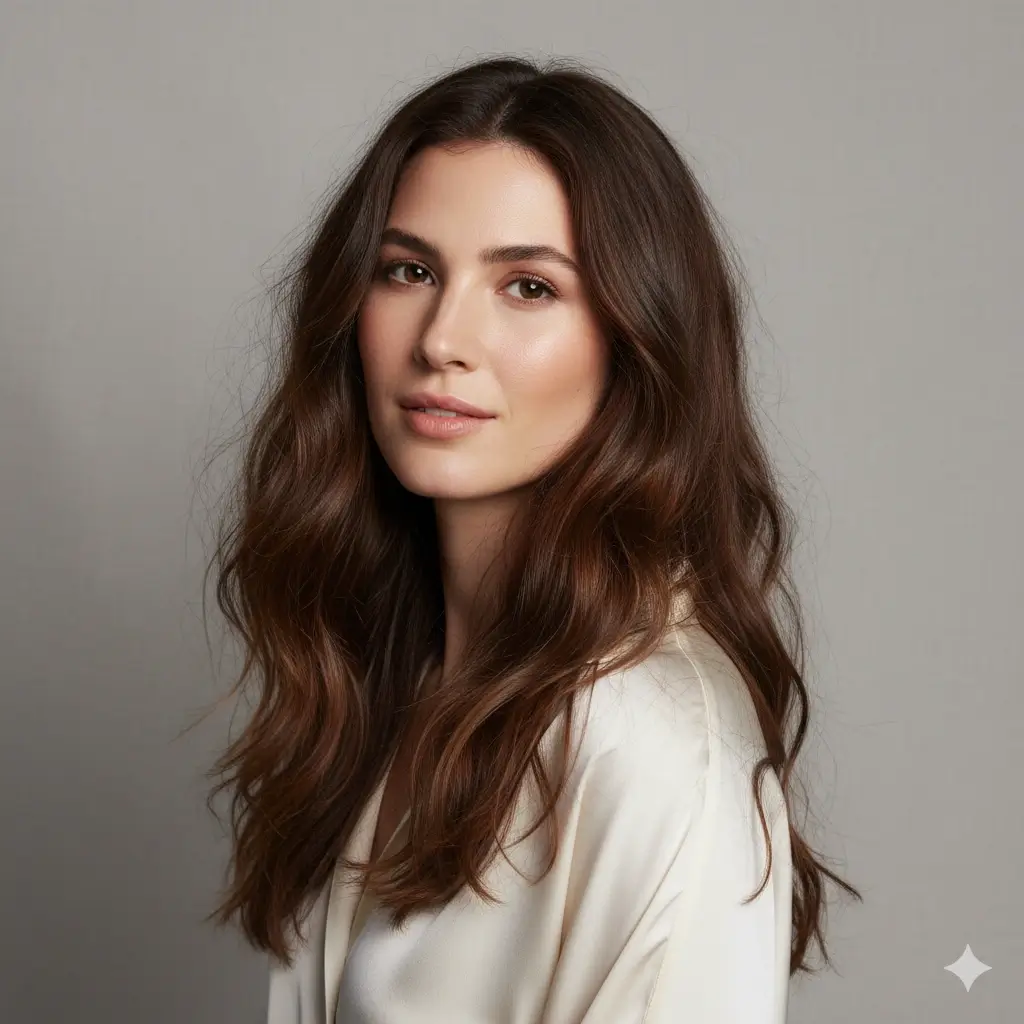
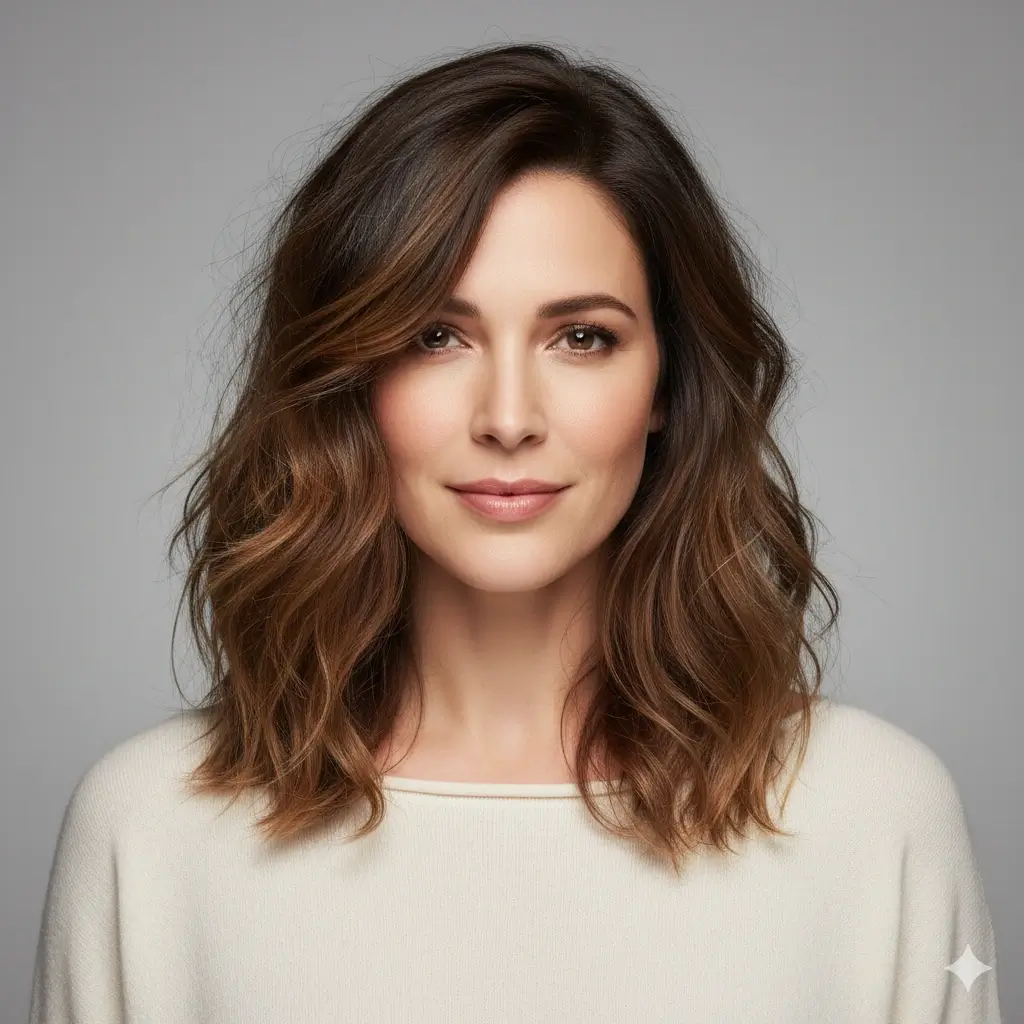
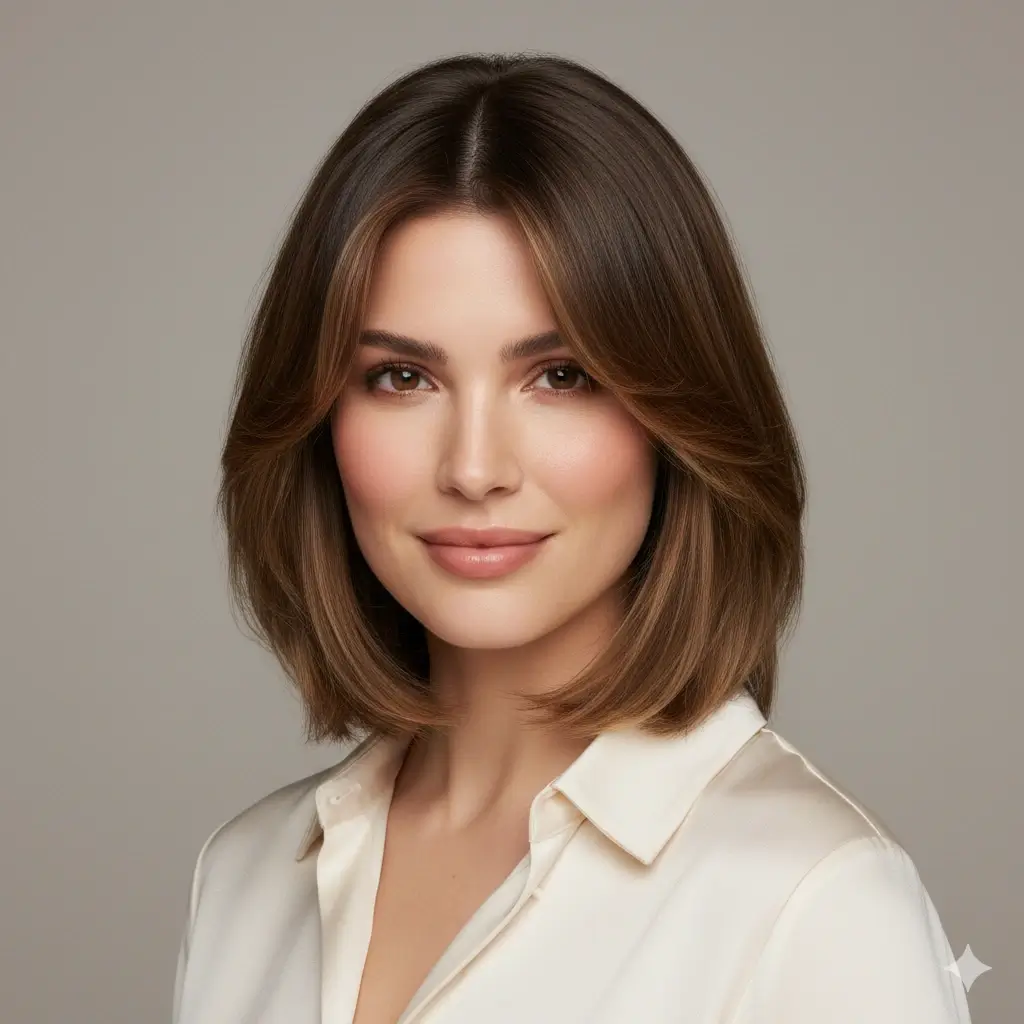
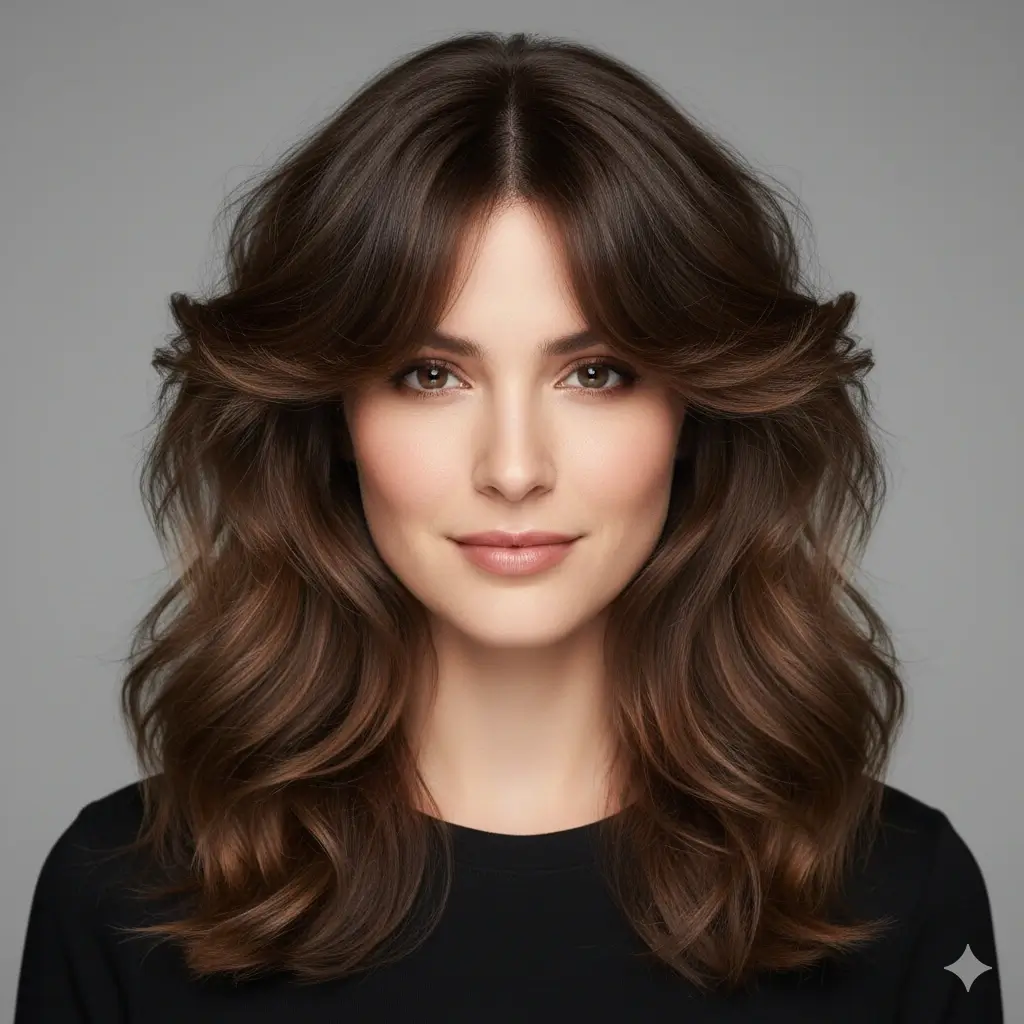
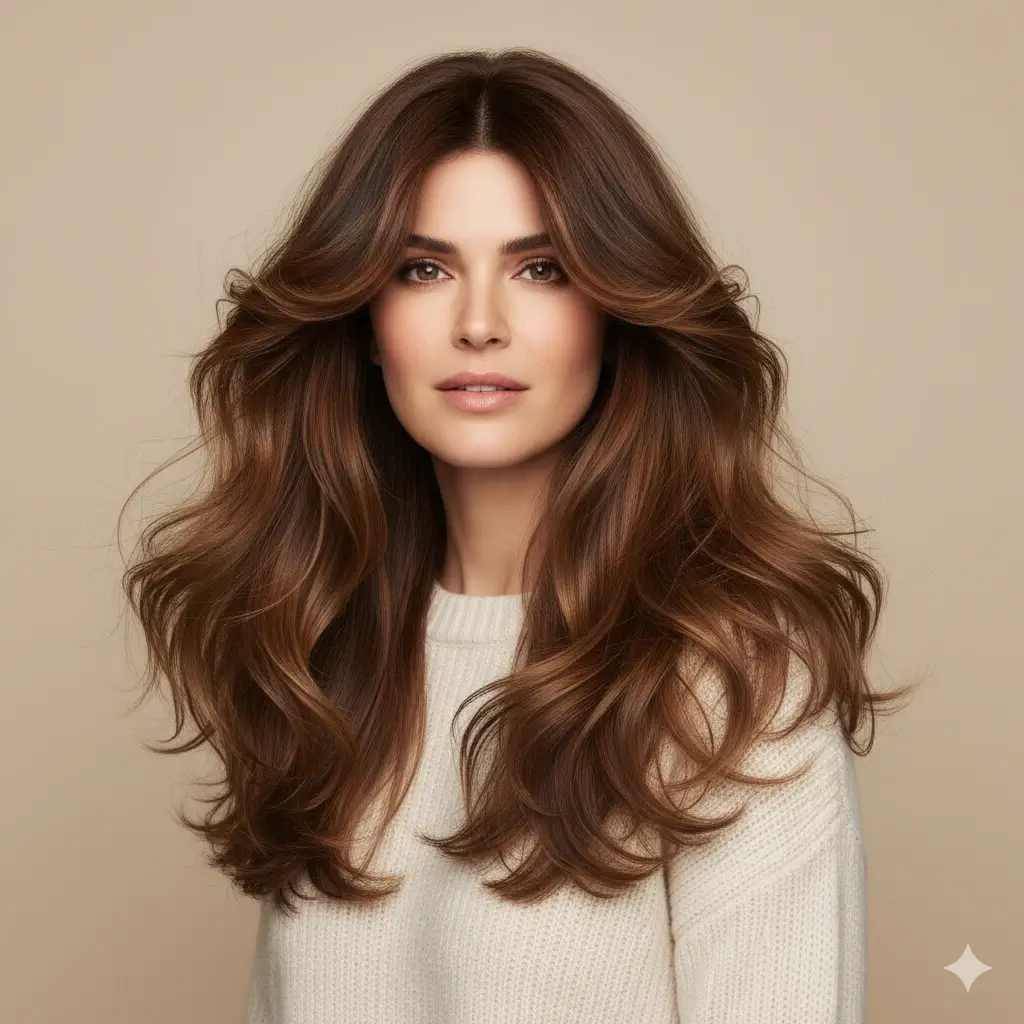
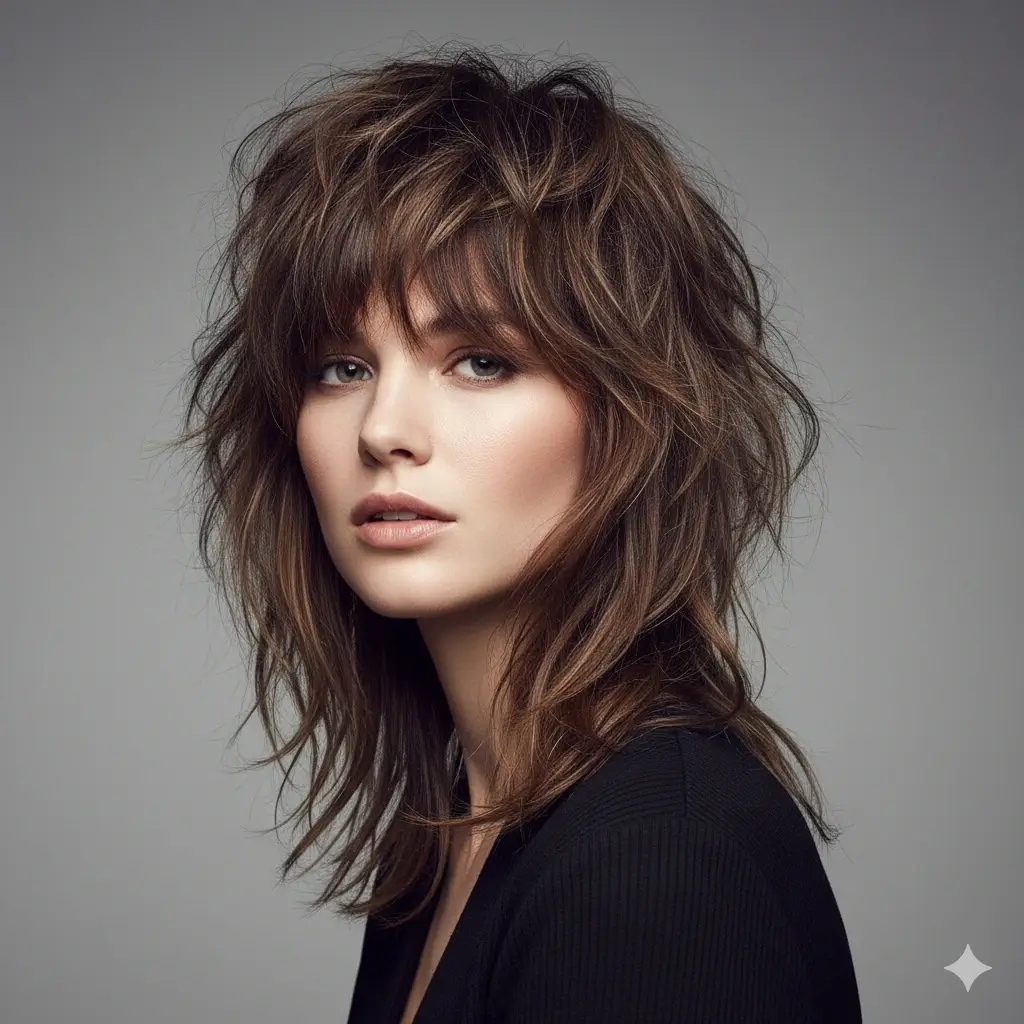
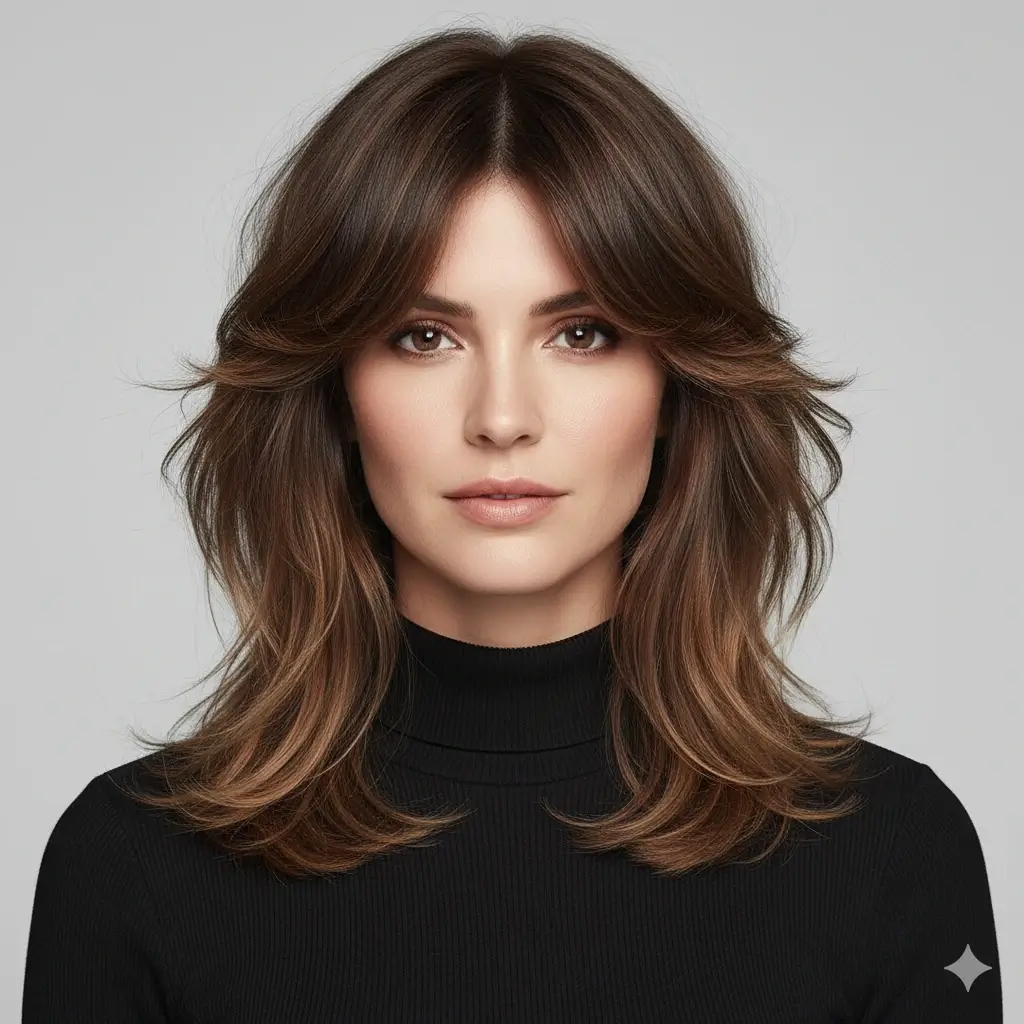
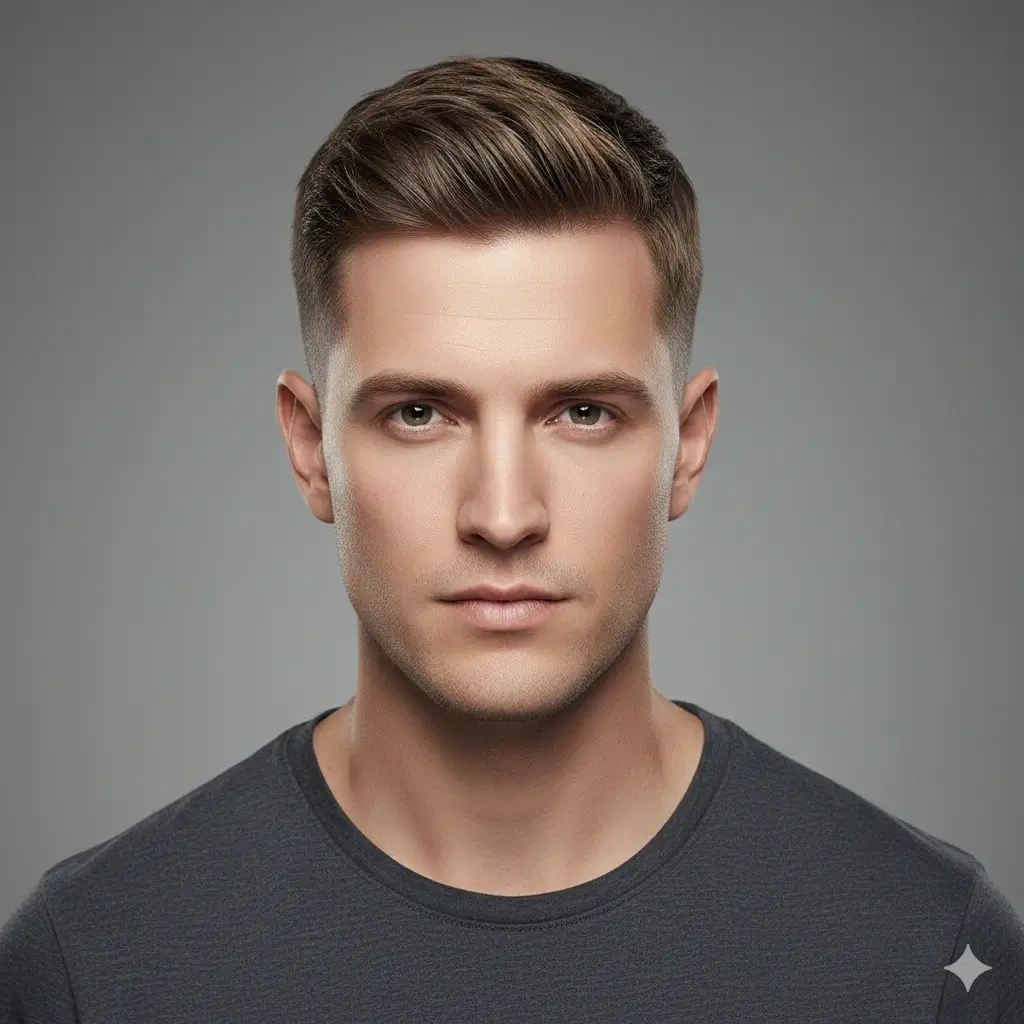
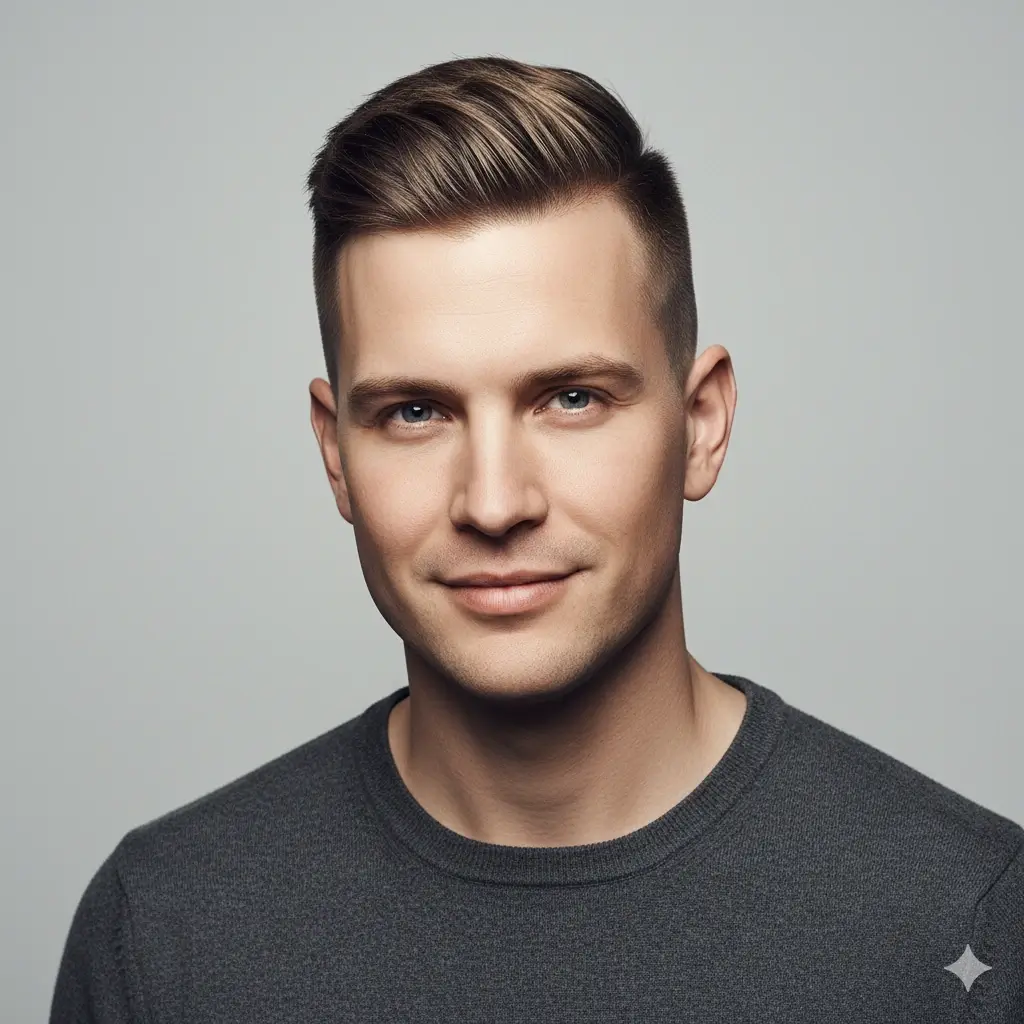
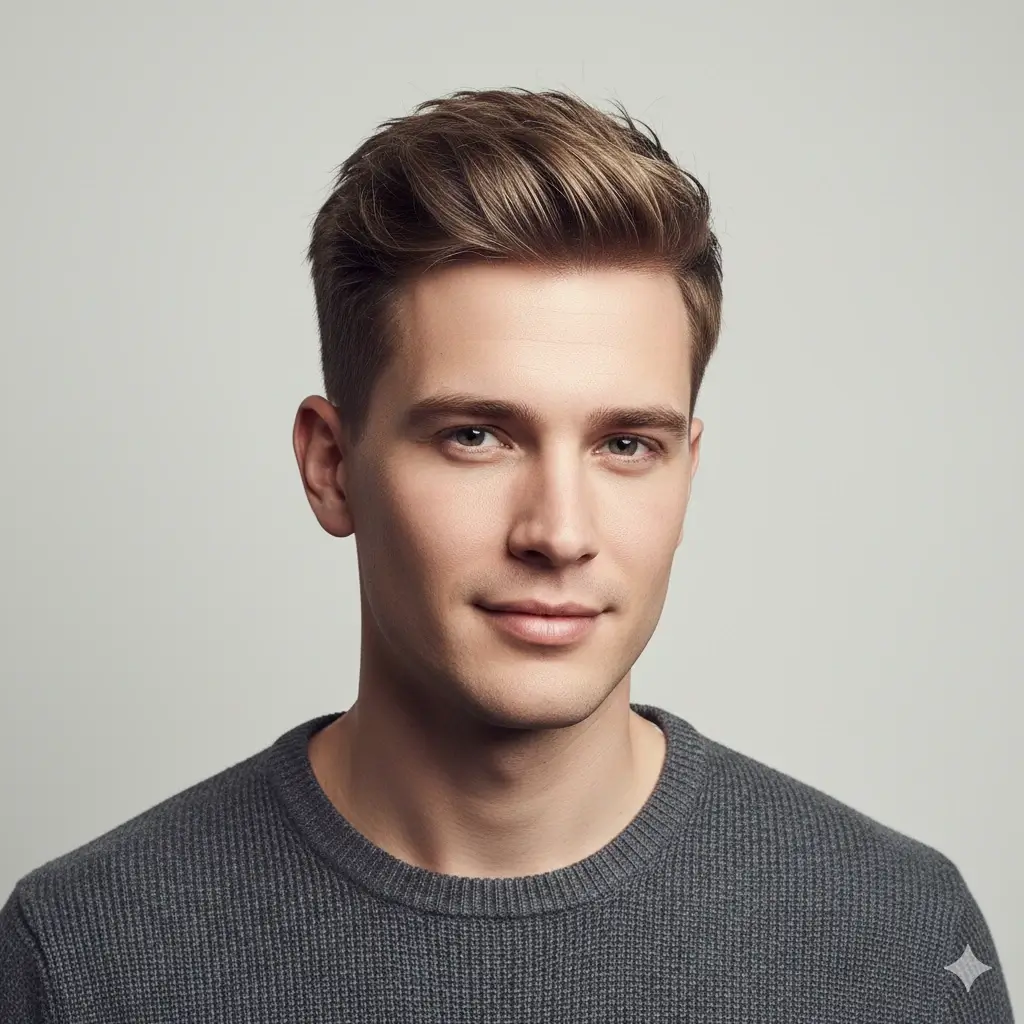
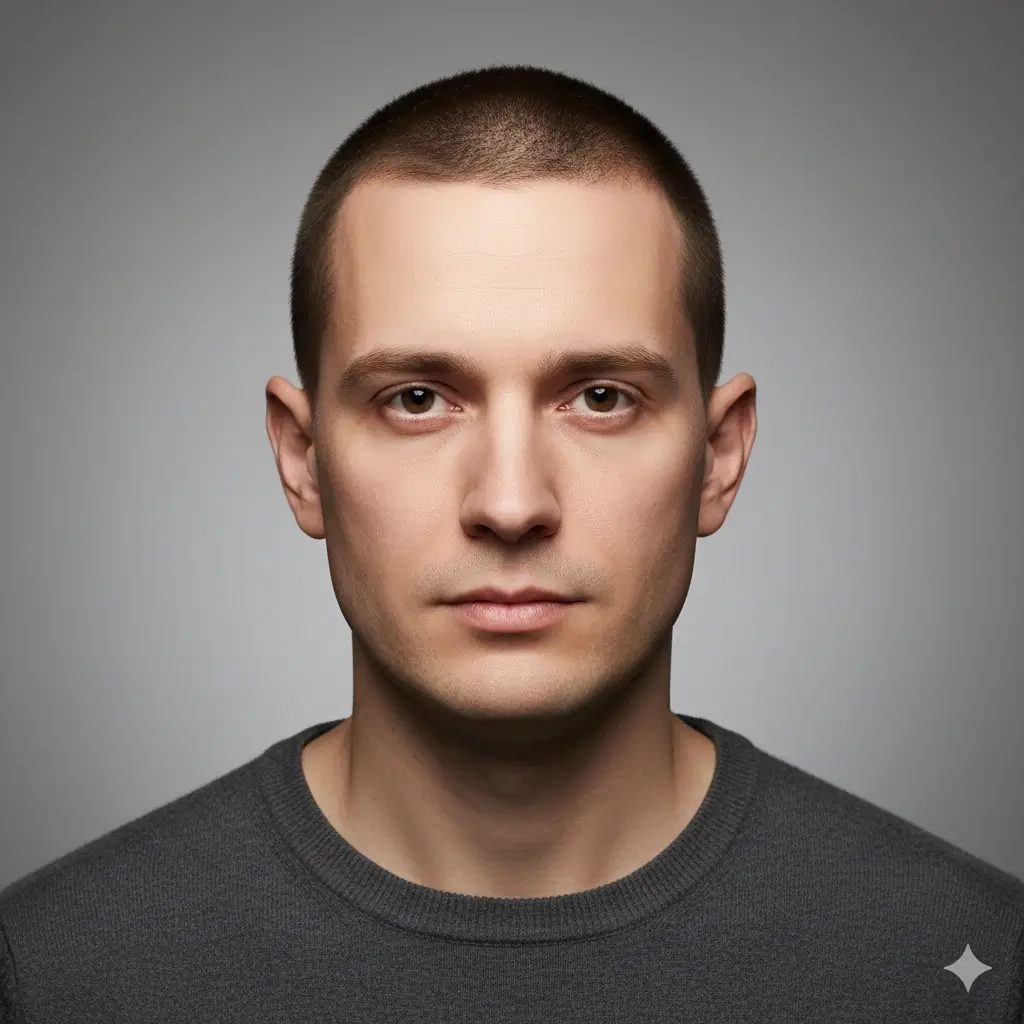
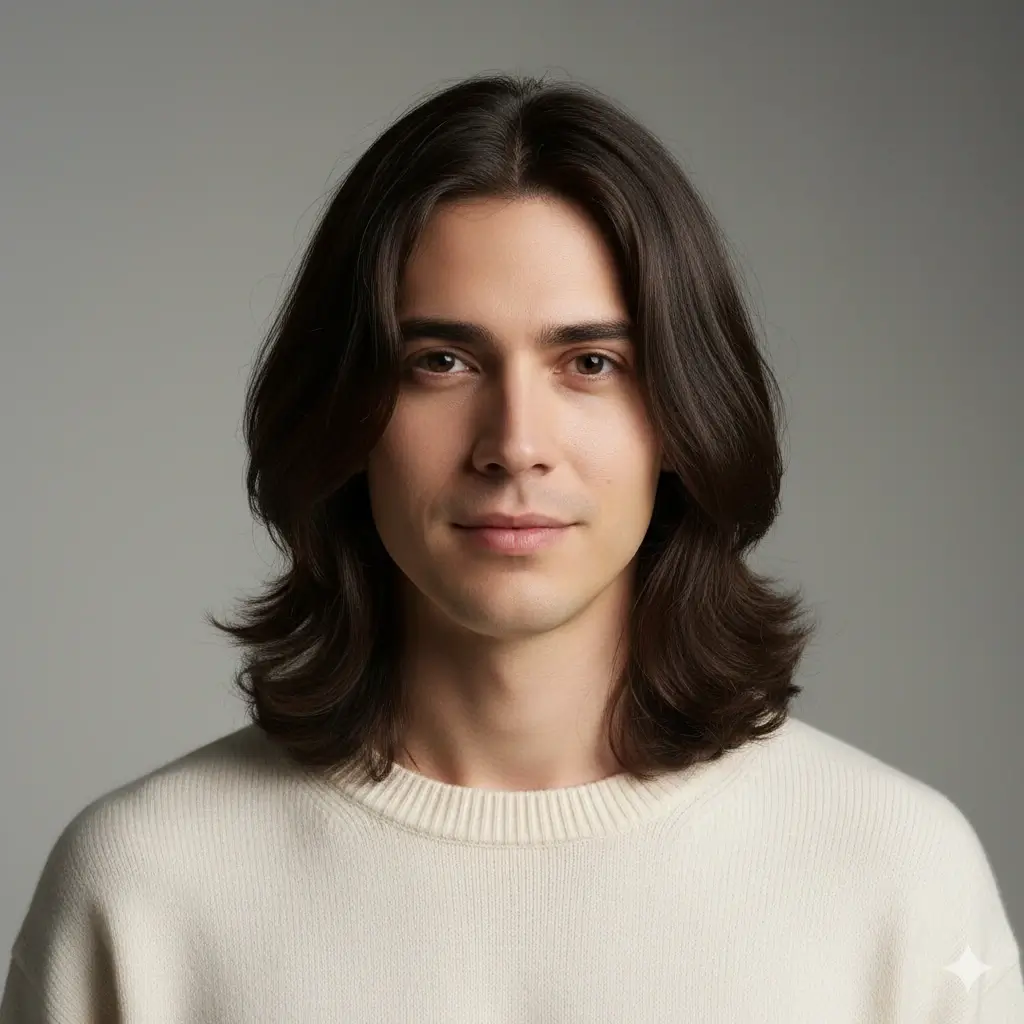
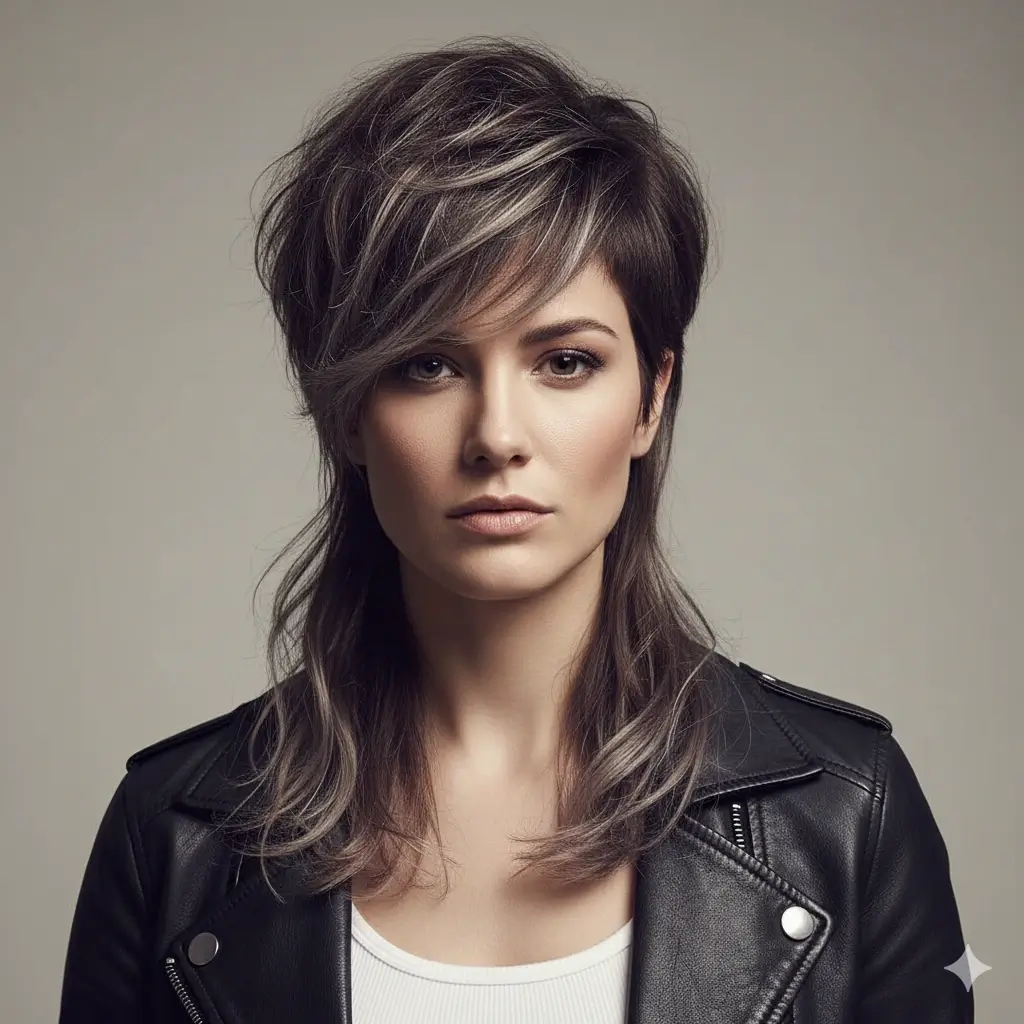
Pick the kind of change you want in the photo: shorter cut, bangs, curls, men’s haircut, longer layers, or a trend style.
Choose an Optional Hair Color
Keep your original color or change hairstyle and hair color in the same photo.
Your AI hair changer setup:
Loading credits...
Each AI hairstyle generation costs 2 credits
What Can You Change in a Photo?
Use the AI hair changer to edit the parts of a hairstyle that matter most in a real photo: cut shape, face framing, texture, and color.
Haircut Shape
Change the length and silhouette in your photo to see whether a shorter or sharper cut suits your face.
Examples: Bob, pixie, lob, buzz cut, crew cut
Bangs and Framing
Preview how bangs, layers, and face-framing pieces affect your forehead, cheeks, and jawline.
Examples: Curtain bangs, butterfly layers, side bangs
Texture and Volume
Try a smoother, wavier, curlier, or more layered look without changing the rest of the photo.
Examples: Straight, wavy, curly, shag, wolf cut
Hair Color
Change hairstyle and hair color together, or keep the same cut and test a new shade first.
Examples: Blonde, brown, black, auburn, gray, platinum
Change Hairstyle in Photo - Before and After Examples
See the kinds of photo hairstyle changes you can create with the AI hair style changer, from long waves and pixie cuts to fades, bobs, undercuts, and blonde color previews.
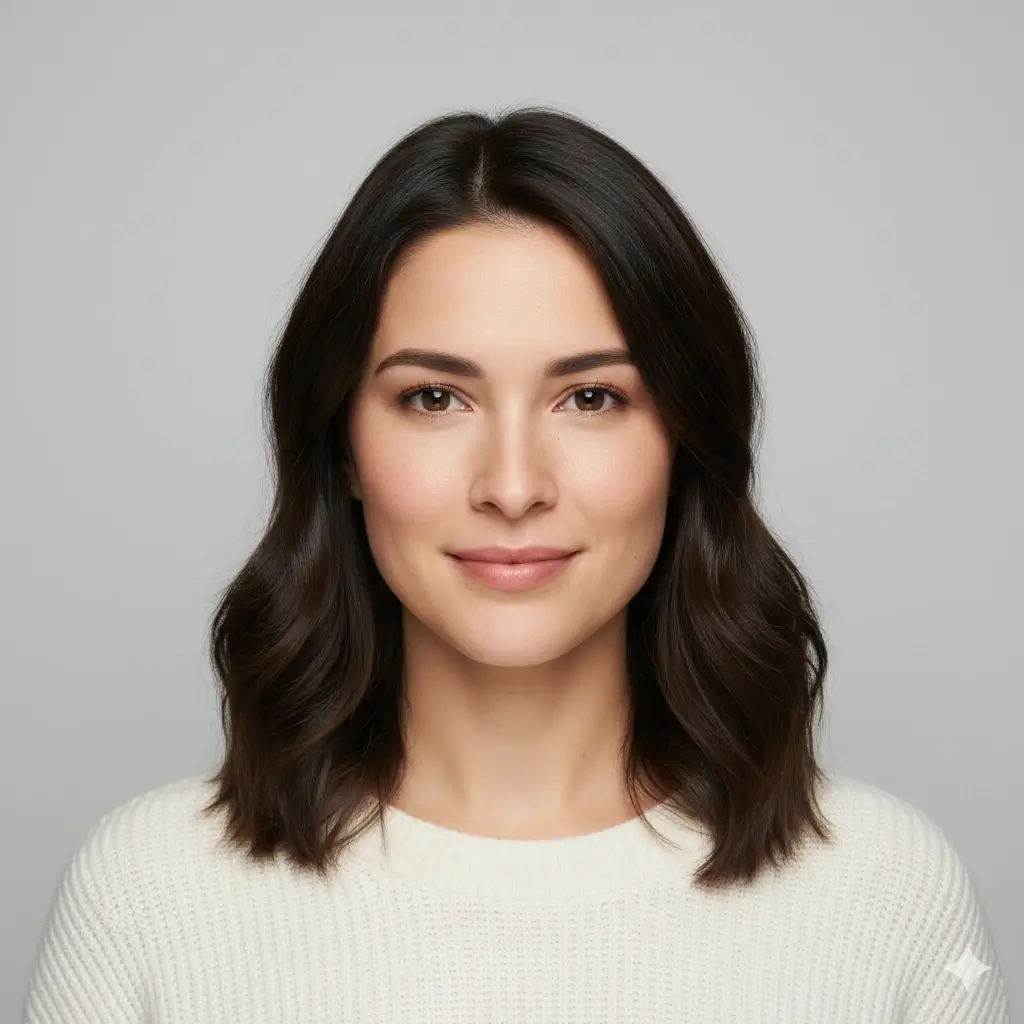
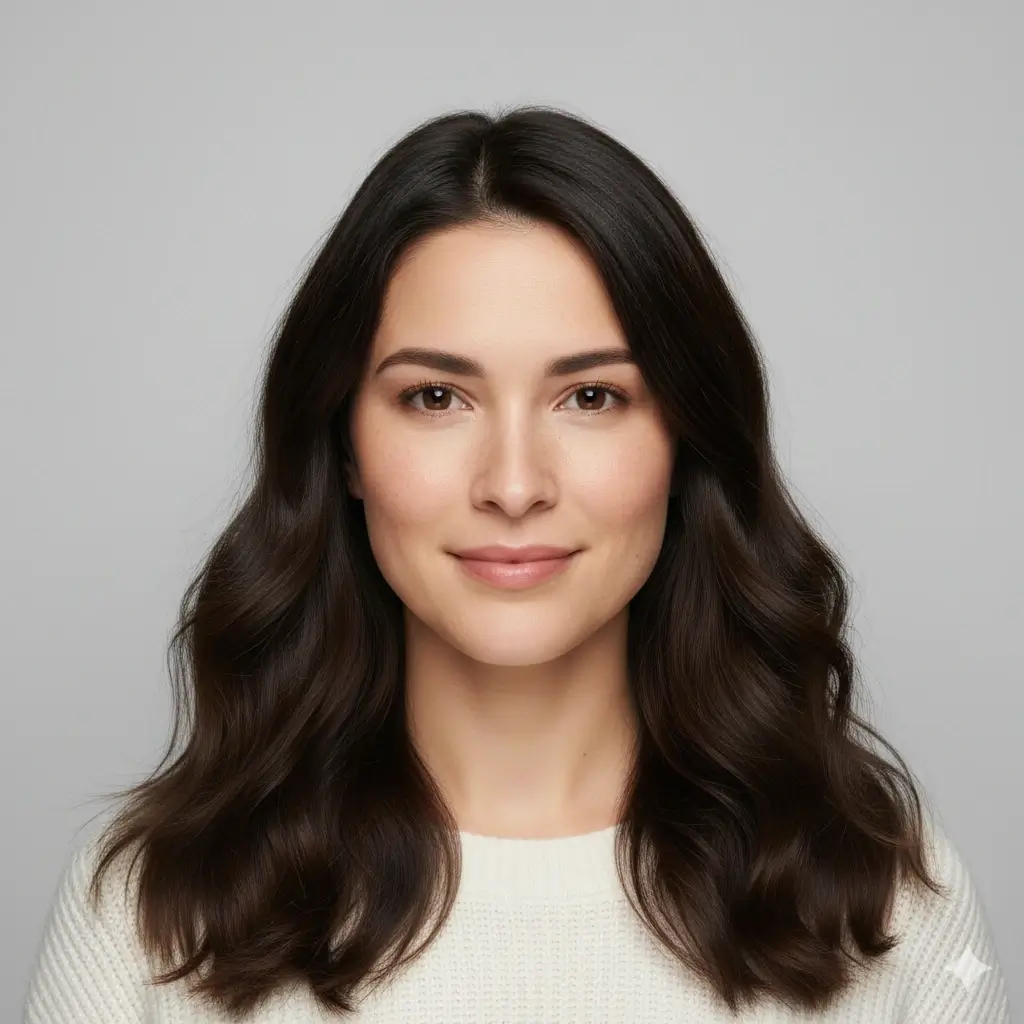
Long Waves
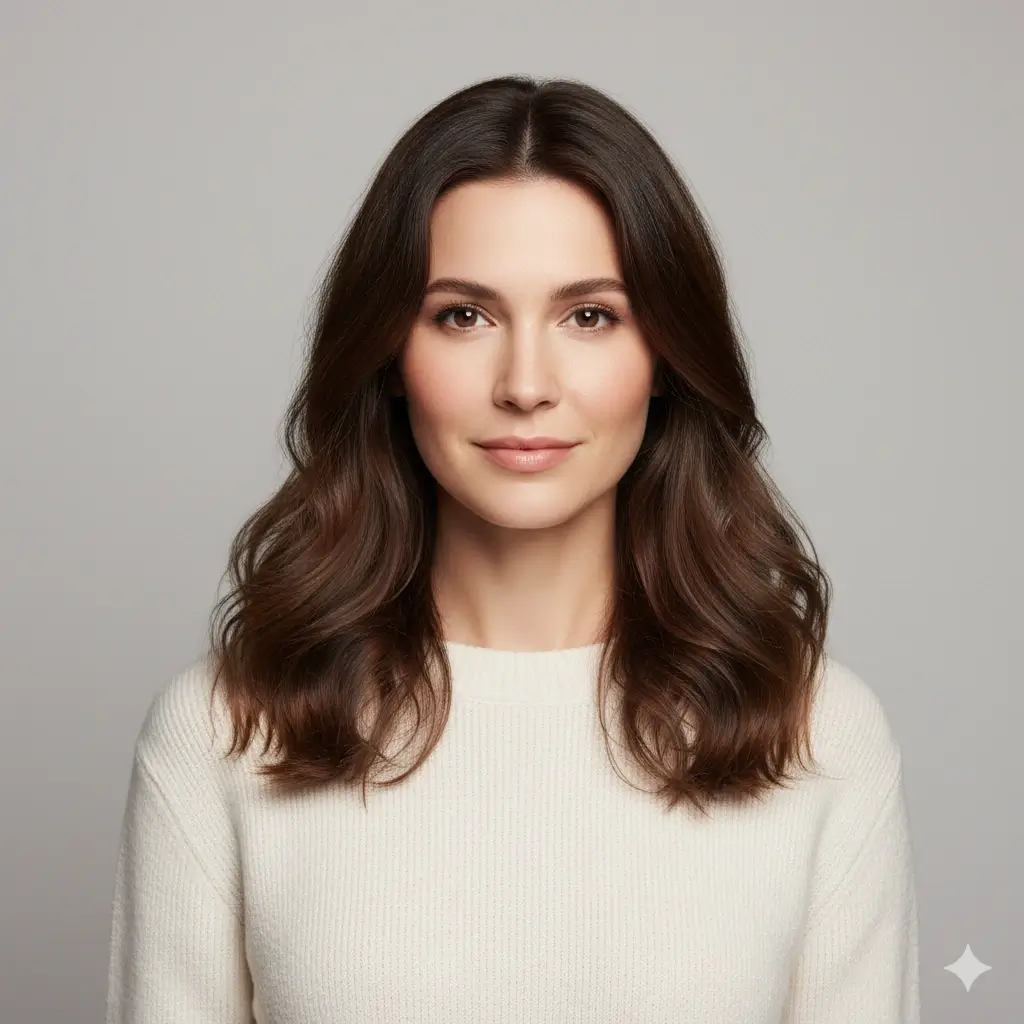
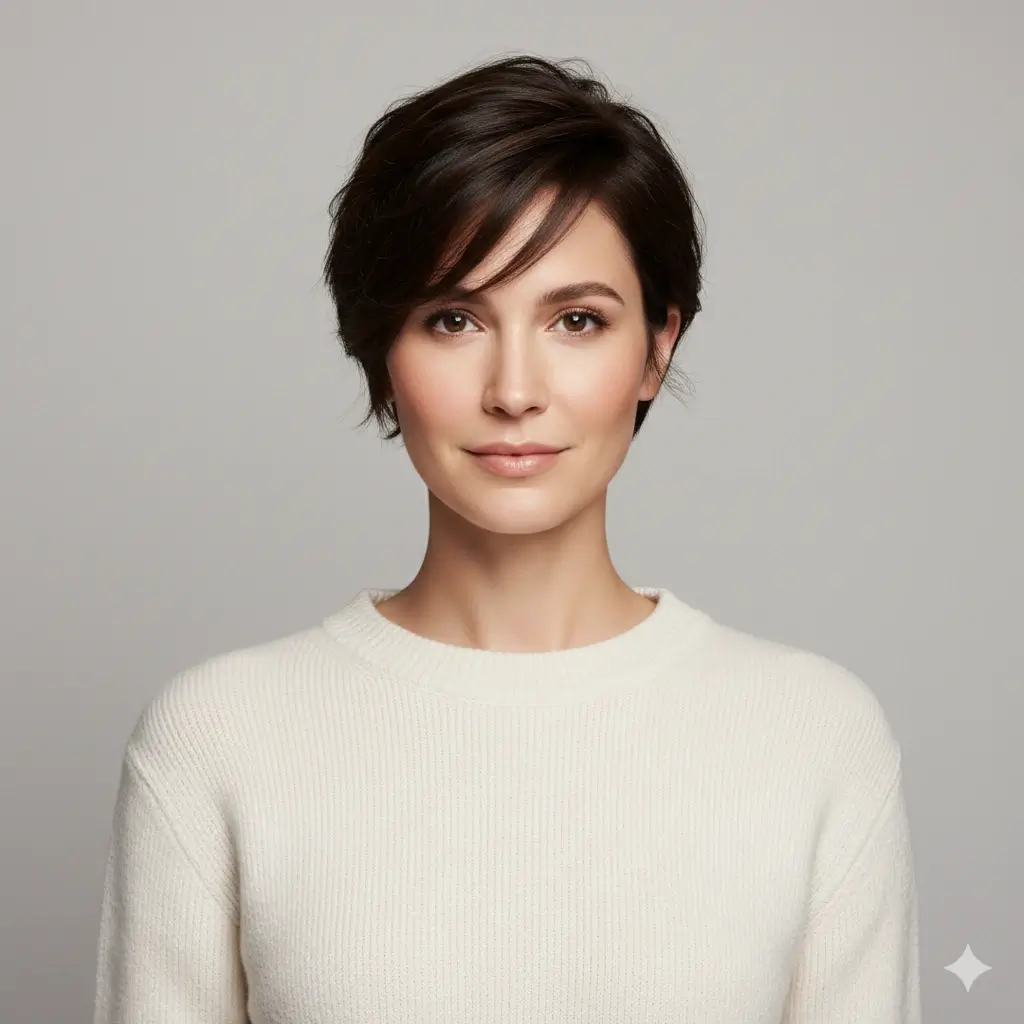
Pixie Cut

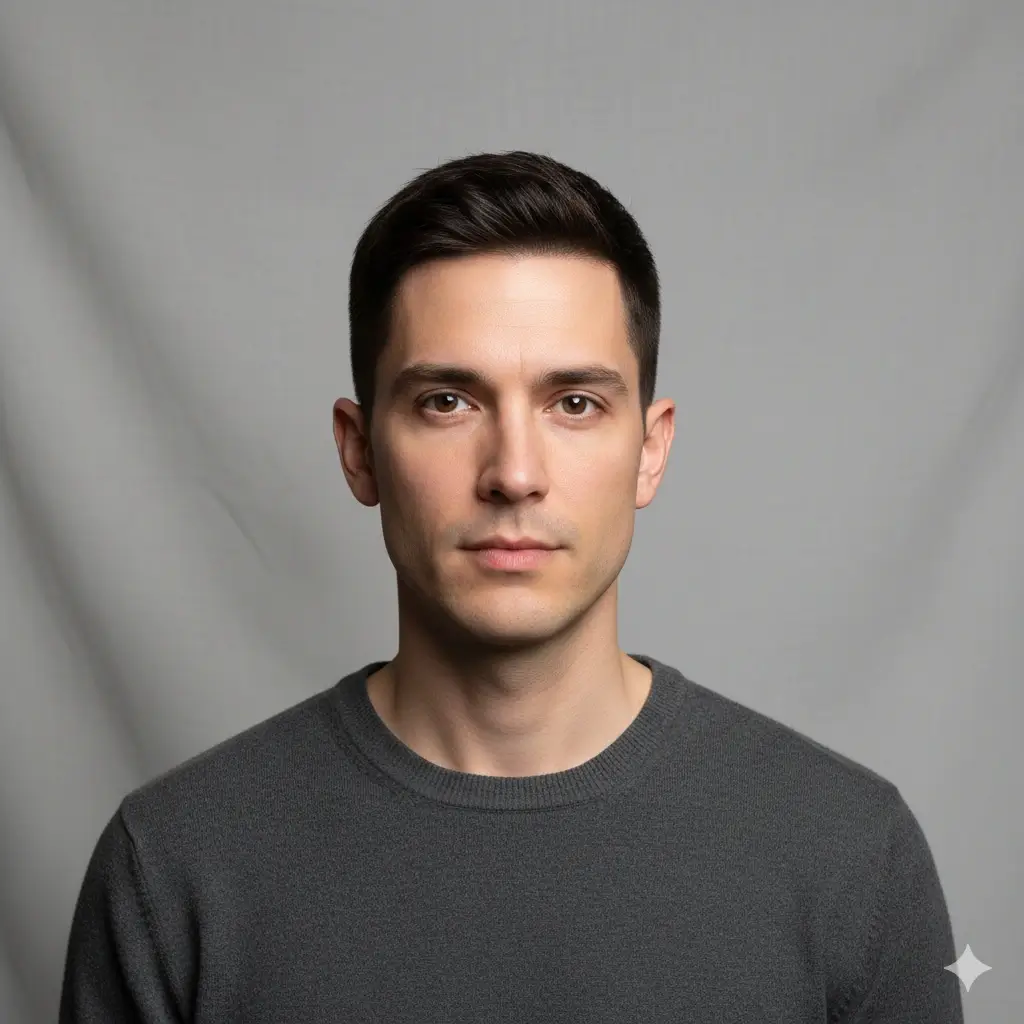
Fade Haircut
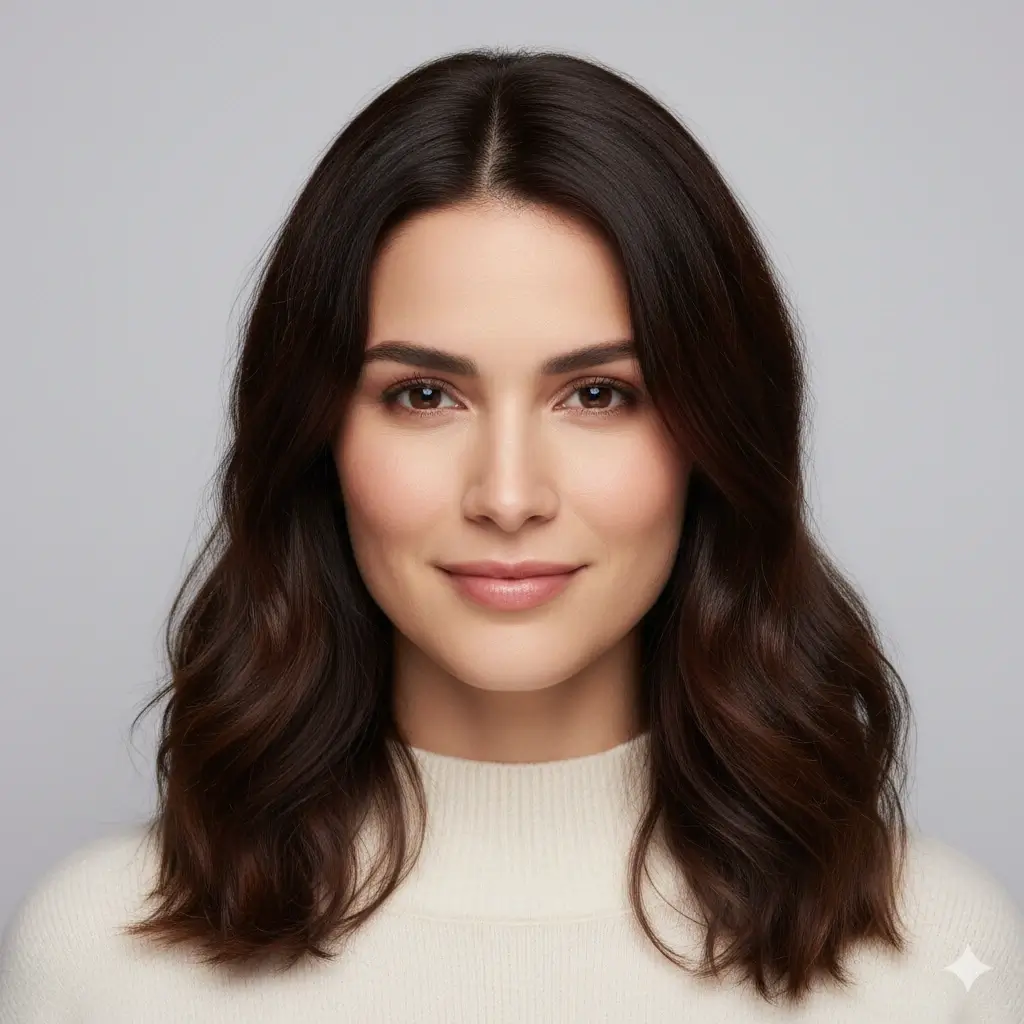
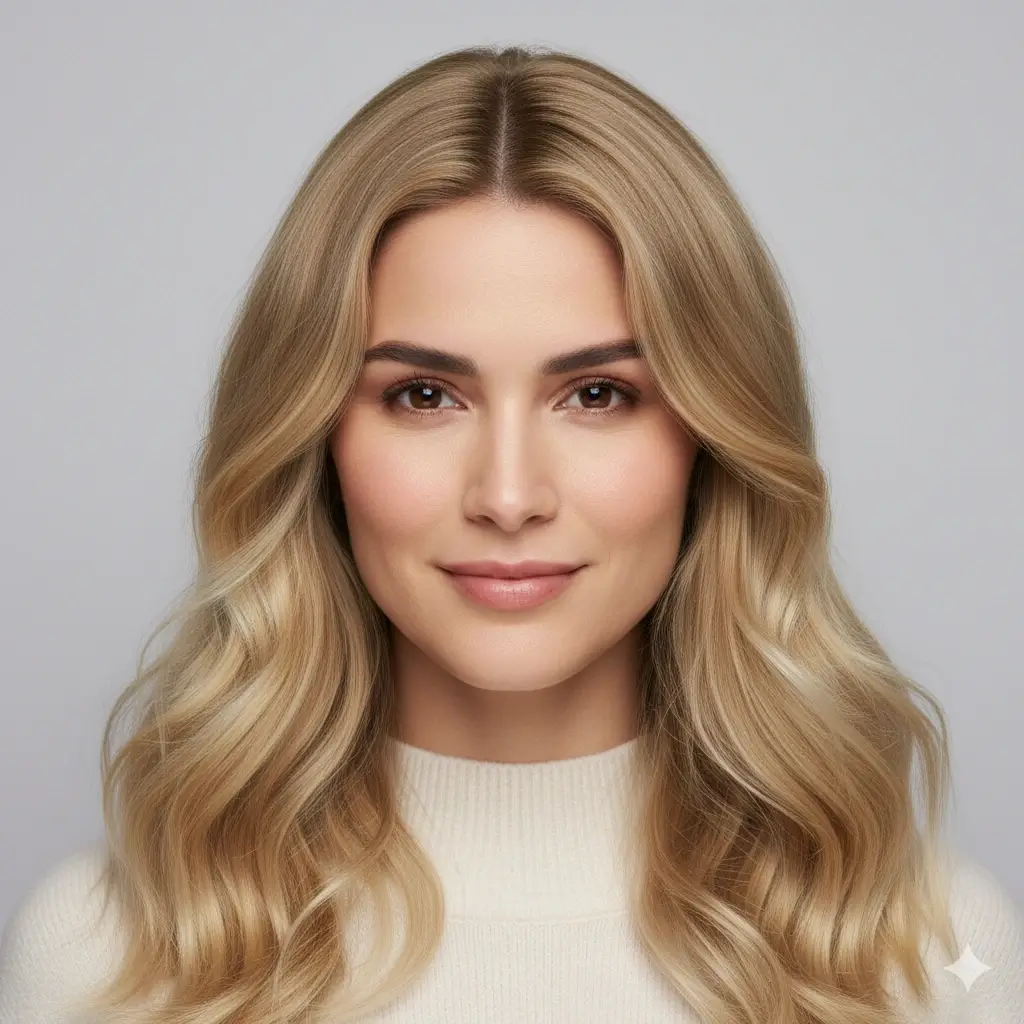
Blonde Color
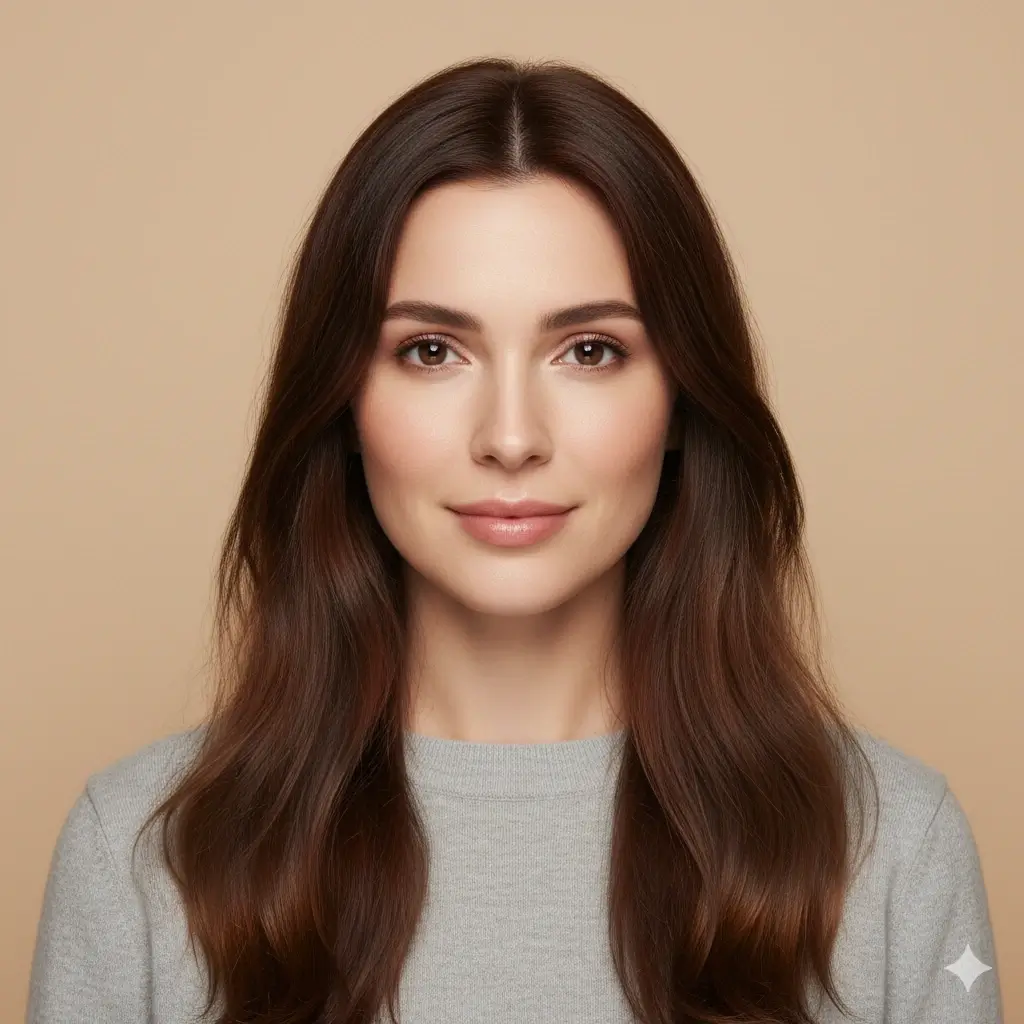
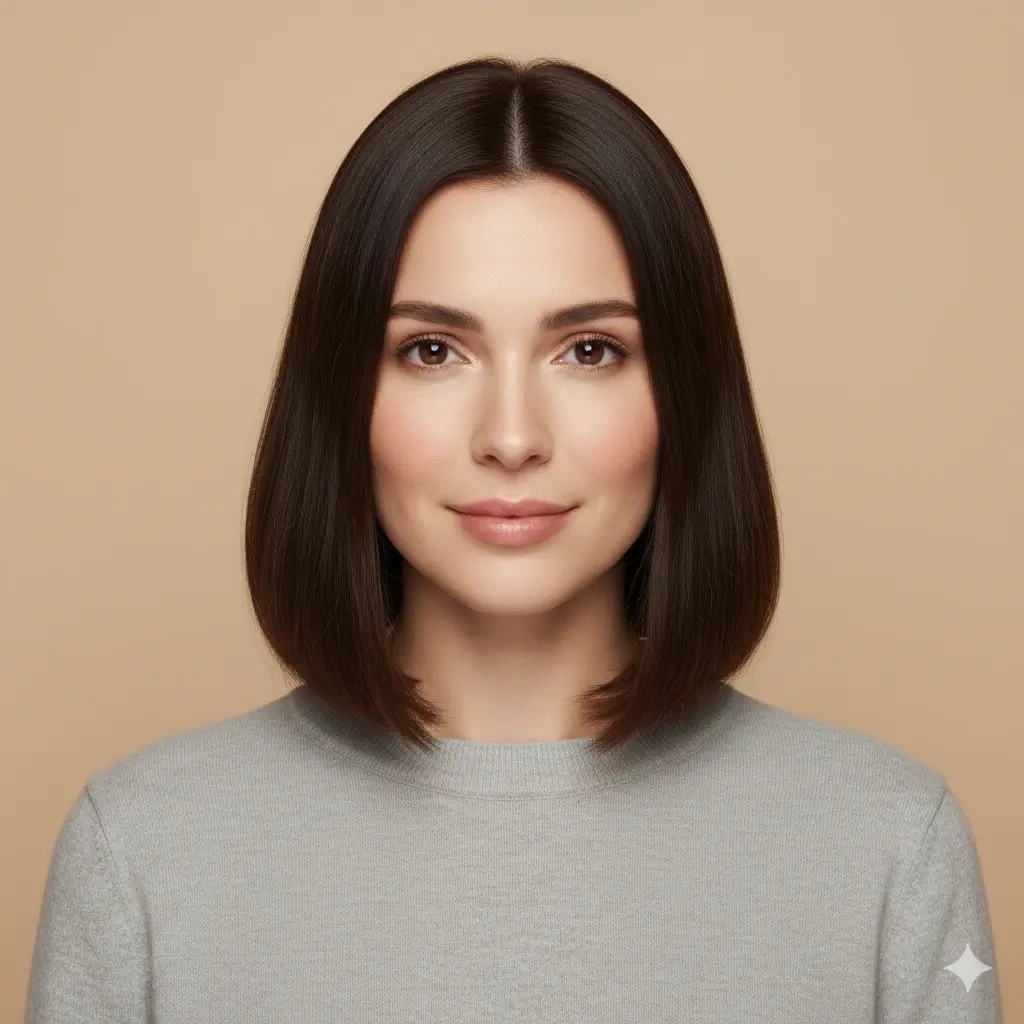
Bob Haircut

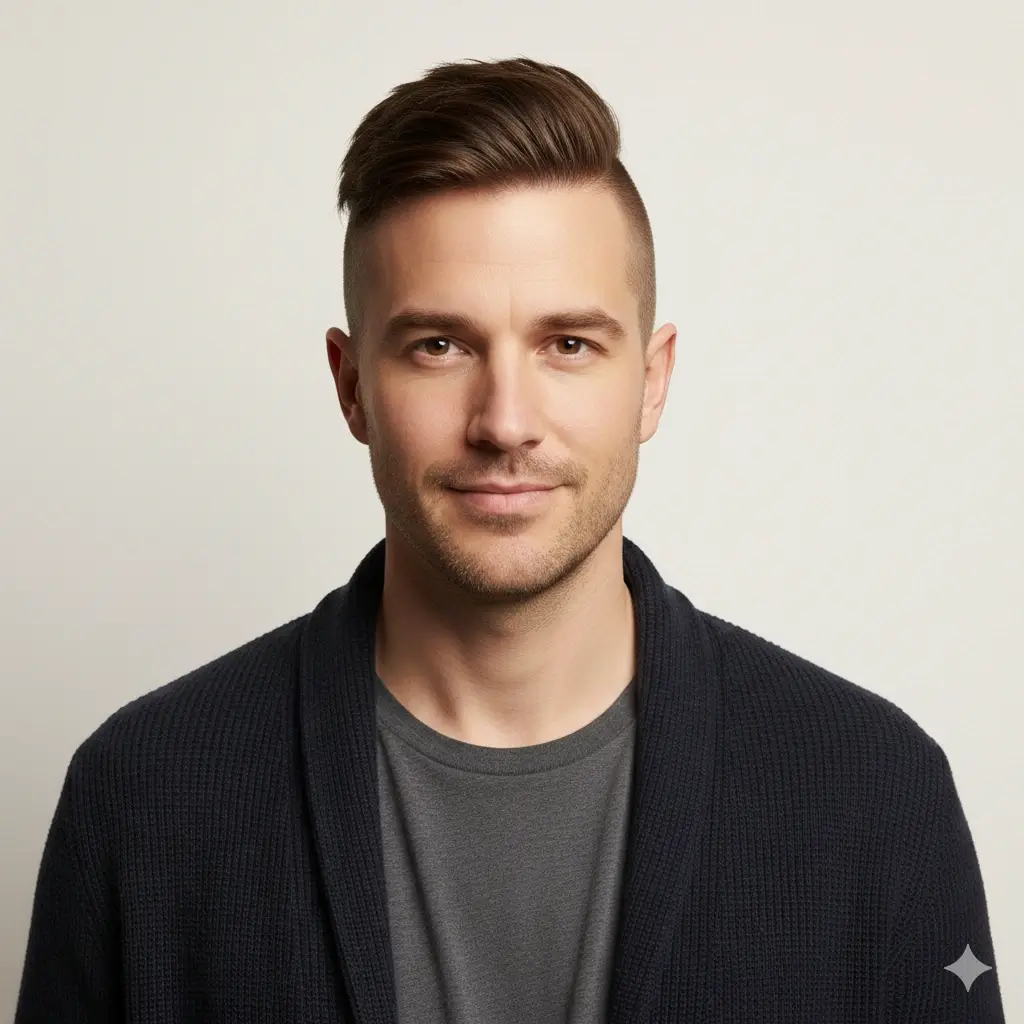
Undercut
How to Change Hairstyle in Photo
The tool follows a simple photo editing flow: upload your image, choose a hairstyle change, generate the preview, then compare and download the result.
Upload Your Photo
Start with a clear portrait where your face and hairline are visible. A front-facing photo with even lighting gives the AI hair changer better information for a natural edit.
Choose a Hairstyle or Color
Select a haircut shape, bangs, curls, waves, fade, buzz cut, bob, pixie cut, or hair color. You can keep your original color or test a new shade in the same photo.
Generate and Compare
Create your AI hairstyle preview in about 30-60 seconds, compare it with the original photo, and download the result as a visual reference for yourself or your stylist.
Why Use This AI Hair Changer?
Built for Photo Hairstyle Changes
This page is focused on changing hairstyle in photo, not just browsing inspiration. Upload your own image and preview the new cut or color on your face.
Hair Re-Rendering, Not a Flat Overlay
The AI hair style changer is designed to regenerate the hair area so the new shape, edges, and color can blend with your original photo.
Try Cut, Texture, and Color
Change haircut shape, bangs, layers, waves, curls, barber cuts, and natural hair colors from one tool flow.
Fast Preview Before a Real Change
Generate a hairstyle preview in about 30-60 seconds before you cut, dye, or commit to a look that is hard to reverse.
Download a Reference Image
Save your favorite result and use it as a visual reference when talking with a hairstylist or barber.
Private Photo Handling
Use a personal photo with clearer expectations. Uploaded photos are handled privately and are automatically deleted within 24 hours.
Popular Ways to Change Hairstyle in a Photo
Start with a hairstyle direction people commonly test before a haircut, color service, profile photo refresh, or salon visit.
Cut, Framing, and Color Ideas
- Classic Bob with Curtain Bangs
- Short Textured Pixie Cut
- Shoulder-Length Lob with Soft Waves
- Long Layered Hair with Face Framing
- Butterfly Cut
- Wolf Cut
- Bixie Cut
- Blonde Highlights
- Warm Auburn Bob
- Natural Brown Long Waves
Barber and Short Hair Ideas
- Textured Crop with Soft Fade
- Clean Buzz Cut
- Modern Undercut
- Classic Side Part
- Crew Cut
- Curtain Hair
- Modern Mullet
- Fade with Natural Hairline
- Short Wavy Texture
- Platinum Color Preview
Best Photo Tips for Natural AI Hair Edits
A hairstyle change is more complex than a simple filter. The AI has to match hairline, lighting, edges, shadows, and face framing.
Use Photos Like This
- Use a front-facing portrait with your face, jawline, and hairline visible.
- Choose daylight or even indoor lighting so the new hair does not clash with shadows.
- Keep the background simple when possible because hair edges blend into the scene.
- For bangs, avoid photos where your forehead is fully covered.
- For fades and buzz cuts, make sure the temple and sideburn area is visible.
Why Some AI Hair Changes Look Less Natural
- Low-resolution photos can make fine hair details look soft or painted.
- Hats, sunglasses, heavy filters, or hidden hairlines make the edit harder.
- Strong side angles can distort the haircut shape and face proportions.
- Busy backgrounds may create rough edges around hair.
- Complex curls, micro braids, updos, and extreme colors can be less stable than common cuts.
When an AI Hair Style Changer Helps Most
Use it when you need a quick visual answer from your own photo, not just a model image or generic hairstyle idea.
Test a Big Haircut Before You Cut
Short hair, bangs, bobs, pixie cuts, fades, and buzz cuts are difficult to reverse. Preview the direction before you make the appointment.
Preview Color Before Dyeing
Try blonde, brown, black, auburn, gray, or platinum in your photo before spending time and money on a color service.
Judge the Look on Your Own Face
A hairstyle can look great on a model and still feel wrong on your face. Changing hairstyle in your own photo makes the comparison more useful.
Make a Clearer Stylist Reference
Download the AI hairstyle result and use it to discuss length, bangs, color, and overall direction with your hairstylist or barber.
AI Hair Changer FAQ
Answers to common questions about changing hairstyle in photo with AI.
Ready to Change Hairstyle in Your Photo?
Upload your photo, choose a hairstyle or hair color, and create an AI hairstyle preview you can compare, download, and use as a reference.
Use this AI hair changer to change hairstyle in photo online, try a hair style changer from photo, preview haircut changes on your face, test hair color, and download a realistic hairstyle reference before your next salon or barber visit.