
Long Hair Filter - See How You Look with Long Hair
Upload one clear photo and use this long hair filter to compare long waves, layered long hair, curtain hair, beach waves, and softer shoulder-length directions on your own face. It is built for the real question behind the search: what would I look like with long hair before I spend months growing it out or buying extensions?
Upload a Photo for Your Long Hair Preview
Upload Your Selfie
Use a clear, front-facing photo so the long hair filter can show how added length changes your face framing, side volume, and overall style balance.
Supported: JPG, PNG, WEBP • Max size: 10MB
Best photo tips for a more realistic long hair preview:
- Use a front-facing selfie with your full face and hairline visible
- Keep shoulders and neck visible so longer hair has room to fall naturally
- Choose even lighting so waves, layers, and side volume are easier to judge
- Avoid hats, heavy filters, deep shadows, and strong side angles
Choose the Long Hair Style to Preview
Start with the longer style you are seriously considering, then compare a softer or more layered option on the same photo.
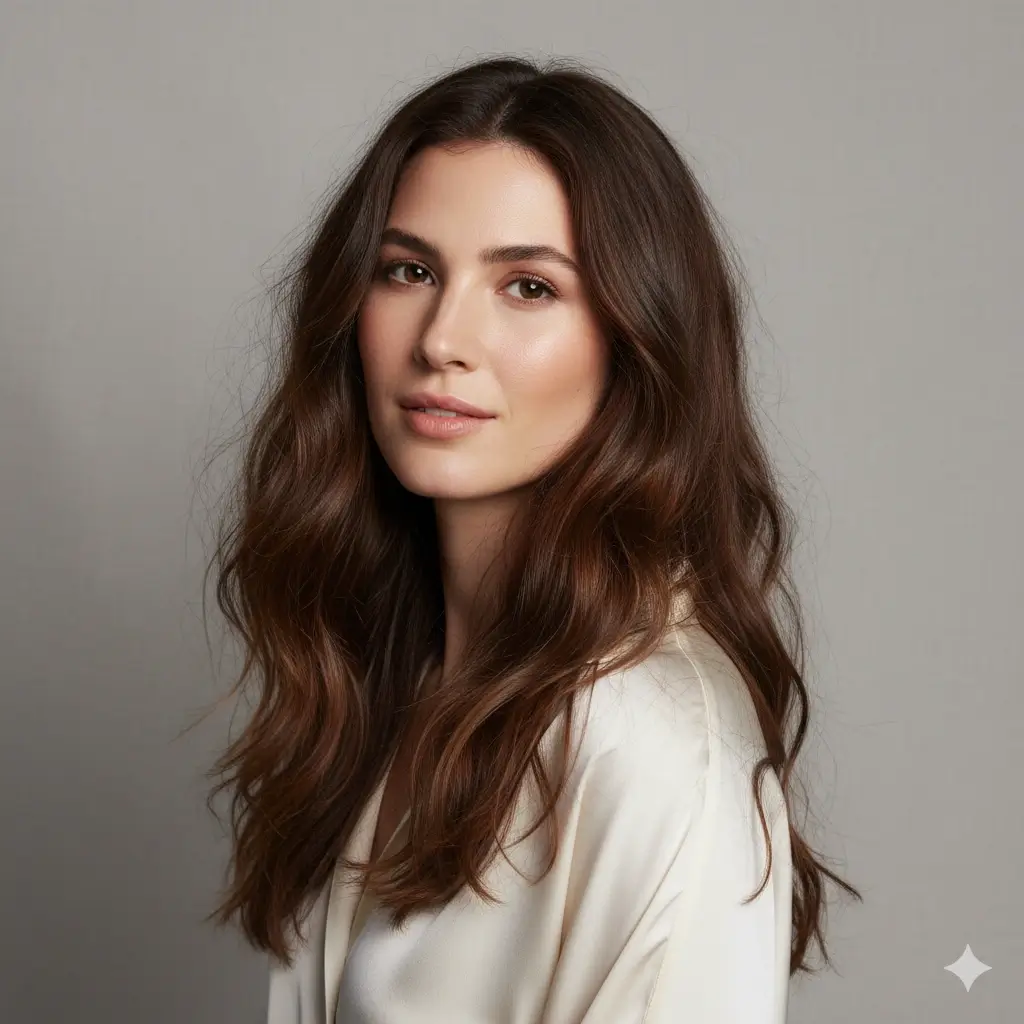
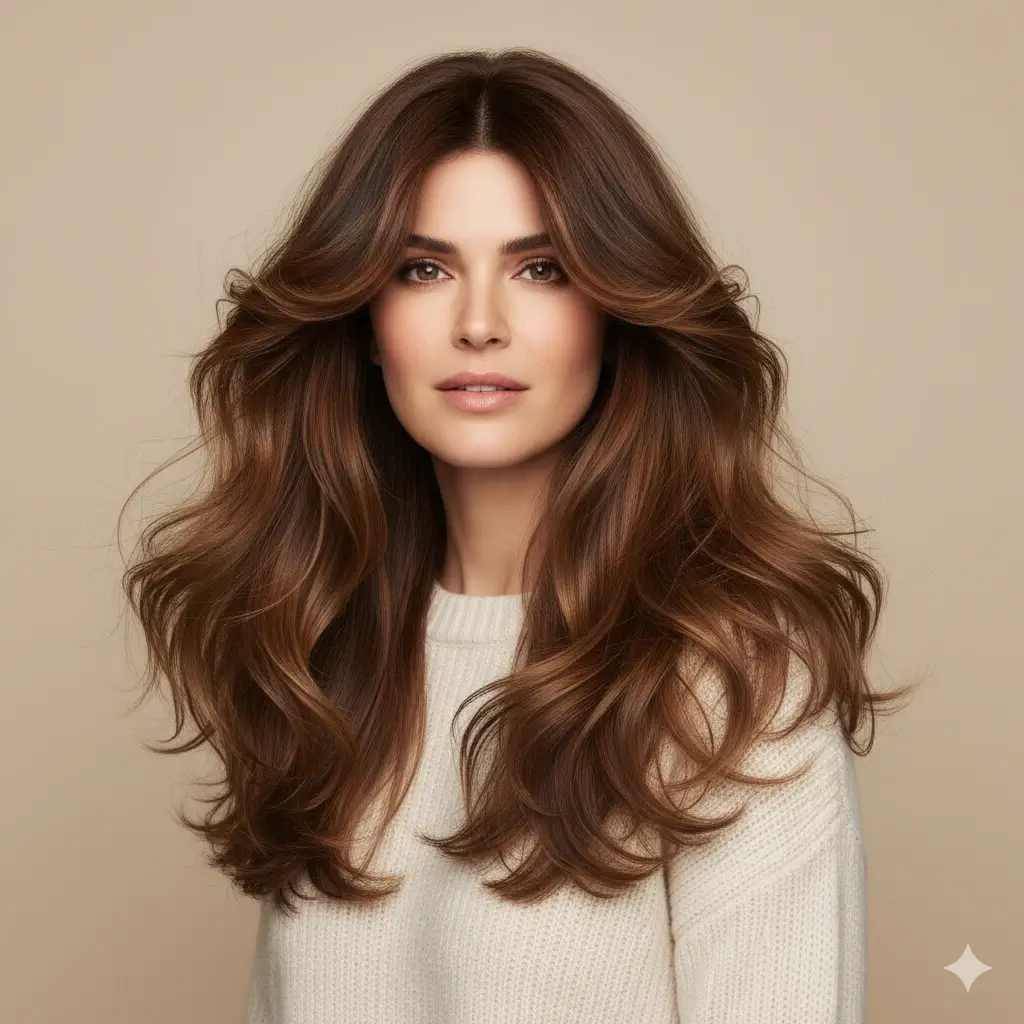
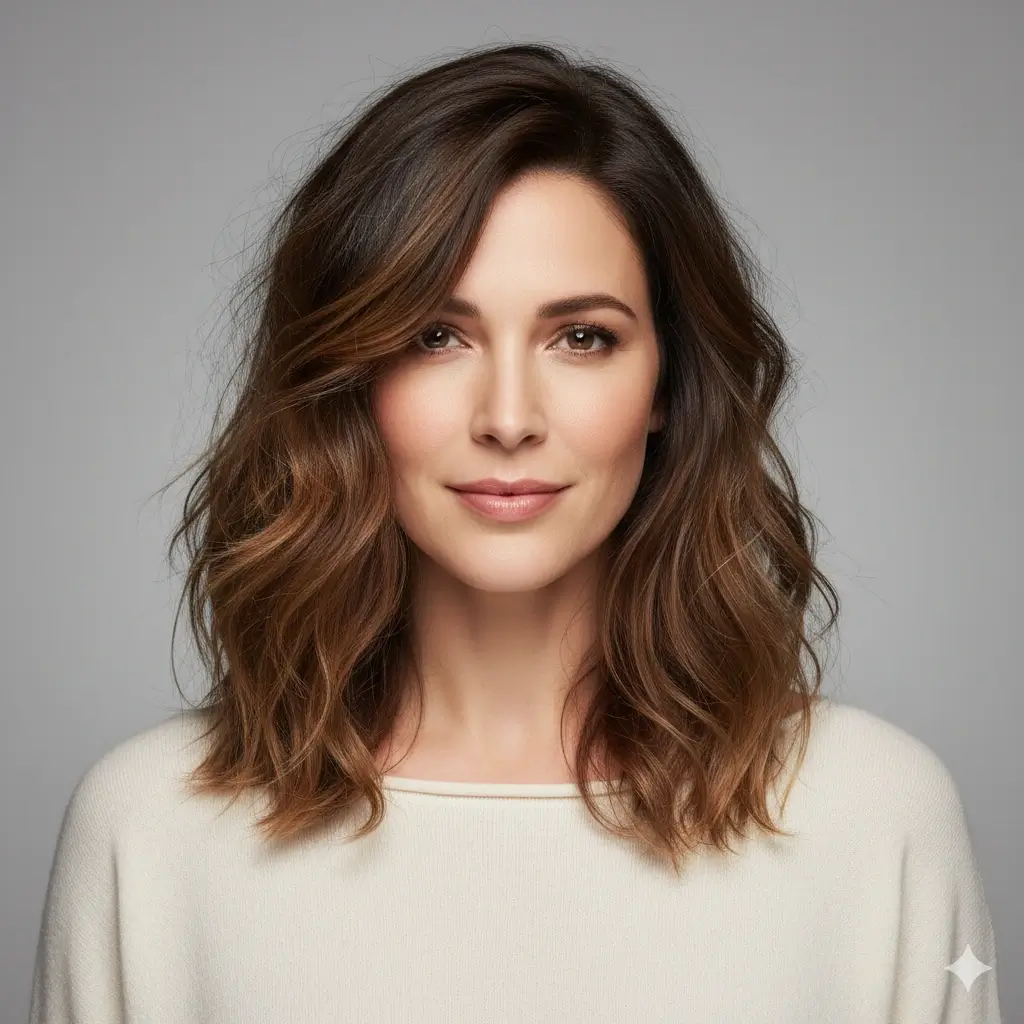
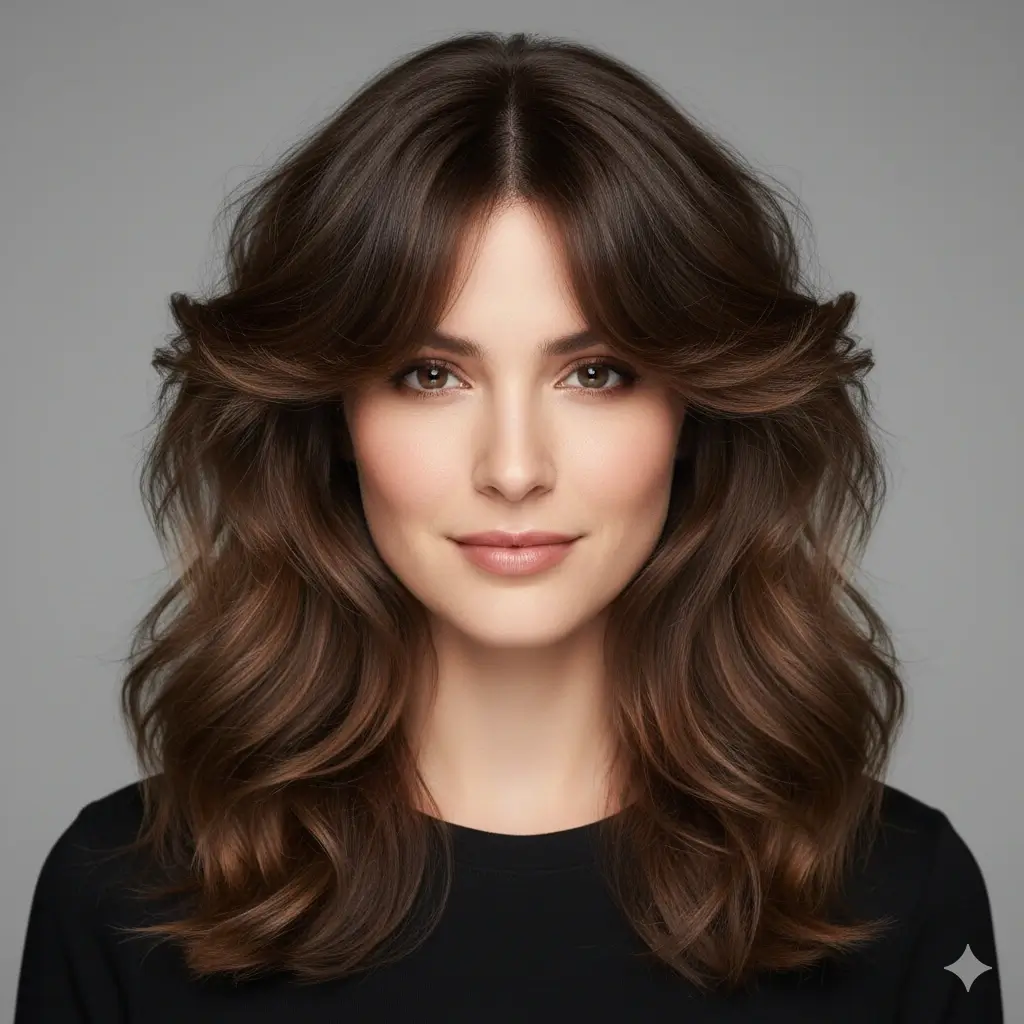

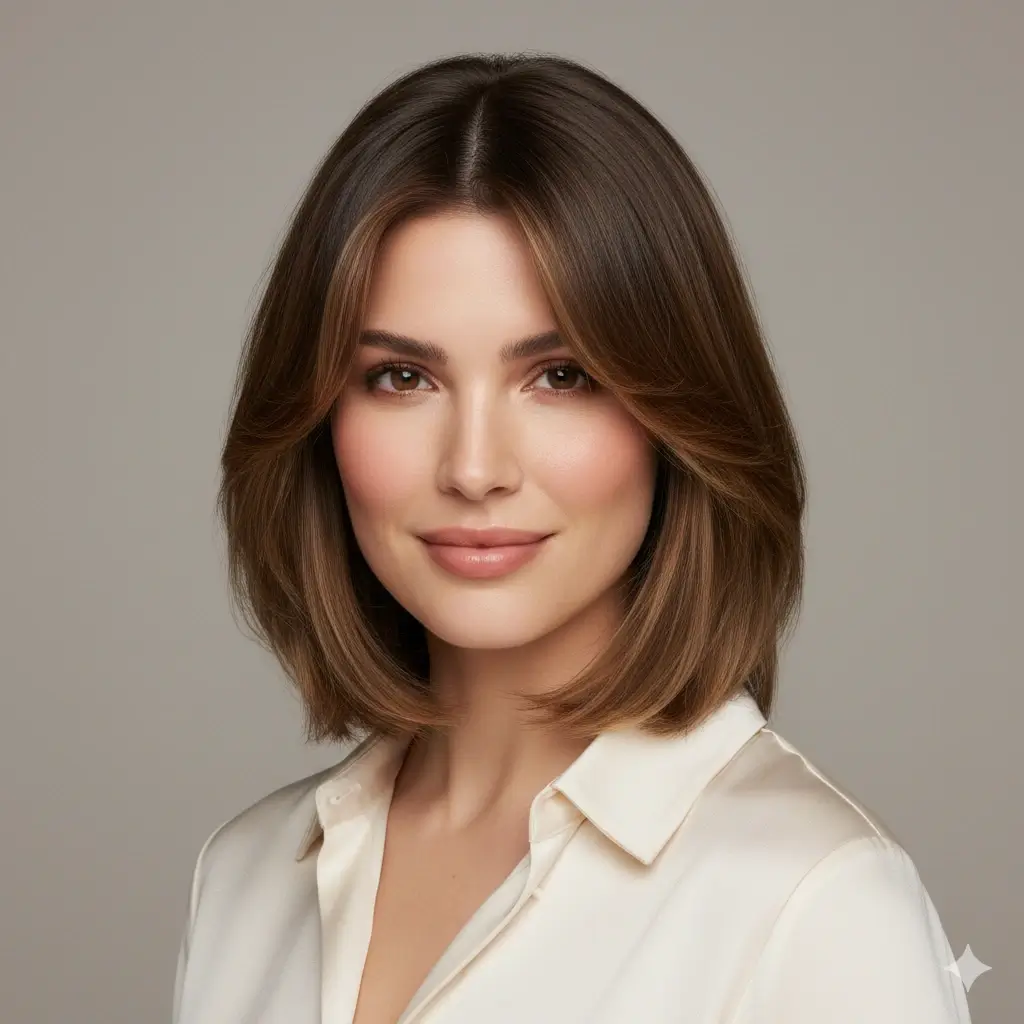
Preview Color with the Long Hair
Optional: keep your current color or test whether longer hair looks better with a warmer, lighter, or darker shade.
Your long hair filter setup:
Loading credits...
Each long hair preview costs 2 credits
What the Long Hair Filter Helps You Decide
Long hair changes more than length. It changes how much visual weight sits around your cheeks, shoulders, neckline, and profile photos.
Useful Preview Combinations
| If your current photo shows | Try this preview | Best for deciding |
|---|---|---|
| A bob, lob, or shoulder-length cut | Layered Long Hair | Whether extra length feels balanced or too heavy |
| Straight or slightly wavy hair | Long Waves | How movement and side volume frame your face |
| Fine hair or flat roots | Butterfly Layers | Whether face-framing layers add enough shape |
| A middle part or grown-out fringe | Curtain Hair | Whether longer front pieces suit your forehead and cheeks |
Check Before You Generate
Use a good photo
- Face is clear
- Hairline is visible
- Shoulders are in frame
- Lighting is even
Compare fairly
- Use the same photo
- Try one layered option
- Try one softer wave
- Save salon references
Long hair preview limits
A long hair AI preview is useful for planning length, volume, and face framing, but it cannot predict your exact growth pattern, extension blend, curl behavior, hair density, or daily styling effort. Treat the result as a visual reference, not a salon guarantee.
Why People Search for a Long Hair Filter
Growing hair out takes time, and extensions can be expensive. People searching this term want to see whether longer hair actually suits their face before they commit to months of waiting or a salon service.
See Long Hair on Your Own Face
A model photo cannot show whether long waves, layers, or curtain hair work with your forehead, cheeks, jawline, and shoulders. This filter puts the decision on your own photo.
Plan Before Growing It Out
Long hair can take months or years to reach the length you imagine. A preview helps you decide whether the goal is worth the time and upkeep.
Create a Better Stylist Reference
A saved result helps you explain whether you want soft waves, long layers, curtain pieces, or a fuller extension-like direction at your appointment.
Long Hair Preview Examples to Compare First
These examples focus on the most common long hair decisions: soft waves, layered length, curtain framing, and color with longer hair.

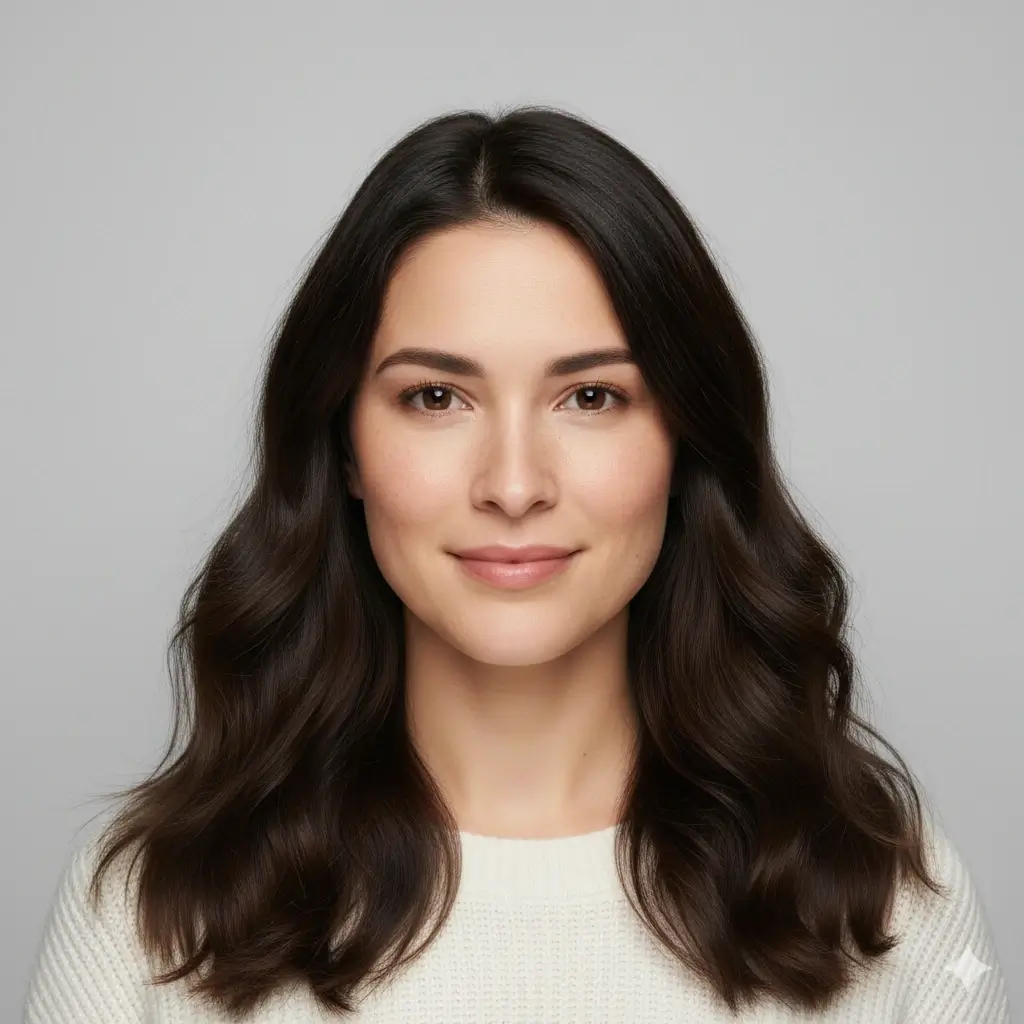
Long Waves Preview
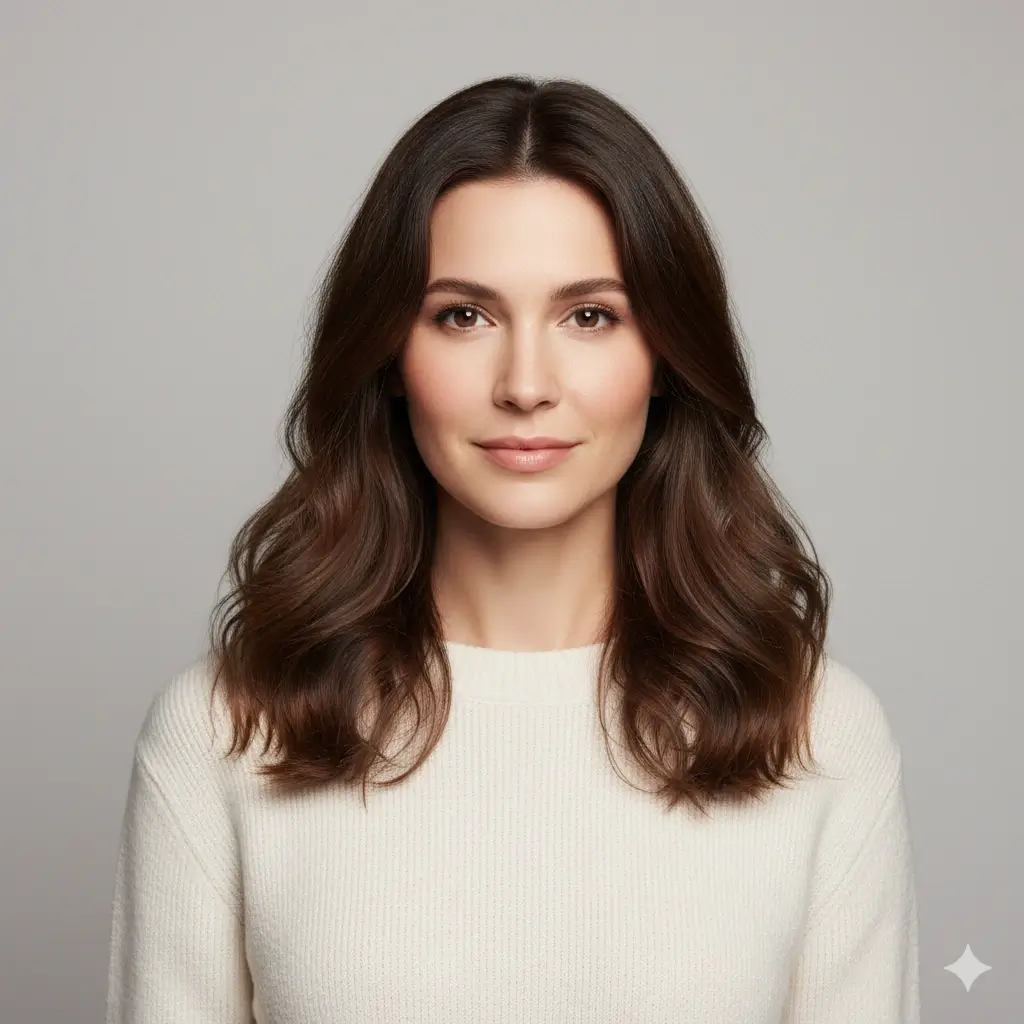
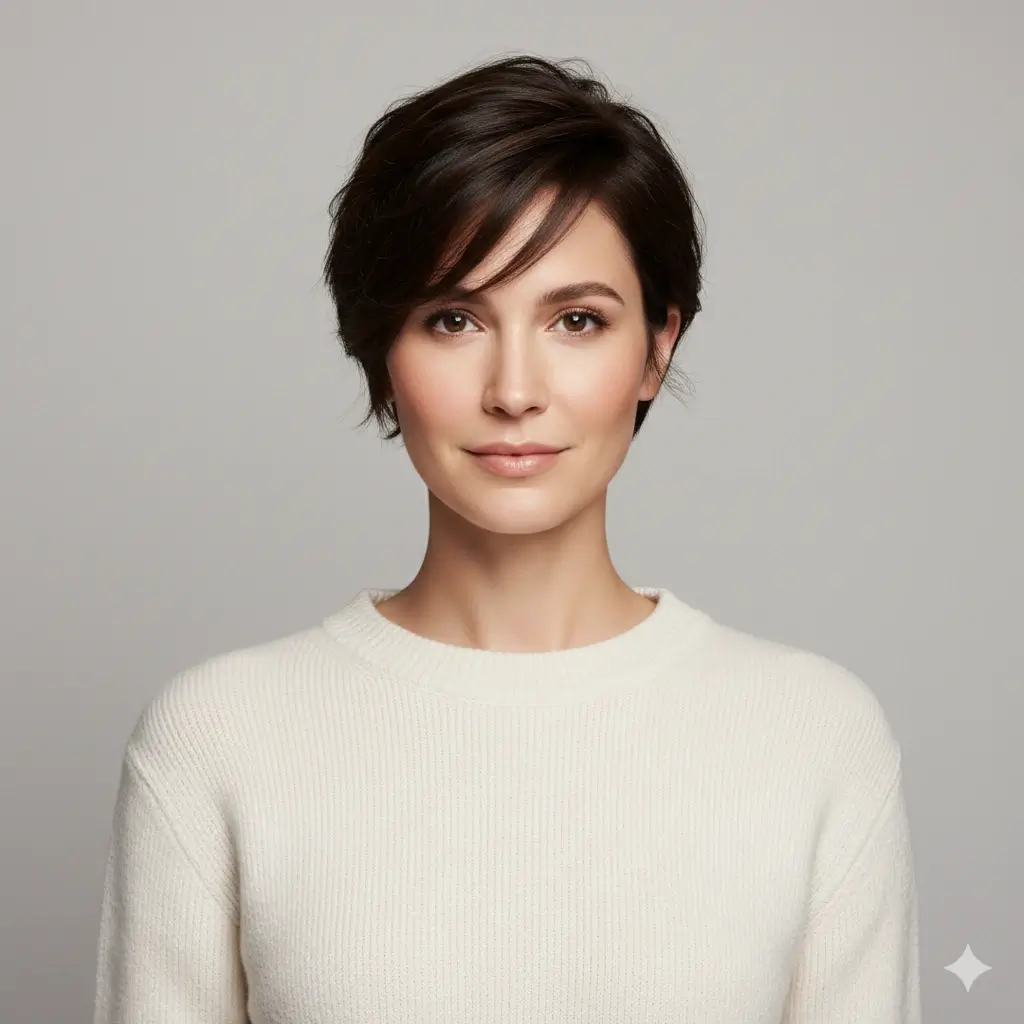
Long Layer Direction


Face-Framing Length
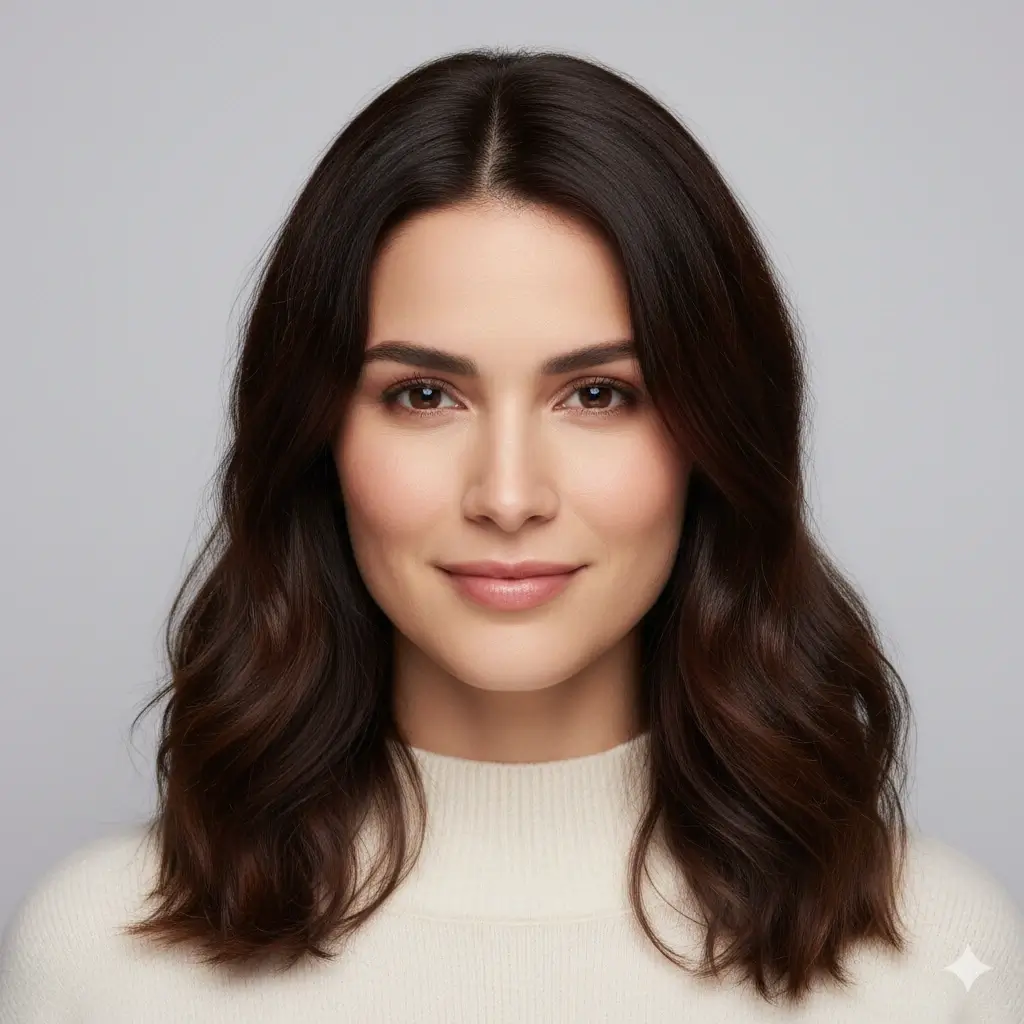
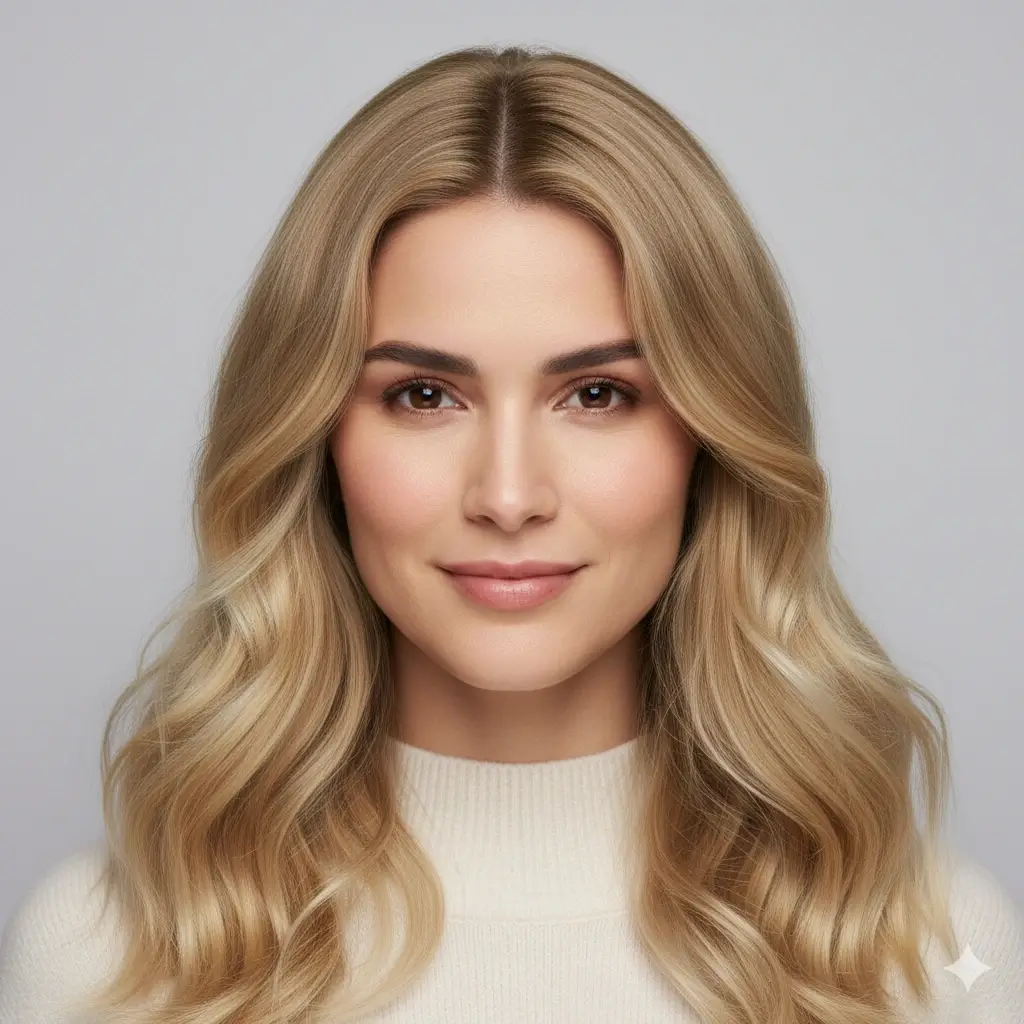
Blonde Long Hair Check
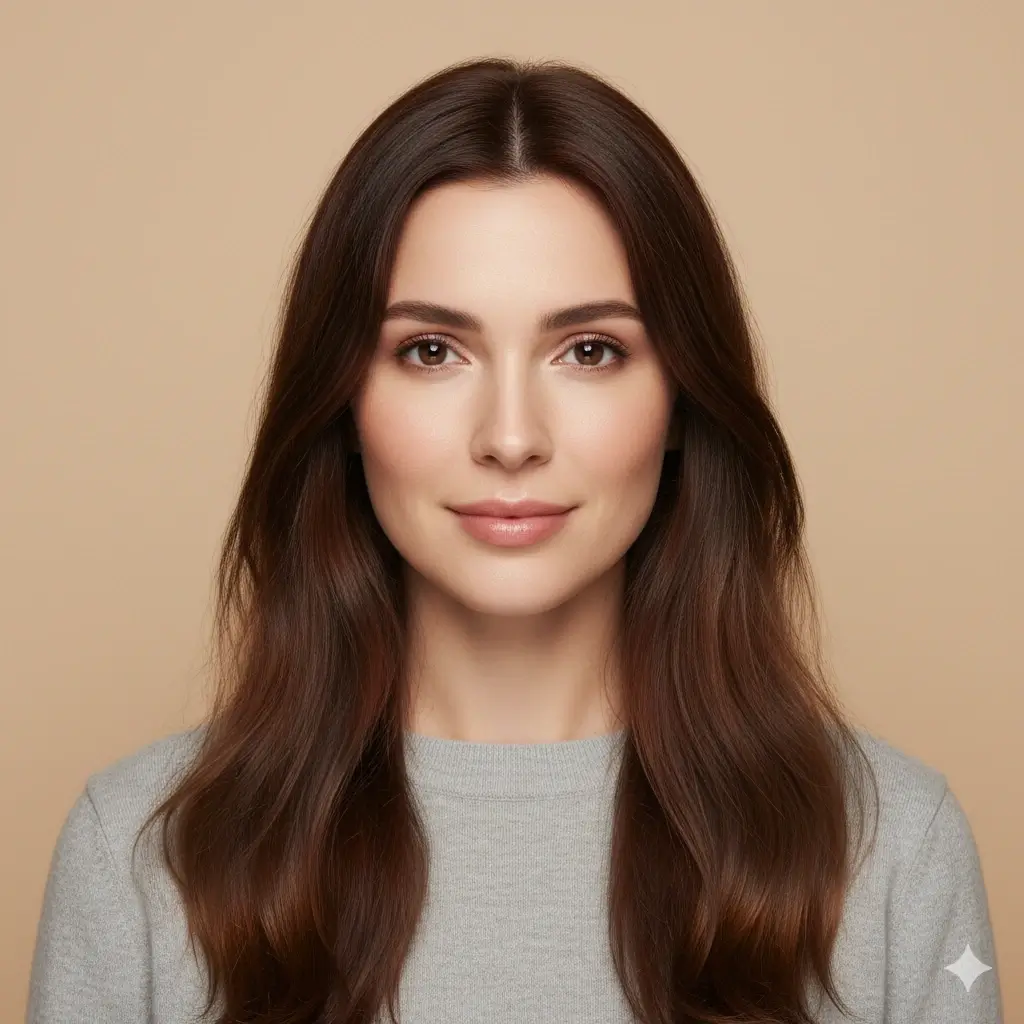
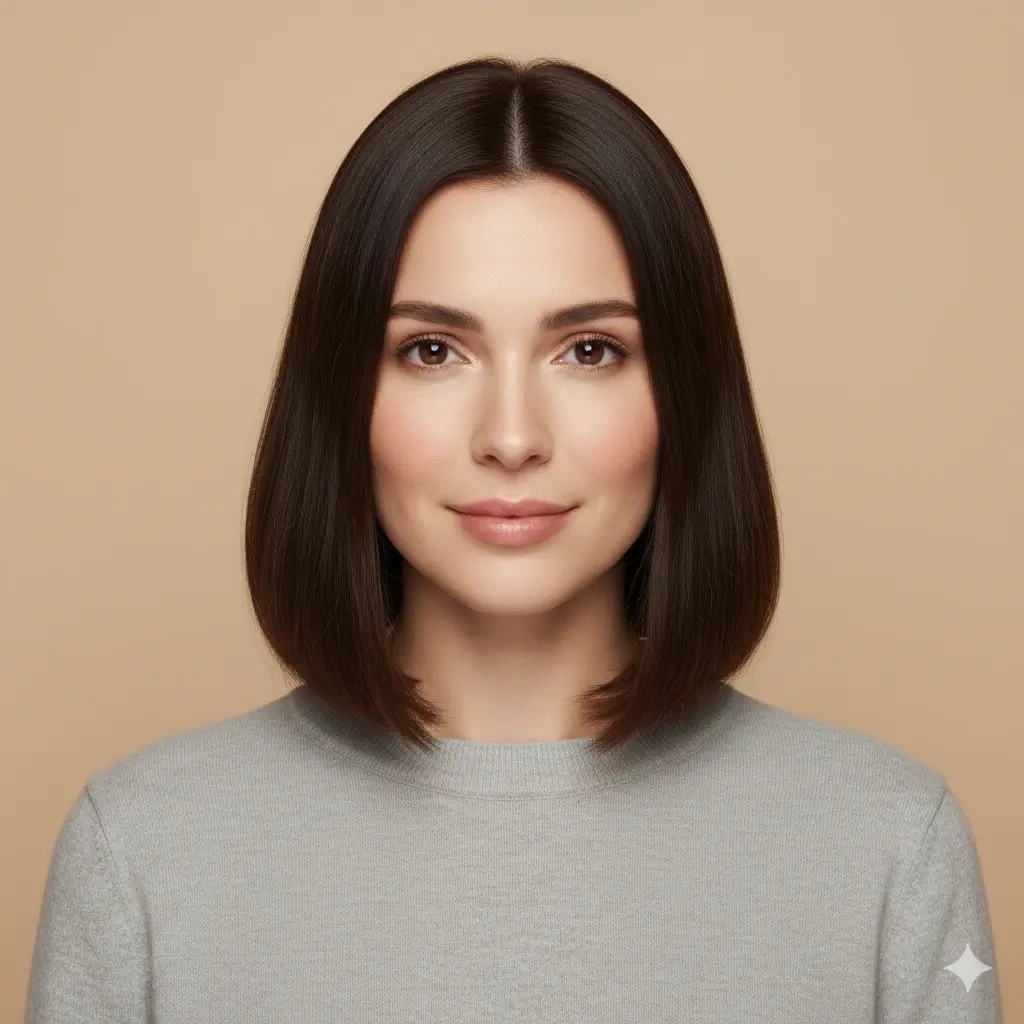
Long Lob Direction


Curtain Hair Preview
Long Hair Directions Worth Testing
A useful long hair filter should help you compare length, movement, and face framing, not just make every result longer.
Soft Long Hair
These previews help when you want longer hair that still feels natural and wearable.
- Long waves for a classic softer look
- Beach waves if you want movement without a heavy outline
- Brown or auburn color if you want a warmer long style
- Use this direction when you want a low-risk first preview
Layered Length
These options answer whether added length needs shape around the face and shoulders.
- Layered long hair for extra movement
- Butterfly layers for more lift near the face
- Blonde or platinum if you want to test high-contrast length
- Compare layers against plain long waves before deciding
Face-Framing Long Hair
These previews help if you are deciding whether longer front pieces, curtain hair, or a grown-out fringe suits you.
- Curtain hair for a center-part face frame
- Long lob with curtain bangs for a softer transition
- Keep your current color for the clearest shape comparison
- Use the same photo to compare forehead and cheek balance
How to Use the Long Hair Filter
Upload a photo, choose a long hairstyle direction, then generate a preview you can inspect before growing your hair out, buying extensions, or booking a salon visit.
Upload One Clear Photo
Use a selfie with your face, hairline, neck, and shoulders visible. This gives the long hair filter room to place longer hair naturally.
Choose a Long Hair Style
Compare long waves, layered long hair, beach waves, butterfly layers, curtain hair, or a long lob with curtain bangs. You can also test a different hair color with the length.
Review and Save the Preview
In about 30-60 seconds, you get a long hair preview you can compare, download, or show to a stylist as a clearer reference.
Long Hair Filter Features
Length-Focused Preview
Test whether longer hair suits your face without waiting months for real growth.
Layers and Face Framing
Compare long waves, layered length, curtain hair, and butterfly-inspired shape on the same photo.
Optional Color Testing
Try blonde, brown, black, auburn, gray, or platinum with longer hair when color affects the decision.
Photo-Based Result
Use your own selfie so the preview reflects your face shape, shoulders, and real photo angle.
Works Online
No app install is needed. Upload a photo, choose a long hair direction, and generate online.
Save a Reference
Download the result and use it as a planning reference for a salon consultation or extension appointment.
How to Get a More Realistic Long Hair Preview
Longer hair needs enough space in the source photo. A good input makes the result easier to judge.
When a Long Hair Filter Helps Most
Use the tool when the cost of guessing is high: time, extensions, styling effort, or a major salon plan.
Before Growing Hair Out
See whether your long-hair goal looks balanced before committing to months of growth and awkward transition stages.
Before Extensions
Preview added length and volume before spending money on clip-ins, tape-ins, or salon extension services.
Before a Layered Cut
If your hair is already medium length, test whether long layers or face-framing pieces give the shape you want.
Before Asking for Opinions
Share one or two generated references instead of asking friends to imagine a long style from a model photo.
Long Hair Filter FAQ
Quick answers for using the long hair AI preview as a practical decision tool.
Try the Long Hair Filter on Your Photo
Upload one selfie and compare longer hairstyles before you grow, cut, color, or book an extension appointment.
Use the long hair filter to preview long waves, layered long hair, curtain hair, and color ideas online before making a real hairstyle decision.