
Hairstyle Generator Online for Your Photo
Upload a clear portrait, choose the direction you want to create, and generate a realistic hairstyle preview on your own face. Compare lengths, layers, bangs, texture, barber cuts, and color before you make a real change.
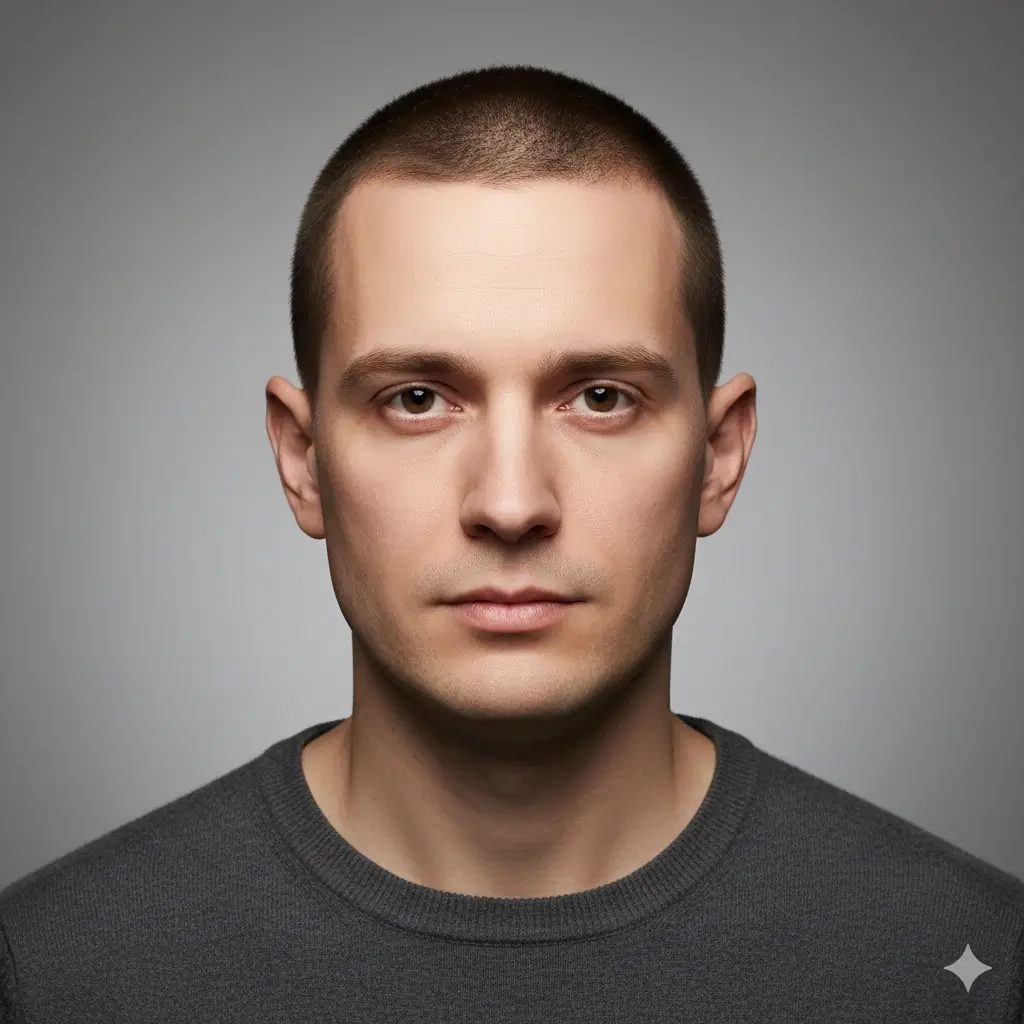
Upload a Photo to Start Your Hairstyle
Upload Your Photo
Choose a clear portrait so the generator can follow your face shape, hairline, lighting, and current hair texture.
Supported: JPG, PNG, WEBP • Max size: 10MB
Photo tips for a cleaner hairstyle preview:
- Use a front-facing portrait with your full face visible
- Keep your hairline, forehead, ears, and jawline visible when possible
- Choose even lighting and a simple background
- Avoid hats, sunglasses, heavy filters, and strong shadows
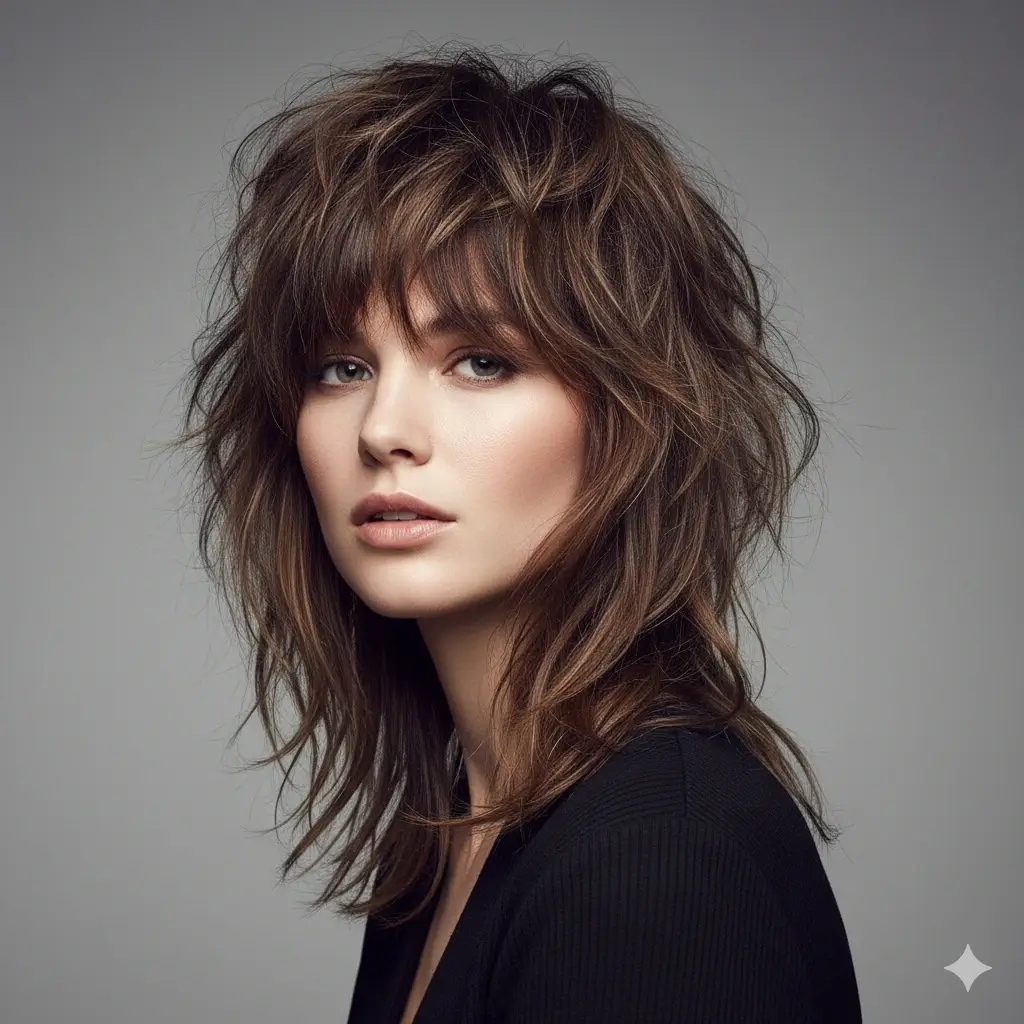
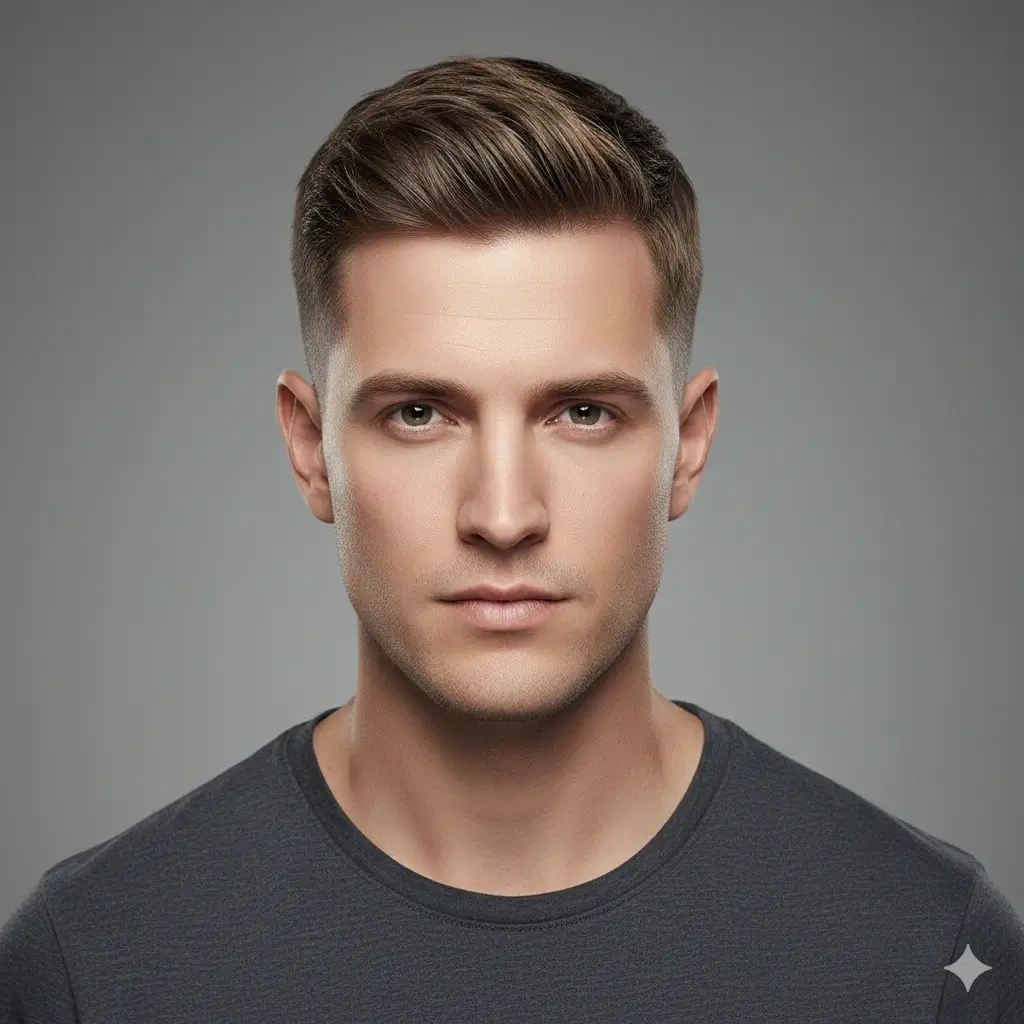
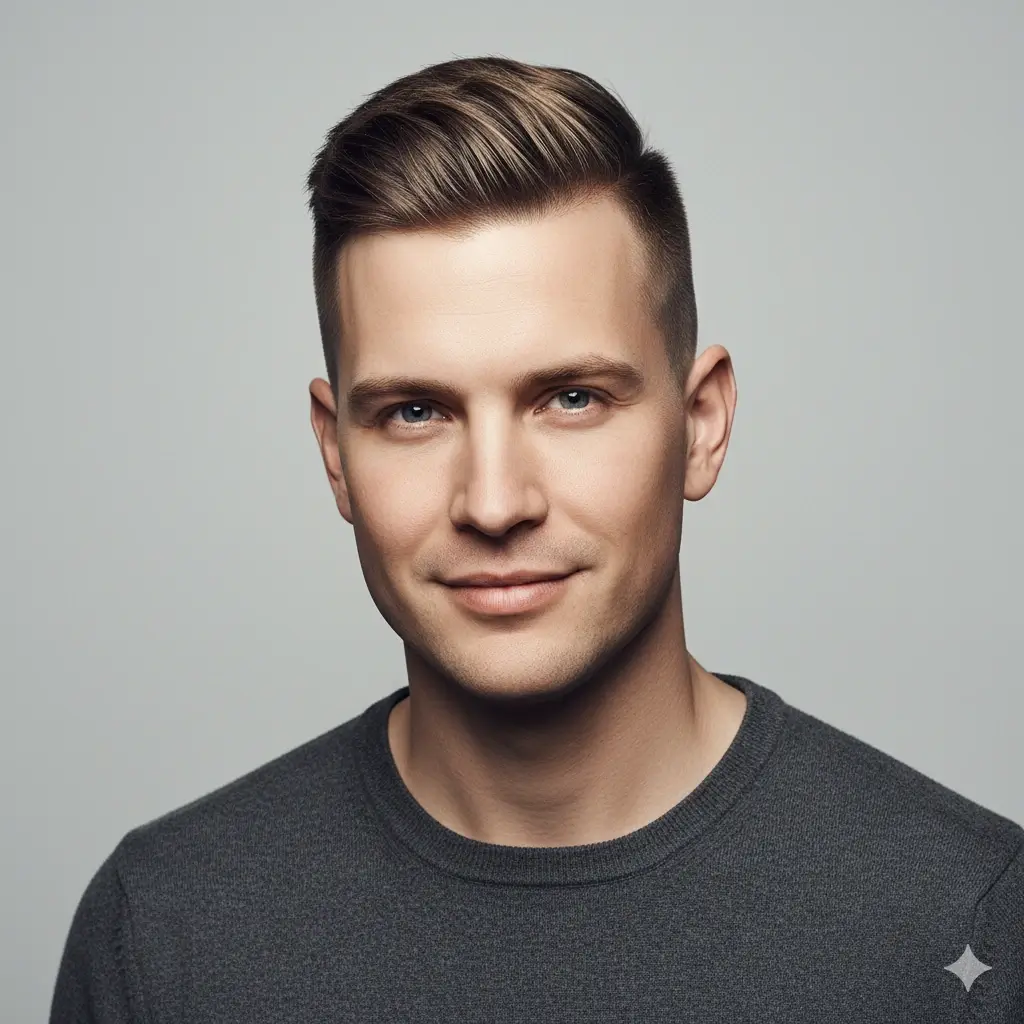
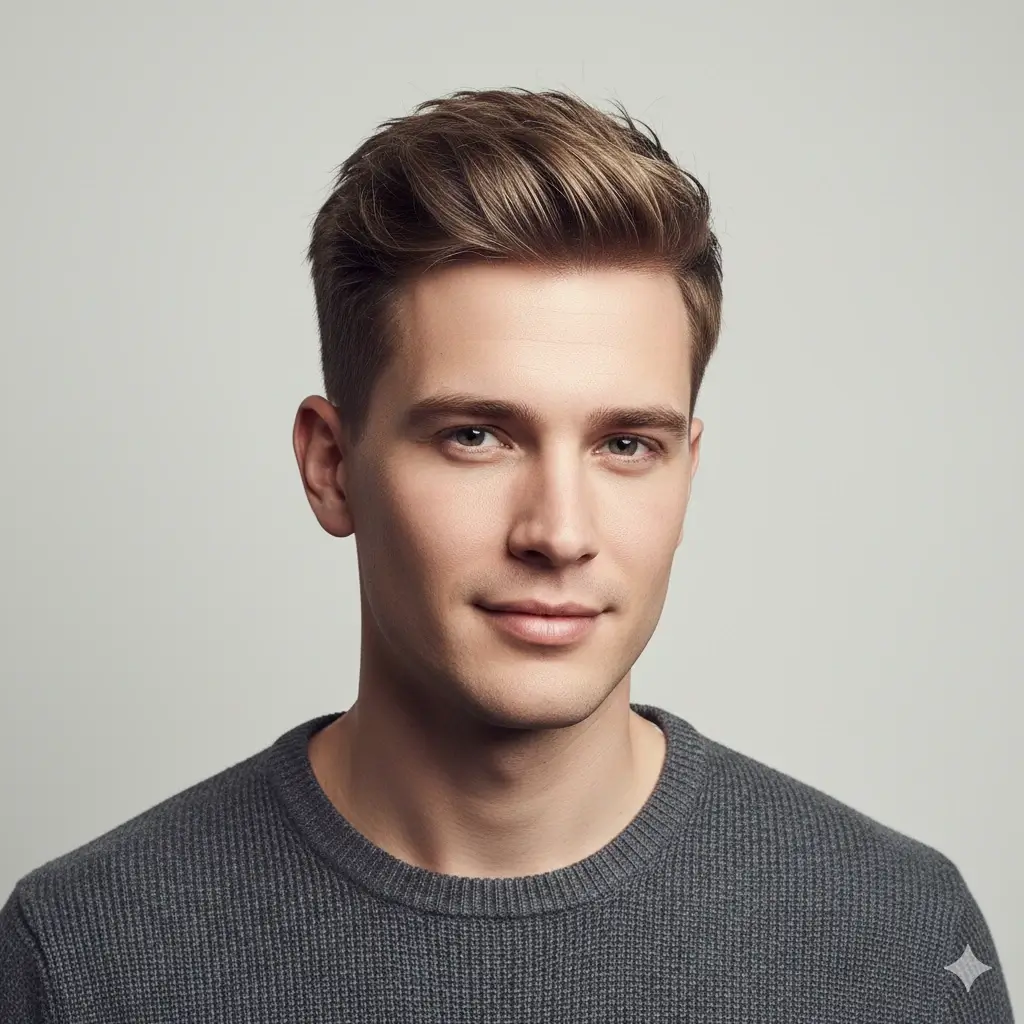
Choose the Hairstyle You Want to Make
Start with a direction such as shorter, longer, softer, fuller, wavier, or more structured, then choose a style to preview.
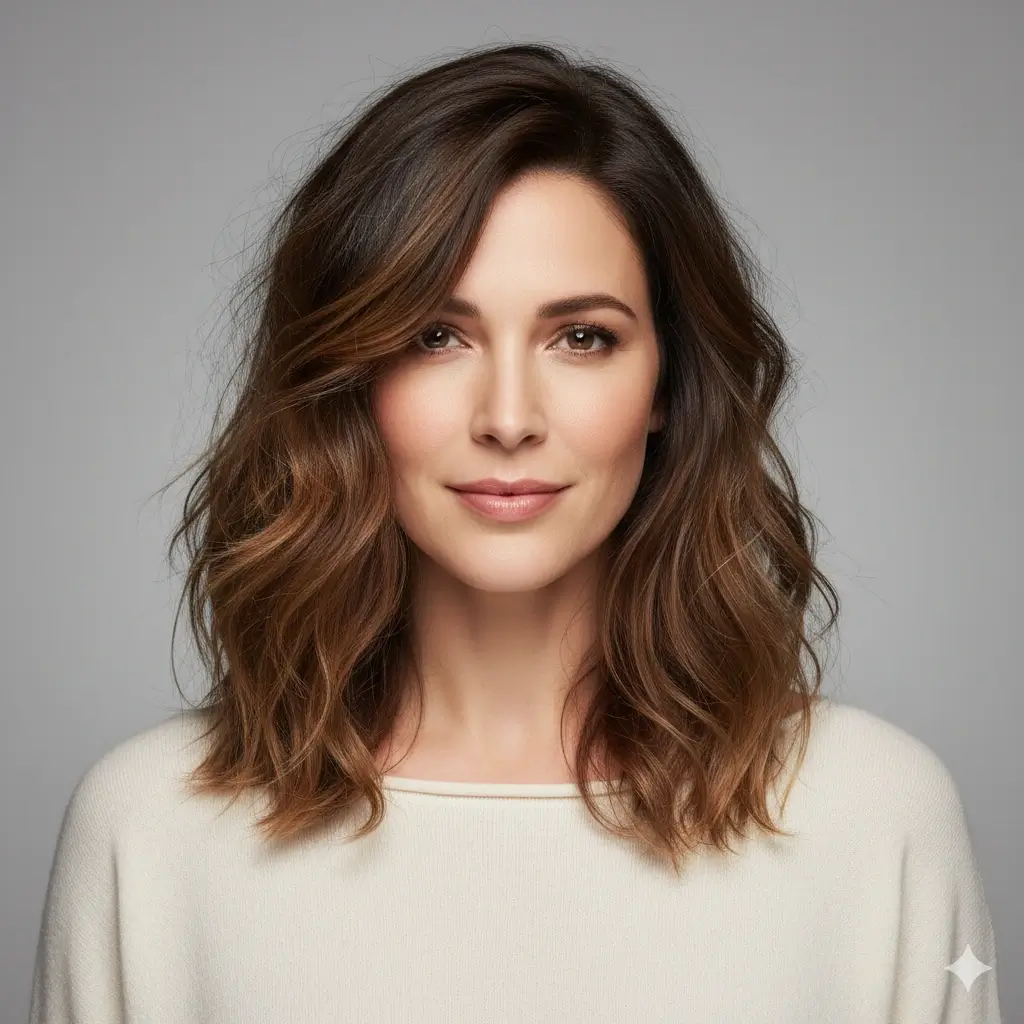
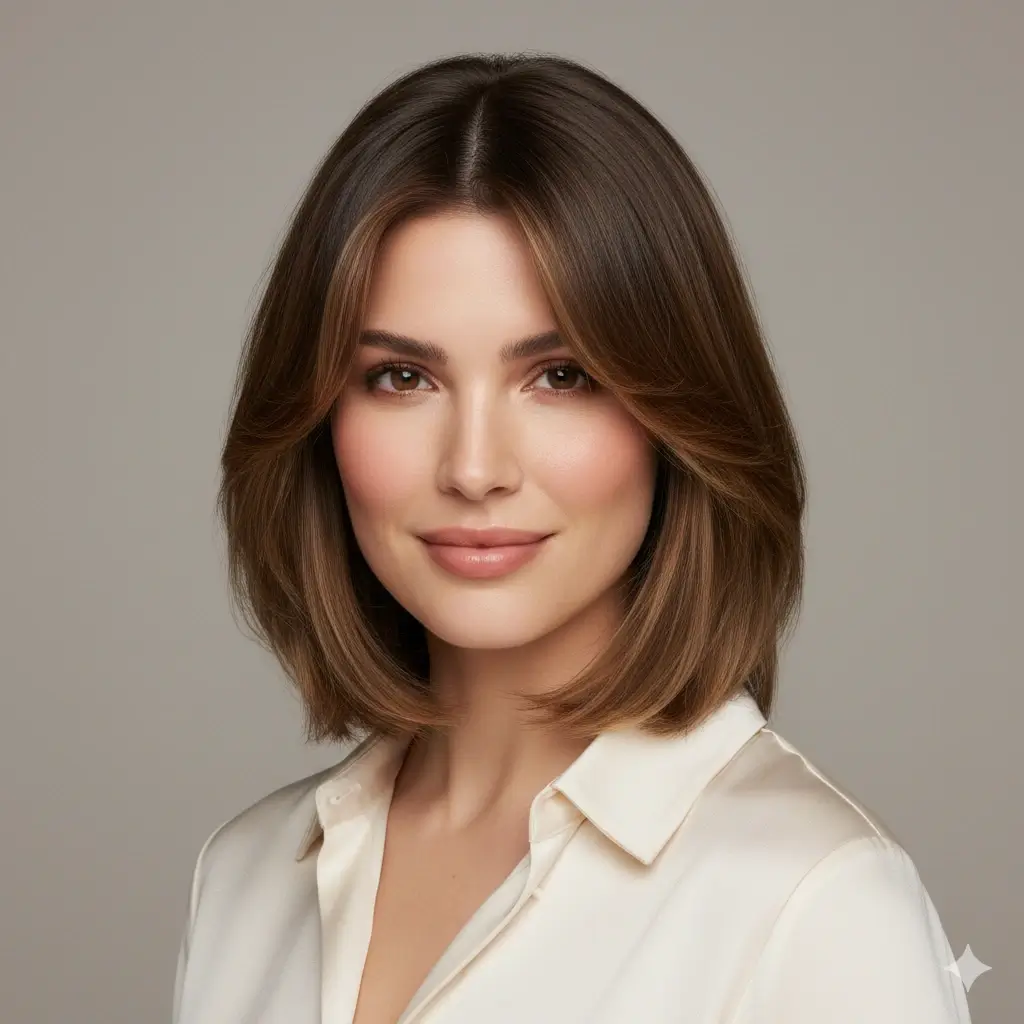
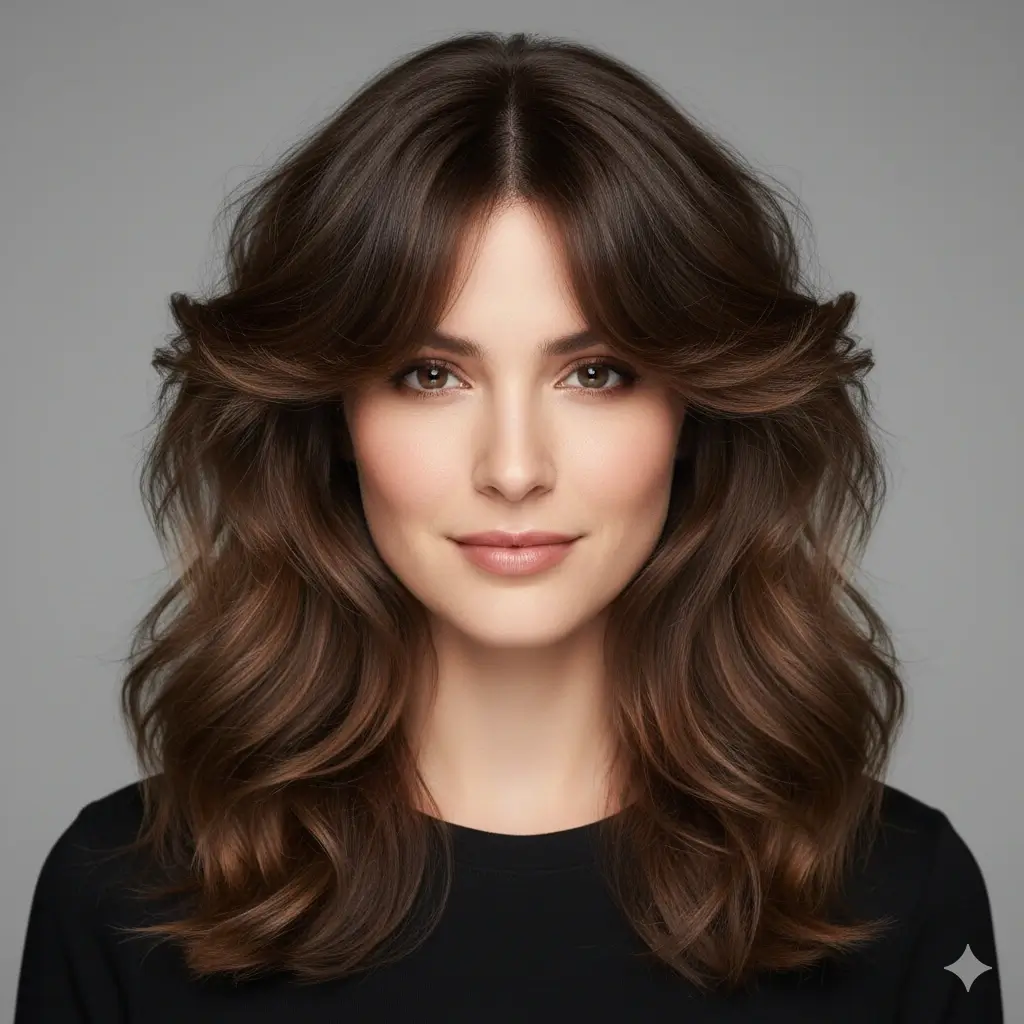
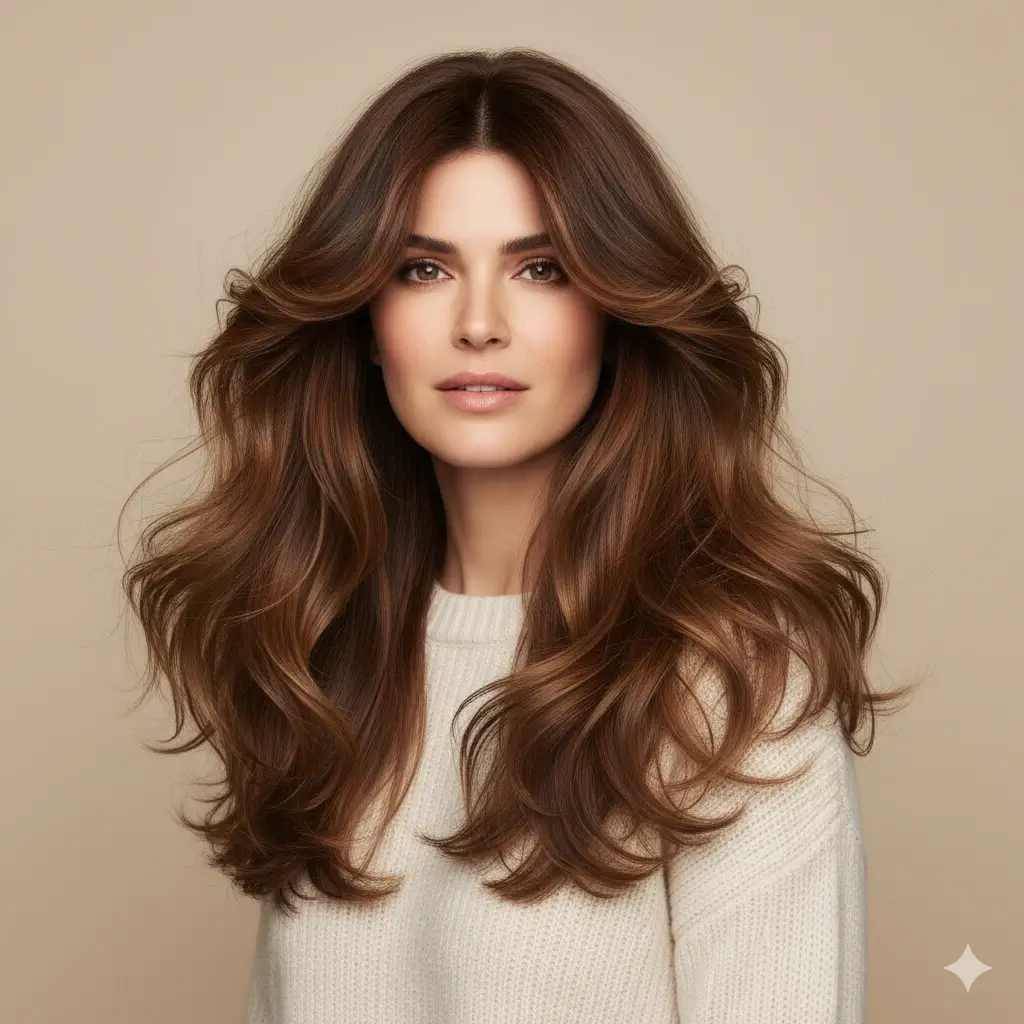

Add an Optional Hair Color
Keep your current color or test a new shade after choosing the haircut and texture.
Your hairstyle generator setup:
Loading credits...
Each hairstyle generation costs 2 credits
How to Use a Hairstyle Generator
A useful hairstyle maker should help you make a decision, not just show random inspiration. Use the same photo while you compare a safe option with a bigger change.
Choose the change you want
Decide whether you want to keep your length, add movement, show more face, create volume, or try a short cut before you browse styles.
Build one clear look
Pick one haircut or texture first. Then add a color only if you want to see the complete direction without mixing too many variables.
Compare before saving
Look at the hairline, face framing, silhouette, and upkeep. Save the preview as a conversation starter for a stylist or barber, not as a guarantee.
Hairstyle Generator Examples
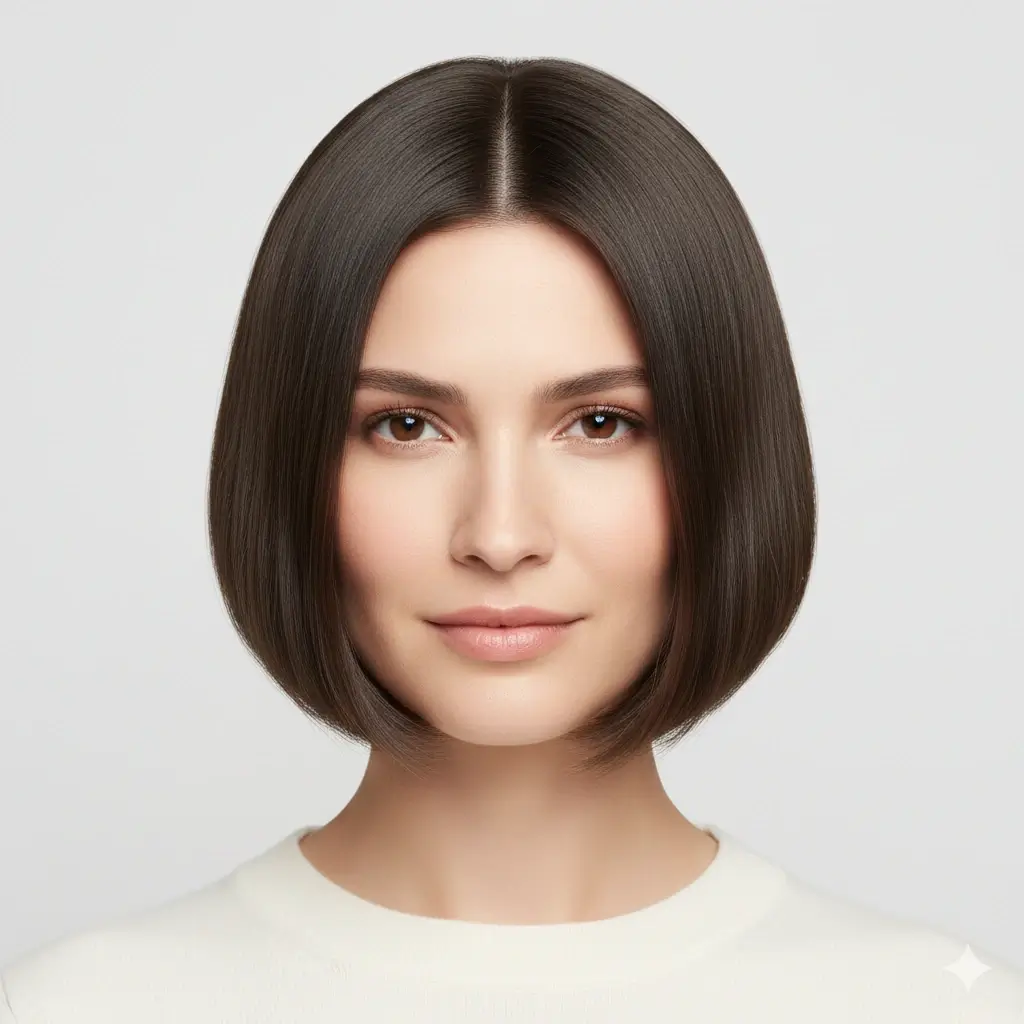
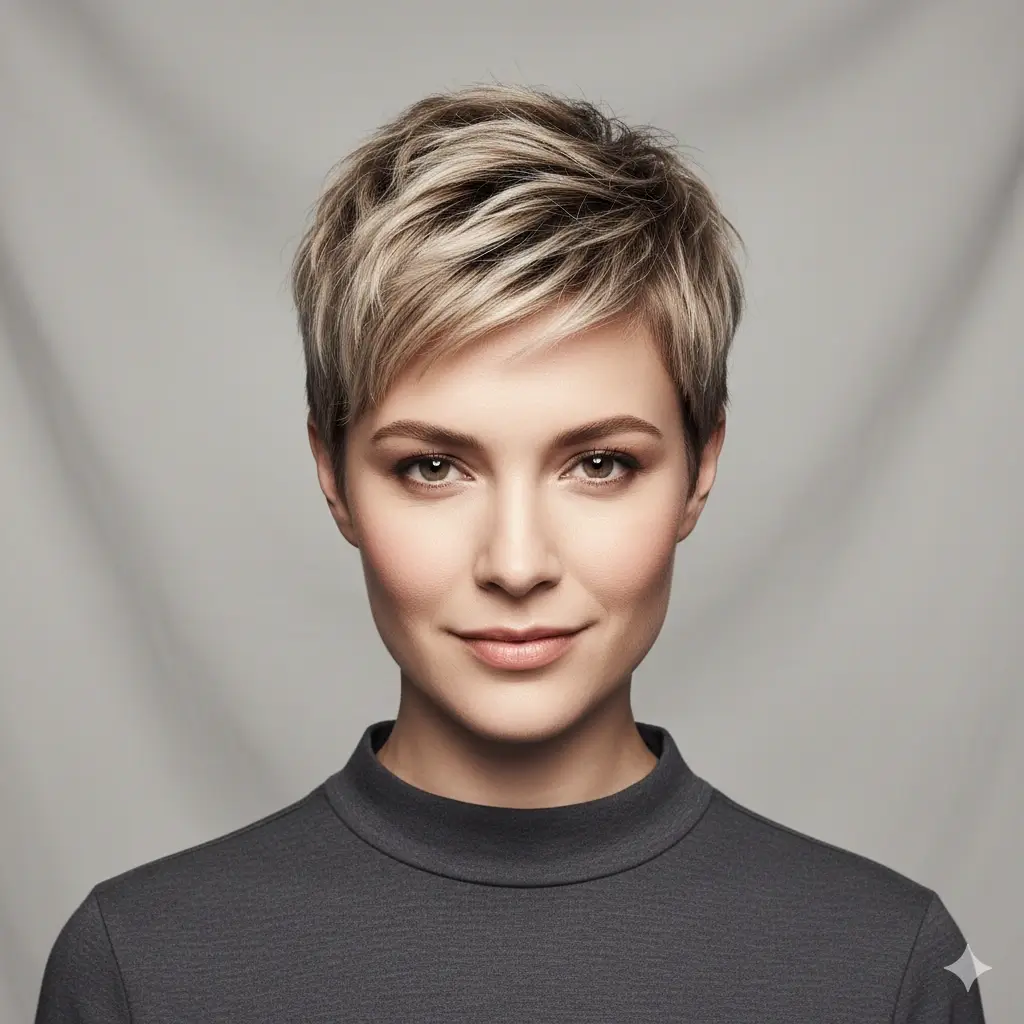
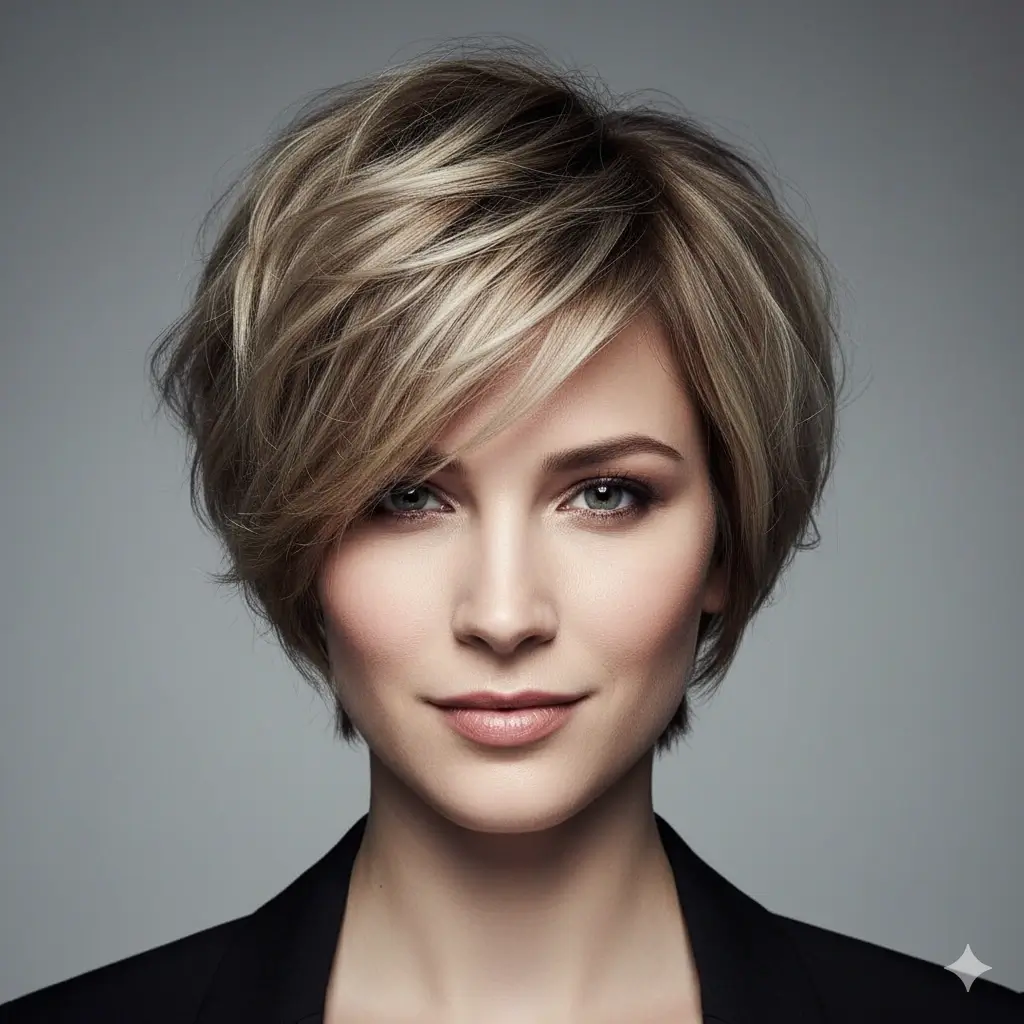
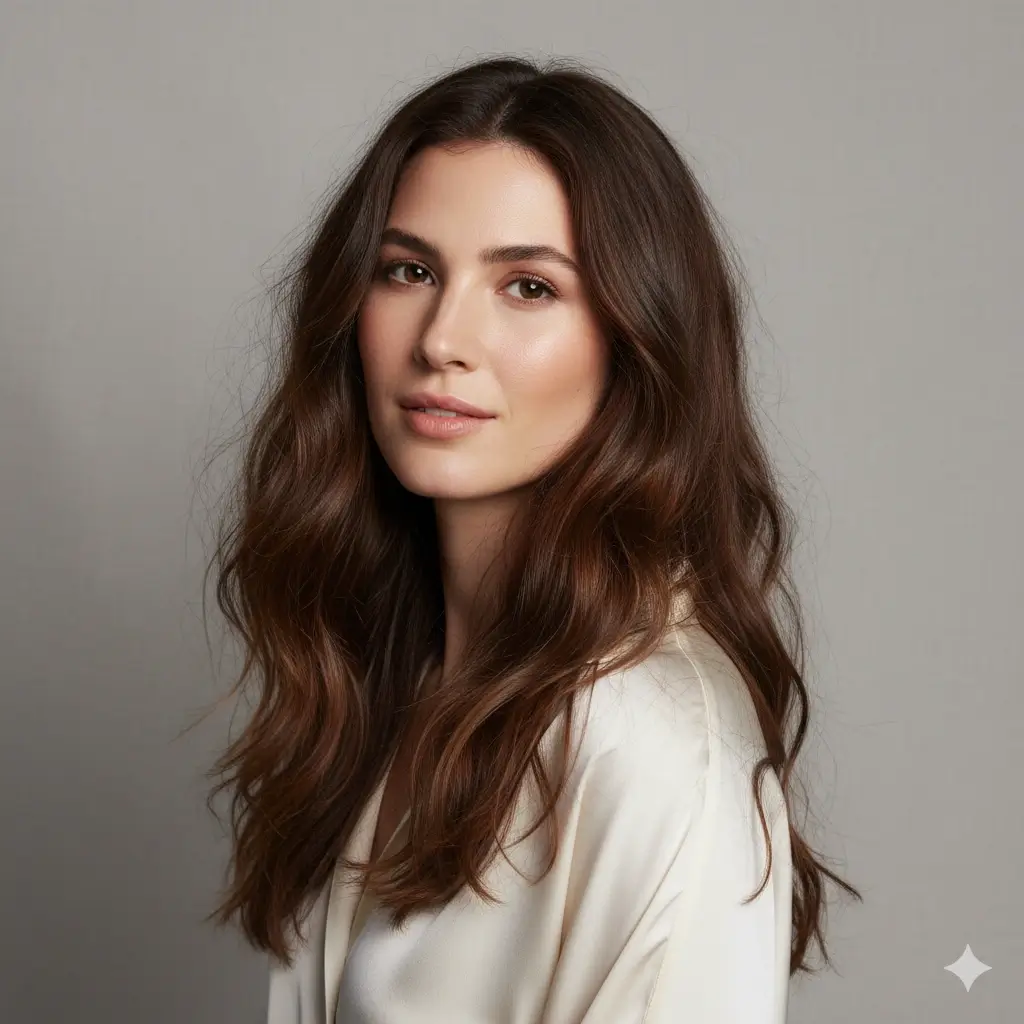
Compare the same face with long waves, a pixie cut, a fade, a bob, an undercut, or a new color before you decide what to make next.
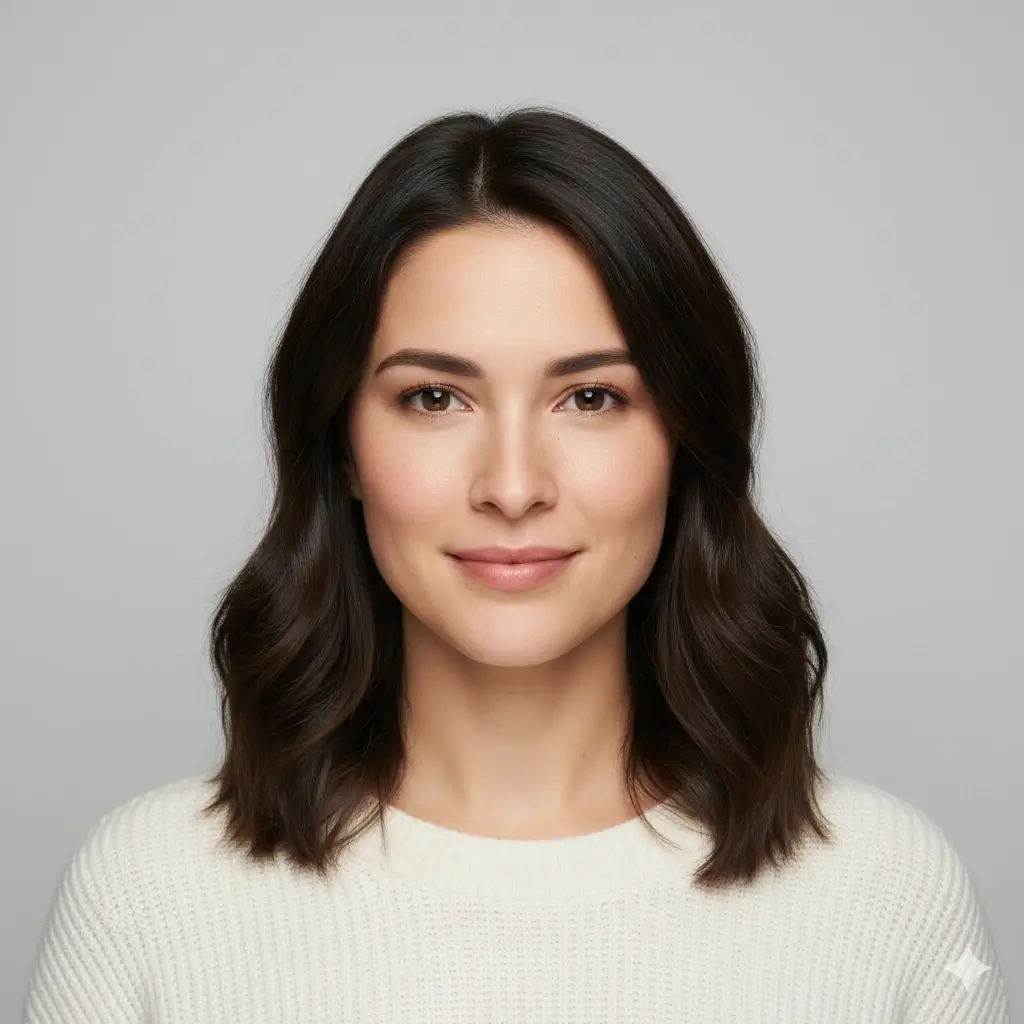
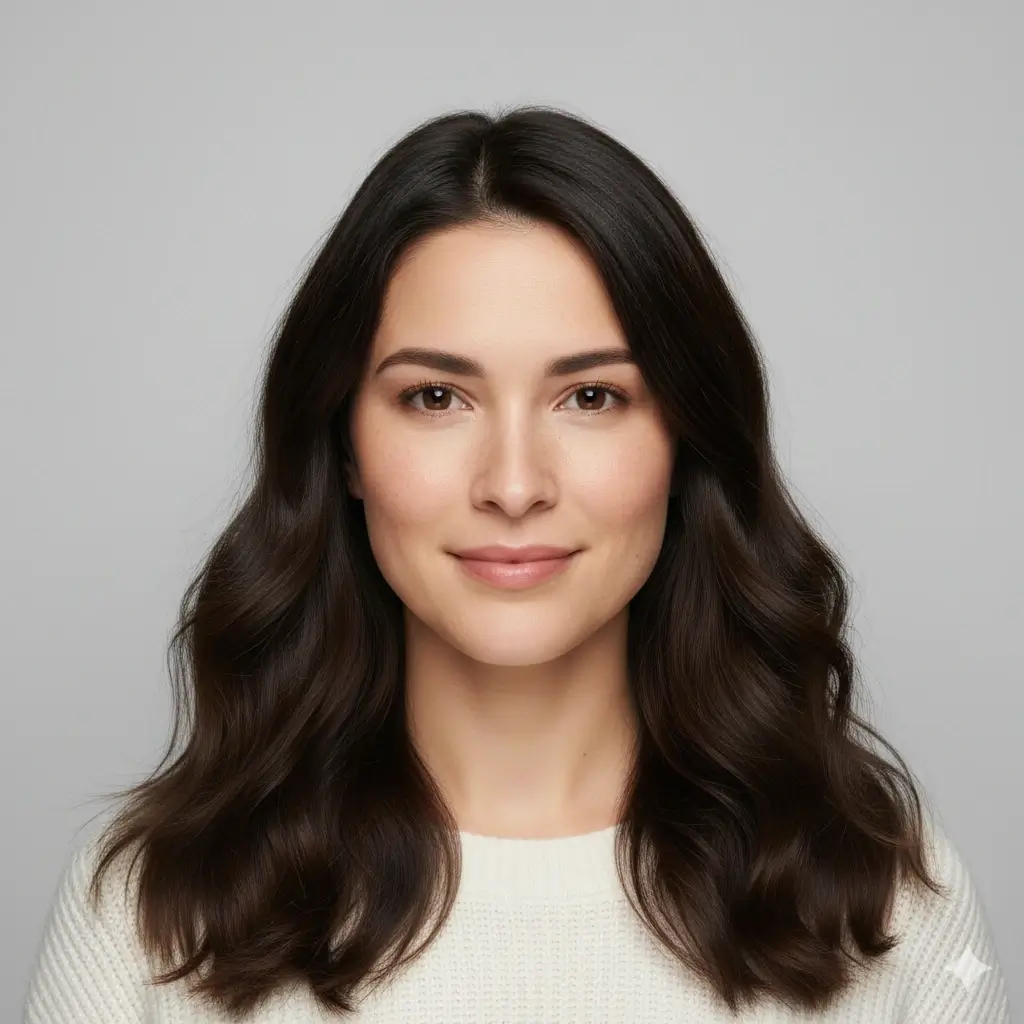
Long Waves
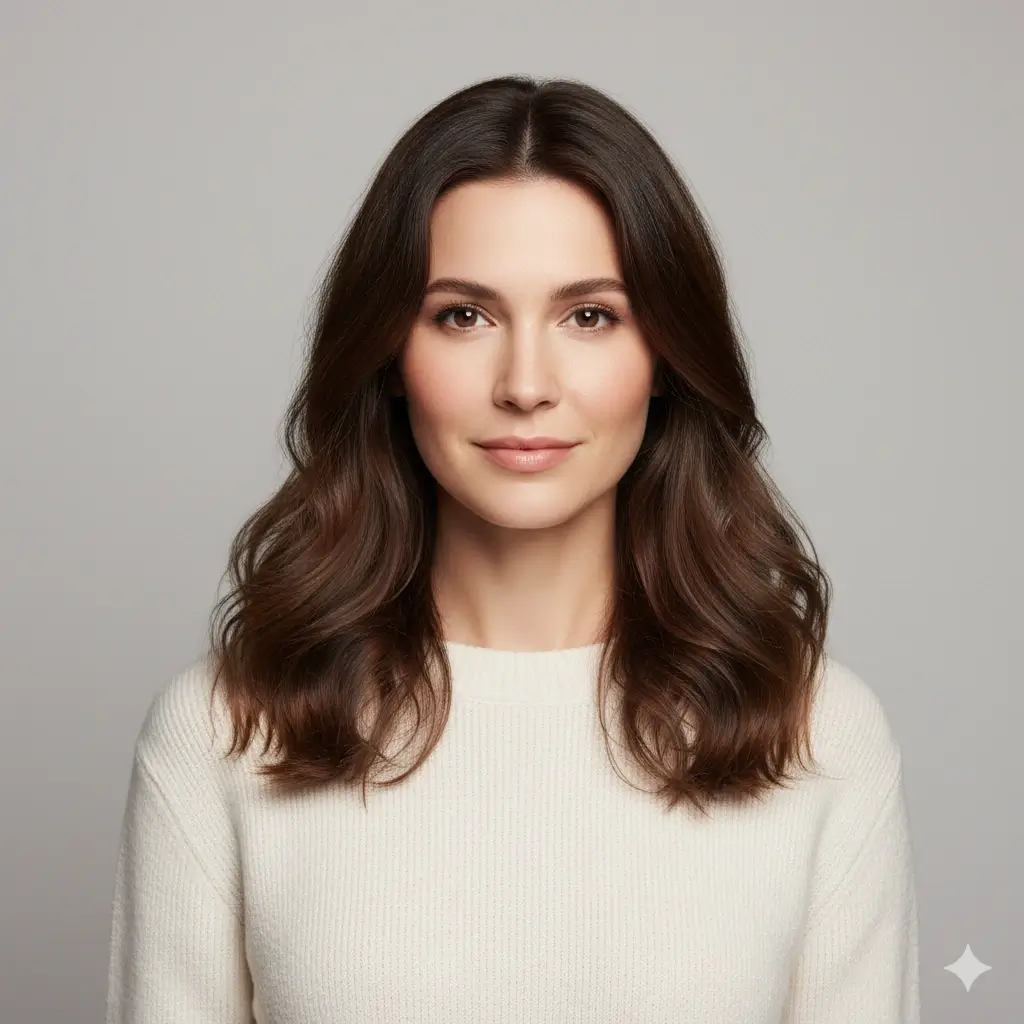
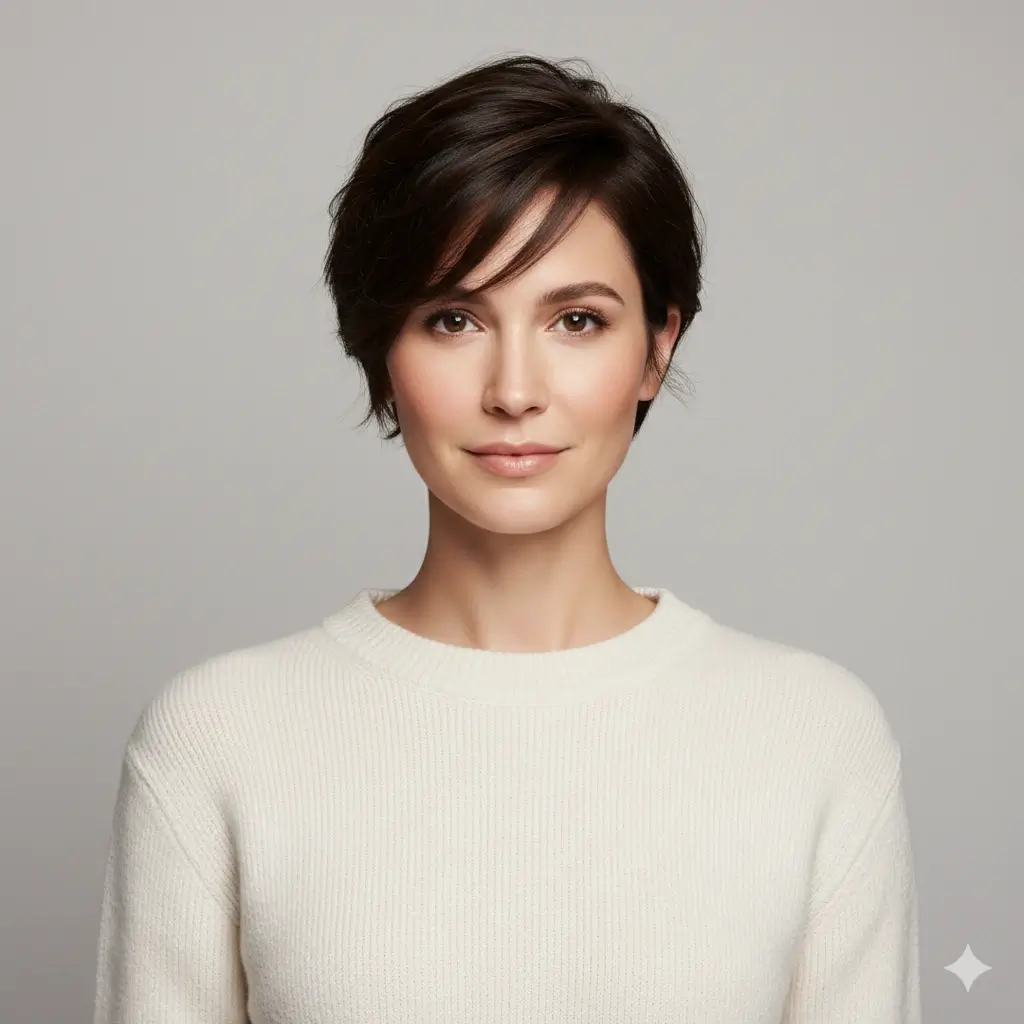
Pixie Cut


Fade Haircut
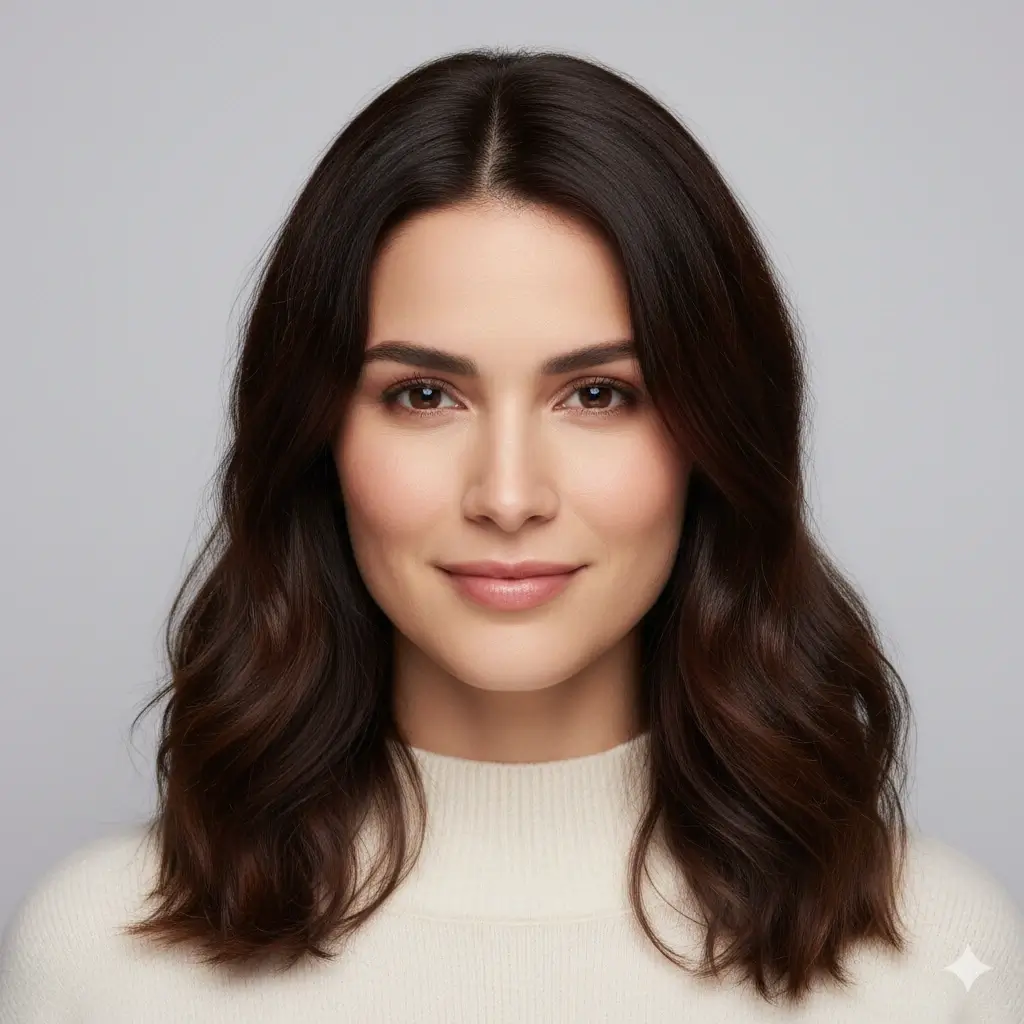
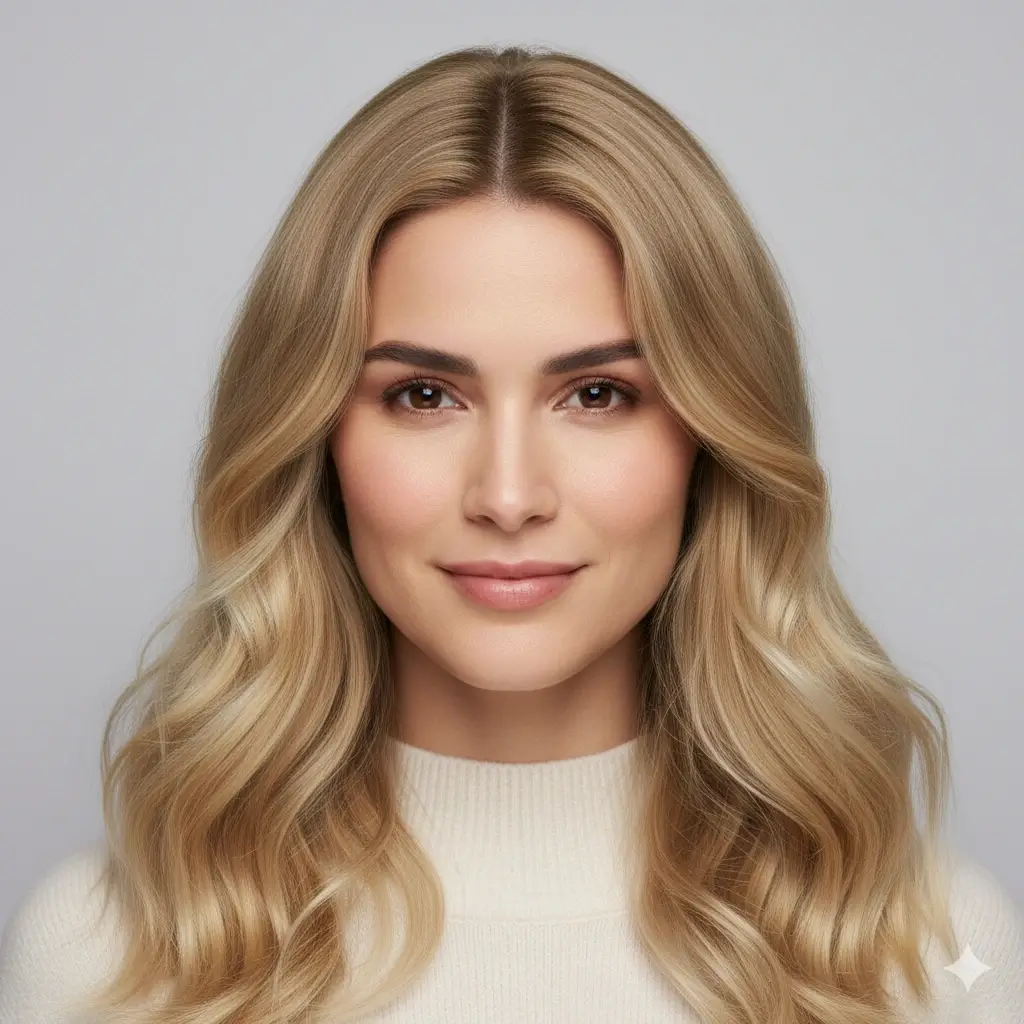
Blonde Color
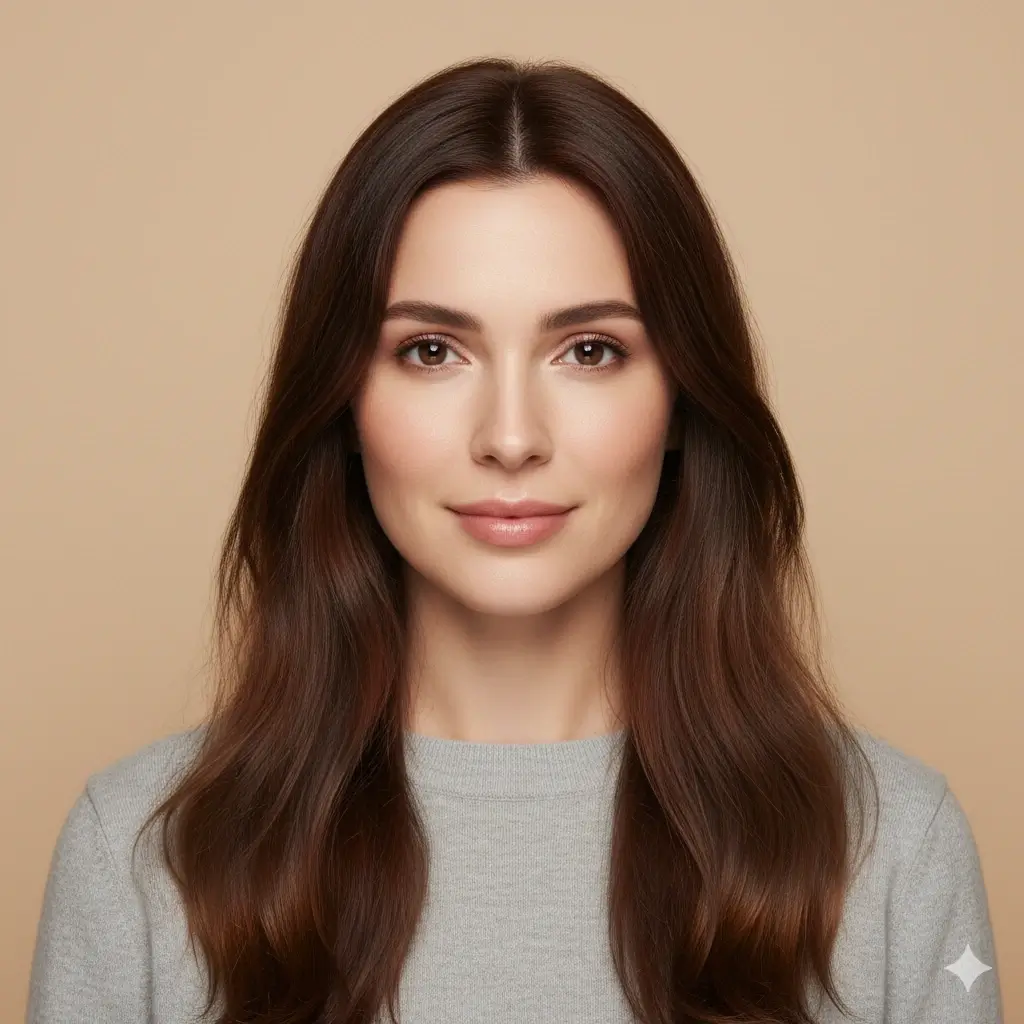
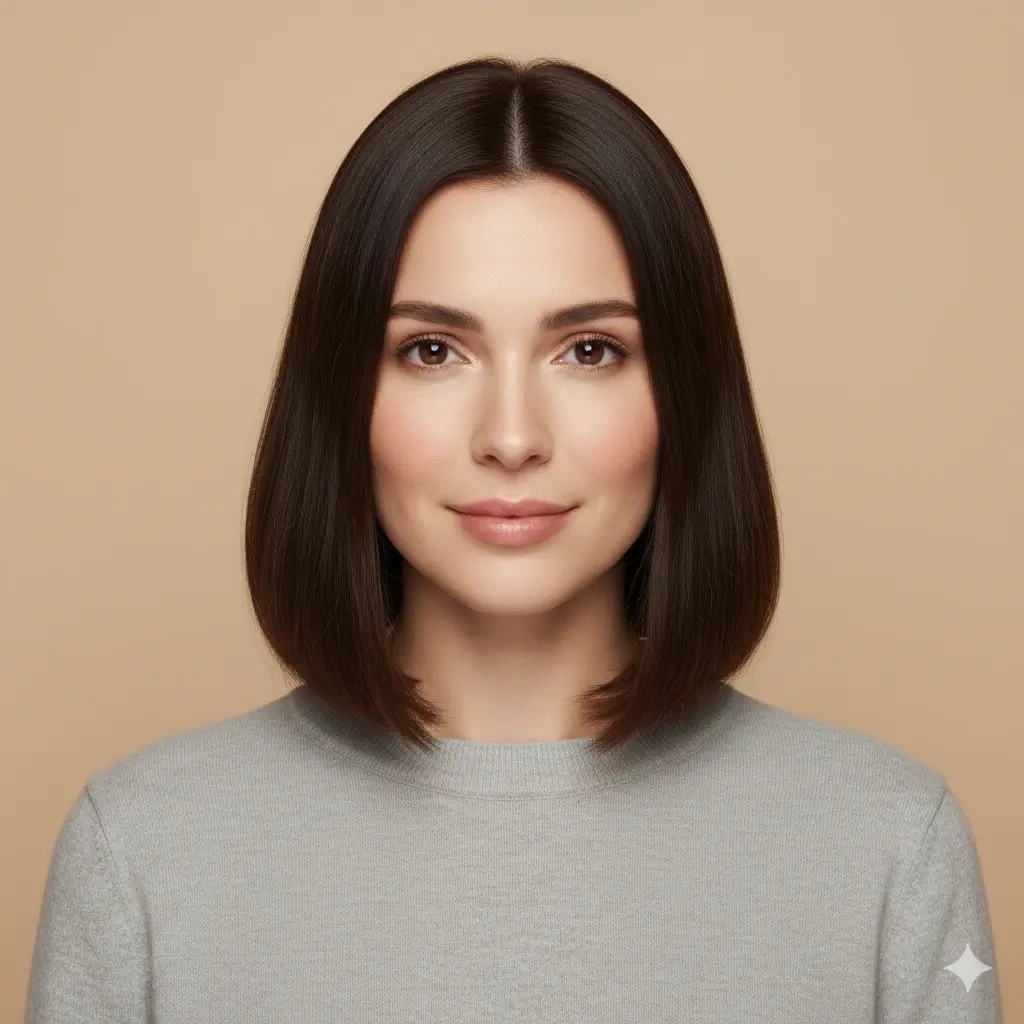
Bob Haircut


Undercut
How the Online Hairstyle Maker Works
The generator keeps the workflow simple: upload, choose, generate, and compare the result with your starting photo.
Upload a clear portrait
A front-facing photo with visible hairline, jawline, and even lighting gives the generator better information for face framing and edges.
Choose a style direction
Try a bob, pixie, waves, layers, bangs, fade, undercut, textured crop, or another style from the grid. Keep the first test focused.
Generate and compare
Create the preview, compare the silhouette and hairline with your original photo, then download the result if it helps you explain the idea.
What to Make First? A Quick Style Guide
Use a simple goal to choose your first two previews instead of testing unrelated looks one by one.
| Your goal | Start with | Look for | Next step |
|---|---|---|---|
| Keep length but add movement | Long waves or layered long | Whether the face framing opens the face without thinning the ends | Compare a butterfly cut if you want more volume |
| See a visible shorter change | Bob, lob, or bixie | Where the new length lands around the jaw and shoulders | Try a pixie only after you like the shorter direction |
| Create more texture | Beach waves, wolf cut, or shag | How volume changes around the cheekbones and crown | Add color only after the texture feels right |
| Preview a barber cut | Fade, undercut, or textured crop | Temple, sideburn, neckline, and top-to-side balance | Use the image as a barber reference |
The generator can show a direction quickly, but it cannot measure your exact hair density or promise a salon result.
Why Use This Hairstyle Generator Online?
Make the preview from your own photo
A hairstyle can look different on your face than it does on a model. Upload your photo so the comparison uses your proportions and hairline.
Explore more than one variable
Test haircut shape, face framing, texture, barber cuts, and optional color in one clear workflow.
Compare safe and bold ideas
Start with a familiar cut and then try a bigger change. The side-by-side mental comparison is more useful than collecting random images.
Works in a mobile browser
Use the same online tool from a phone, tablet, or desktop without installing a separate app.
Save a stylist reference
Download a favorite preview and use it to discuss length, fringe, texture, color, or maintenance with a professional.
Clear photo-handling expectations
Uploaded photos are handled privately and automatically deleted within 24 hours. Review the privacy policy before using a sensitive image.
Popular Styles to Make with AI
Use these starting points when you want a practical shortlist instead of an endless hairstyle gallery.
Length, Layers, and Framing
- Soft Bob
- Pixie Cut
- Lob with Curtain Bangs
- Long Layered Hair
- Butterfly Cut
- Wolf Cut
- Bixie Cut
- Beach Waves
- Blonde Color Preview
Barber and Short Hair Directions
- Fade
- Undercut
- Textured Crop
- Buzz Cut
- Curtain Hair
- Crew Cut
- Side Part
- Modern Mullet
- Natural Brown Color Preview
Tips and Limits for Better Generated Hairstyles
A good input photo helps the generator keep the result closer to your face and makes comparisons easier.
Use photos like this
- Front-facing portrait with your face and hairline visible
- Even daylight or soft indoor light
- Simple background with clear hair edges
- The same source photo for every style comparison
- A realistic first change before testing an extreme cut
Why a preview may look less natural
- Low-resolution images hide fine hair details
- Hats, sunglasses, and covered hairlines remove useful information
- Strong side angles distort length and face framing
- Busy backgrounds can create rough hair edges
- Complex updos, braids, or unusual colors may need extra professional judgment
Hairstyle Generator FAQ
Answers to common questions about making and comparing hairstyles online.
Ready to Make a New Hairstyle?
Use the online hairstyle generator to build a look from your own photo, compare realistic directions, and save a clearer reference before your next haircut.
Use this hairstyle generator online to make a hairstyle from your photo, try an AI hairstyle generator, compare haircut and color ideas, and create a practical visual reference before a salon or barber visit.