
How to Try On Hairstyles With Your Picture for Free
A hairstyle preview is most useful when it answers a real decision: should you go shorter, add bangs, keep your length, change the shape, or try a new color? This guide shows how to use one clear photo, compare results, and turn the best preview into a practical salon reference.
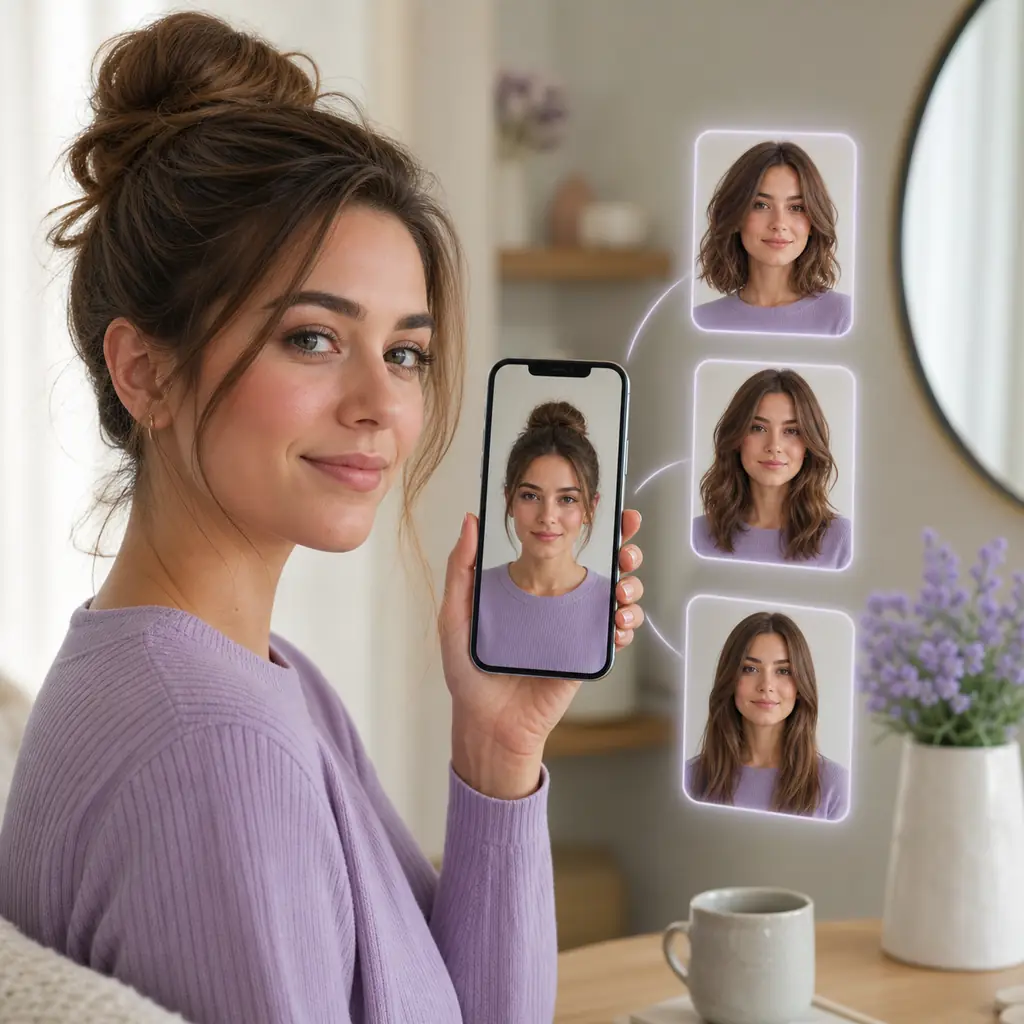
Quick answer: upload one clear photo, then compare realistic options
To try on hairstyles with your picture for free, start with a front-facing photo in even light. Open a virtual hairstyle try-on tool, upload the image, choose a haircut or color direction, and generate a preview. The result is not a promise of an exact salon finish, but it can make the most important differences easier to see on your own face.
The most useful workflow is to compare two or three options on the same photo. Try one style close to your current look, one change you are seriously considering, and one bolder option. Then judge the length, face framing, volume, hairline, and likely maintenance instead of choosing only the most dramatic image.
What does it mean to try on hairstyles with your picture?
The goal is a visual decision aid, not a filter that tells you one universal answer.
A hairstyle try-on places a haircut, fringe, texture, or color direction over your uploaded portrait so you can explore a change before committing in real life. Some tools are built around quick presets, while an AI hairstyle changer may create a more complete transformation. In both cases, the value comes from seeing the idea on your proportions rather than on a model with a different face, hairline, or density.
A good preview helps you describe what you want: a collarbone length instead of very long hair, soft curtain bangs instead of a heavy fringe, cleaner sides instead of a full buzz cut, or layers that keep volume near the ends. That makes the image useful in a salon or barber conversation, even when the final cut must be adapted to your real texture and growth pattern.
How to try on hairstyles with your picture for free
Follow the same sequence each time so your comparisons stay useful instead of becoming a collection of random filters.
Start with one honest photo
Choose a recent front-facing portrait with your full face, forehead, and hairline visible. Keep the camera at eye level, use soft even light, and avoid a beauty filter that changes your features. A consistent source photo makes it easier to compare the hairstyle rather than the camera angle.
Choose the decision you actually need to make
Do not browse every style at once. Decide whether your main question is length, bangs, layers, a fade, texture, or color. If you are unsure, begin with a safe option near your current look and then compare one larger change, such as a bob, pixie, long layers, or a sharper barber cut.
Generate two or three versions
Use the same photo and keep the comparison focused. A short option and a medium option can answer a length question quickly; a curtain-bang version and a no-bang version can clarify face framing. Save the strongest results instead of generating dozens of nearly identical variations.
Turn the best preview into a reference
Look at the front, temples, jawline, neckline, and the edge where hair meets the background. Keep one or two images that show the length and shape clearly. When you speak with a stylist or barber, explain which parts you want to keep, soften, shorten, or make easier to maintain.
Which photo gives the most useful hairstyle preview?
Better input does not guarantee a perfect result, but it reduces the visual noise that makes comparisons confusing.
- Use a straight-on photo with your whole face and hairline visible.
- Choose daylight or soft front lighting so the hair edge is not lost in shadow.
- Pull hair away from the face enough to show the forehead, temples, and jaw.
- Avoid hats, sunglasses, heavy filters, extreme side angles, and motion blur.
- Keep the same photo when comparing short, medium, long, bangs, and color options.
If you are considering a cut that depends heavily on the sides or back, remember that a front-facing image cannot show every detail. Use the preview to communicate the overall direction, then ask a professional how the shape should be adapted to your actual hair.
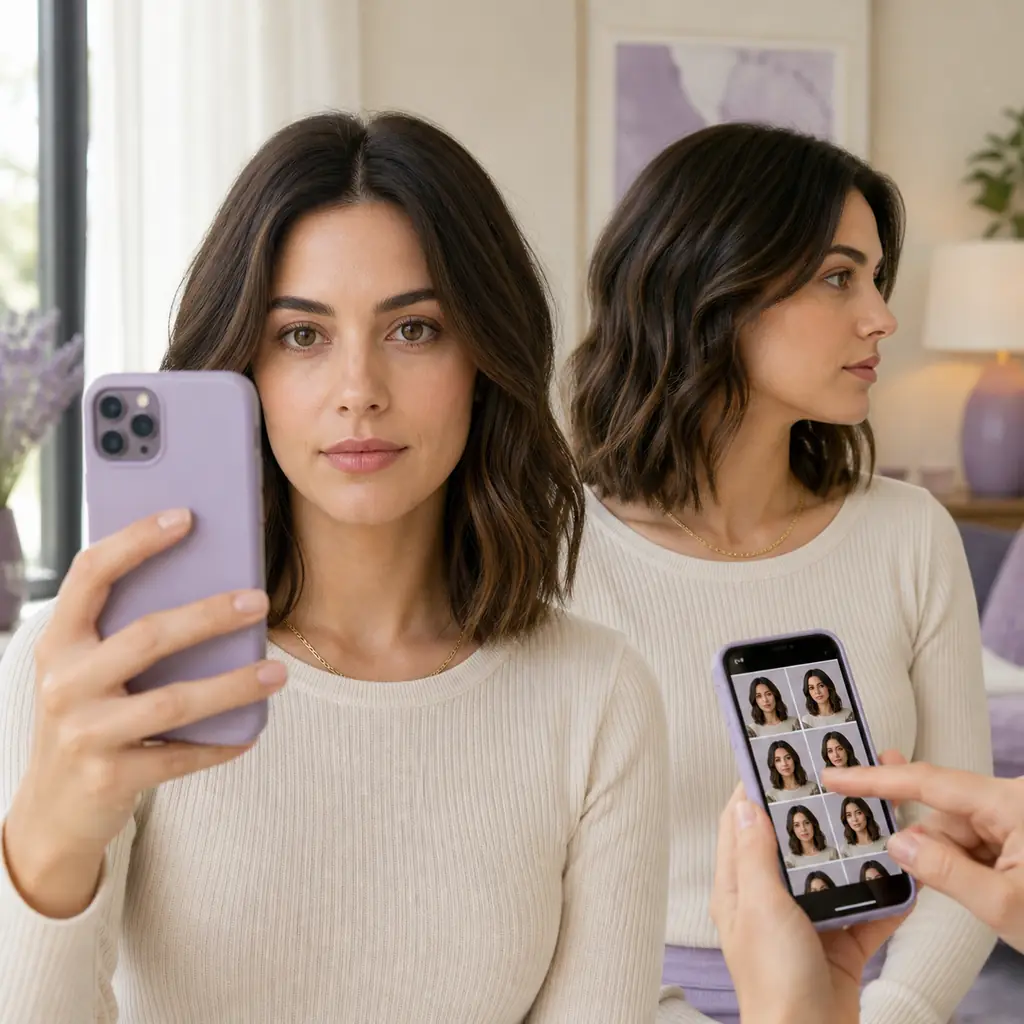
How to compare hairstyle try-on results
A useful result is not always the most polished or dramatic one. Check the parts that affect a real haircut decision.
Compare the silhouette first.
Ask whether the overall length and width feel right. Does the cut make the face look longer, wider, softer, sharper, or more open? This first impression is usually more reliable than zooming in on small strands.
Check face framing and the hairline.
Look at the forehead, temples, cheekbones, jaw, and ears. Bangs and front layers can change the balance around the eyes, while short cuts and fades make the hairline more important.
Think about texture and upkeep.
A preview may show a smooth finish even when your natural hair is curly, fine, thick, or prone to frizz. Consider how much styling, heat, product, trimming, or daily shaping the look would require.
Keep the result that communicates clearly.
The best salon reference shows the length, fringe, side shape, and general movement without relying on a dramatic pose. Save a second nearby option if you want to explain what you like and what you want adjusted.
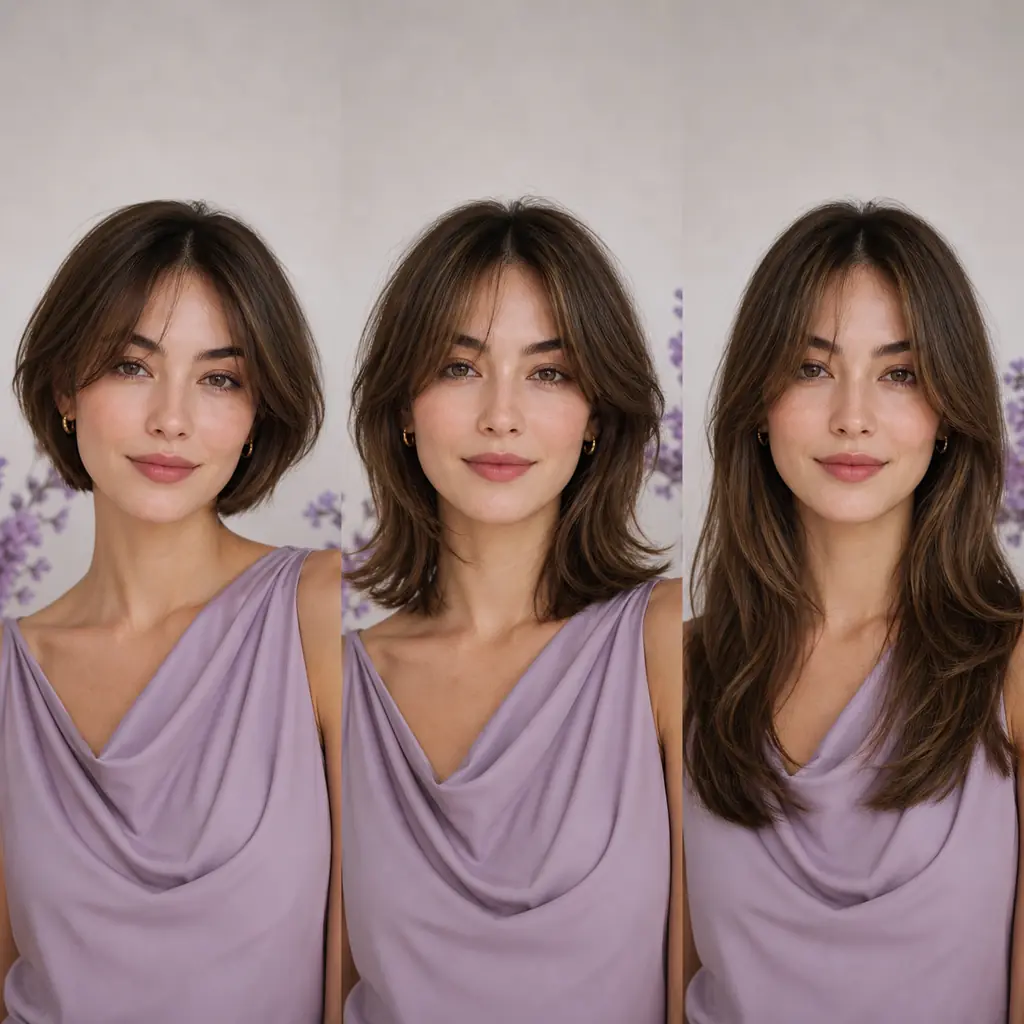
What an online hairstyle preview cannot guarantee
A hairstyle try-on can suggest direction, length, framing, and color, but it cannot reproduce every detail of a real cut. Hair density, curl pattern, growth direction, hairline, shrinkage, styling products, and the skill of the person cutting the hair all affect the final result. The back and sides may also look different from what a front-facing image suggests.
Treat the generated image as a reference rather than a promise. If the change is major, bring two or three options to your stylist or barber and ask what needs to be changed for your hair. A professional can also explain whether a fringe, bob, fade, or color service will need more frequent maintenance than you expect.
Before uploading a personal portrait, review the service privacy information and account requirements. Avoid sending a photo that you are not comfortable processing online, and do not assume that every tool stores or deletes images in the same way.
Try on hairstyles with your picture FAQ
Short answers to common questions about free hairstyle try-on workflows.
Can I try on hairstyles with my picture for free?
Yes. A free preview workflow usually means uploading a clear photo, selecting a hairstyle direction, and generating a result without first booking a salon appointment. Check the tool's current account or credit requirements before generating many versions.
What is the best photo for trying on hairstyles?
Use a recent front-facing photo with even light, a visible hairline, and no hat, sunglasses, heavy filter, or extreme angle. Keep the same image for every comparison so the hairstyle is the main variable.
Can I test bangs, short hair, and long layers on my face?
Yes. Those are useful choices to compare because they change the face framing and overall silhouette. Start with one realistic option near your current length, then test a more noticeable change.
Is a hairstyle try-on the same as a haircut filter?
Not always. A filter may apply a fixed visual effect, while an AI hairstyle changer may create a broader change in length, texture, fringe, or color. Compare the output and controls rather than relying on the label alone.
Will the result look exactly like my real haircut?
No. The preview is best for comparing direction and communicating an idea. Your natural density, texture, hairline, styling routine, and the professional's technique can all change the final result.
Where can I try a hairstyle on my own photo?
Use the site's virtual hairstyle try-on tool to upload a photo and compare haircut or color directions. If your question is specifically about face shape or a high-change haircut, the related tools below can narrow the decision further.
Ready to try a hairstyle on your own photo?
Upload one clear picture, compare a safe option with a bolder idea, and keep the preview that gives you a better salon conversation.
Open the Virtual Hairstyle Try OnUse the same photo for every test so hairstyle length, face framing, texture, and color are easier to compare.