
Best AI Hairstyle Changer: Free Options Compared
The best choice depends on whether you need a realistic photo edit, a quick filter, a large preset library, or a flexible prompt. This guide compares the main tool types so you can test a look without confusing a free preview with a guaranteed haircut result.
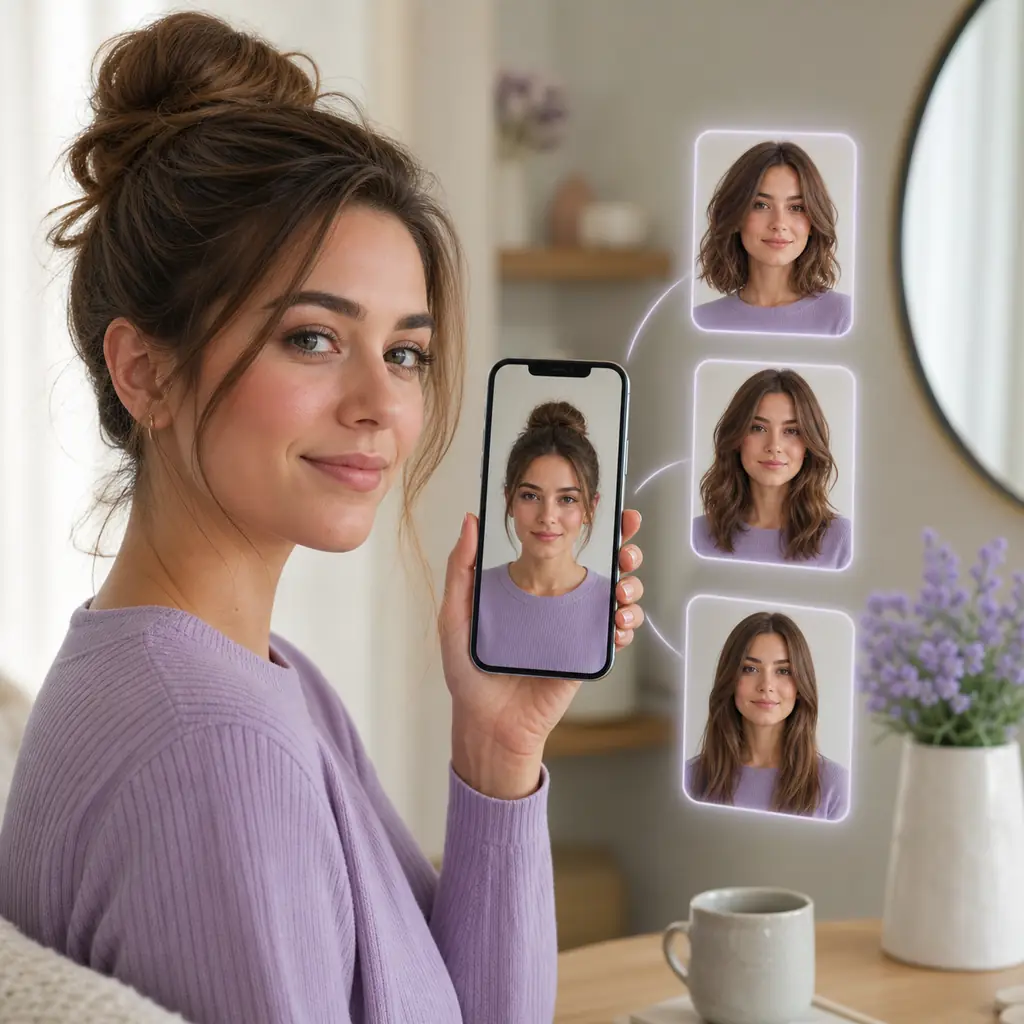
Quick answer: what is the best AI hairstyle changer?
For most people, the best AI hairstyle changer is the one that keeps your face recognizable, lets you compare more than one direction, and explains what is free before asking for payment. A browser based photo editor is usually the easiest start because it works on a phone or desktop without an install. An app is faster for live filters, while a prompt editor helps with a very specific cut.
Treat free carefully. Some services offer a few generated previews, some expose only overlays or color filters, and some charge to export. Ask what works without a card, subscription, watermark, or account. Test the same photo in two or three tools and keep the result that communicates length, shape, and upkeep best.
Best AI hairstyle changer options at a glance
Use this table to match the tool type to the decision you are trying to make. Free limits and product features change, so verify the current offer before uploading a personal photo.
| Tool type | Best use | What a free tier may include | Watch for |
|---|---|---|---|
| Photo based AI changer | Compare a bob, layers, bangs, curls, or a shorter cut on your own face | One or a few generated previews, often with limits | Credits, queues, export limits, and privacy terms |
| Live hair filter | Get an instant idea of color or a broad style category | Real time presets inside an app or browser camera | Overlay edges can look less like a real haircut |
| Prompt based image editor | Describe a custom length, texture, or color that is not in a preset menu | A small daily allowance or trial generations | The face, hairline, or background may drift between edits |
| Large hairstyle library | Browse many named cuts before choosing a shortlist | A sample collection with more styles behind an account or plan | Catalog size does not guarantee realistic rendering |
| Local or private workflow | Keep photos on your own device after setup | Open source software with no per-image fee | Hardware, setup time, and technical maintenance |
What to check before calling a tool the best
A strong hairstyle preview answers a practical salon question. These checks help you compare the result instead of being distracted by a polished landing page.
- Identity and edges. Your face, skin tone, hairline, ears, and background should stay stable. Zoom in around the temples and jaw; a nice mood is not enough for a useful reference.
- Control. Check for length, bangs, texture, volume, and color choices. Comparing several styles from one photo beats a long list of unrelated presets.
- A real free path. See whether the result is generated or only an overlay, whether an account is needed, and whether saving consumes another credit. Record the date because limits change.
- Input guidance. Useful tools request front facing light, a visible hairline, a simple background, and no heavy beauty filter. Good guidance can matter more than switching brands.
- Privacy clarity. Read upload, retention, deletion, and training language before submitting a face photo. Avoid broad camera roll access when one file is enough.
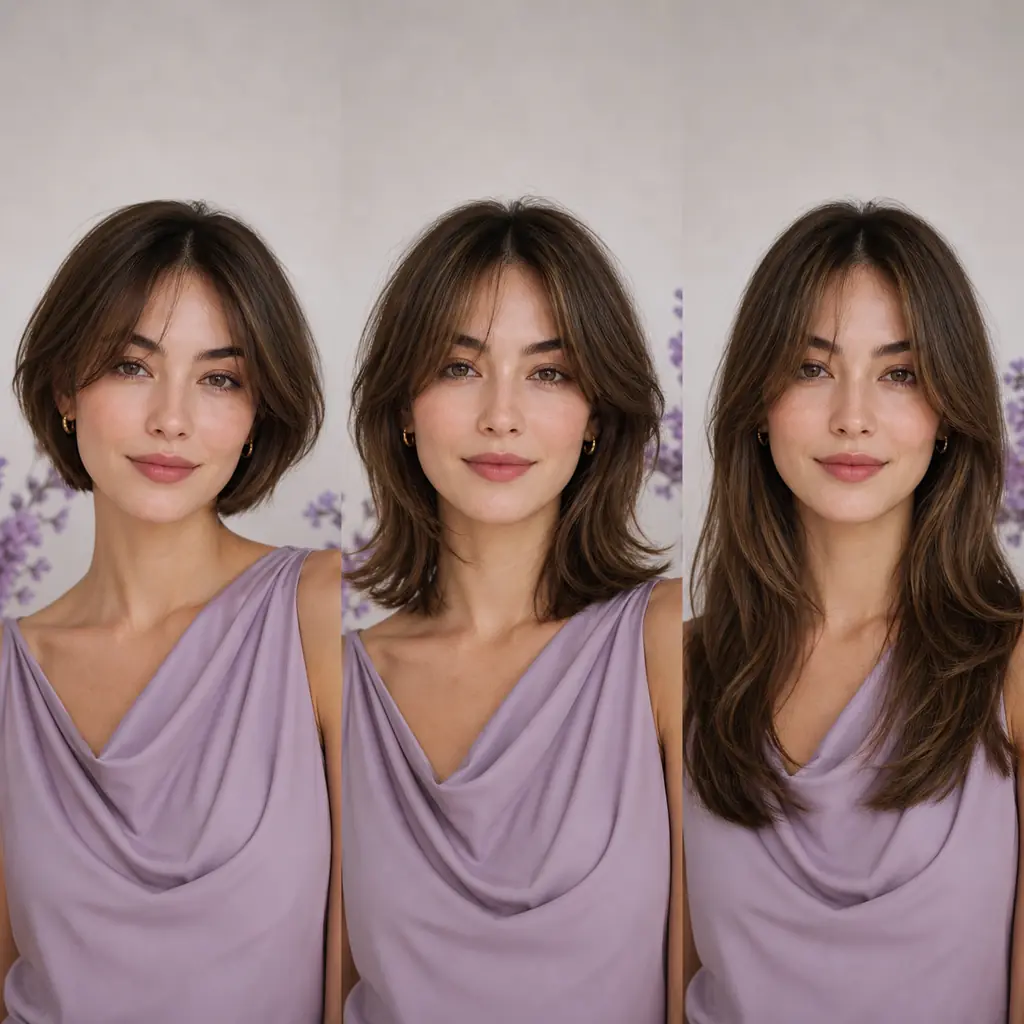
Which free hairstyle tool fits your goal?
The following categories are more stable than a ranking based on changing credit counts. Pick the workflow that answers your question with the least friction.
1Best overall: a browser photo editor
Choose a browser AI changer when you want one portrait, several recognizable directions, and a reference for a salon conversation. It works on phone or desktop without an install. Look for an example result plus a visible reset or retry path.
Best for: serious haircut decisions on any device.
2Best for instant play: a live hair filter
A live filter answers broad questions about color, length, or bangs quickly. The hair may sit on top of the original image, so use it to reject ideas before relying on a generated preview for a major cut.
Best for: fast color experiments and casual browsing.
3Best for a precise idea: a prompt editor
Prompt tools help when you can describe a chin length bob, curtain bangs, or a short textured crop. Keep the request focused on hair and ask the editor to preserve your face and background. Expect to refine the wording.
Best for: custom looks absent from preset menus.
4Best for browsing: a large preset catalog
A deep catalog helps when you do not know the haircut name. Browse by length, fringe, texture, and upkeep, then test a few representative results. A large list is useful only when your face and hairline stay stable.
Best for: discovering names to show a stylist.
5Best for privacy minded users: local processing
A local editor keeps the photo on your computer, but setup can require storage, a capable graphics card, and time to learn. It suits repeat use more than a first, quick experiment.
Best for: people who can handle technical setup.
6Best for a salon conversation: the clearest reference
The best result is the one that shows length, outline, fringe, texture, and upkeep clearly. Save two or three views, note what to keep or change, and ask a professional to adapt the idea to your hair.
Best for: turning a preview into a realistic haircut brief.
How to test an AI hairstyle changer for free
A repeatable test makes free tools easier to compare and prevents a single flattering render from deciding for you.
- 1. Prepare one neutral photo. Use front facing light, a visible forehead and jawline, hair pulled away when possible, and a simple background. Avoid hats, dark glasses, extreme angles, and heavy filters.
- 2. Start with the biggest decision. Test short versus medium length, bangs versus an open forehead, or straight versus curly texture before minor color changes. Keep the photo unchanged.
- 3. Compare the same questions. Check hairline realism, control over the requested style, and whether saving triggers a paywall. Note any credit or account requirement.
- 4. Review maintenance. A front preview cannot show the nape, layers, or grow out. Ask a professional whether your density, curl pattern, and routine support the reference.
- 5. Remove old uploads. Delete downloaded copies from shared devices and use service deletion controls when available. Keep only references that communicate a concrete request.
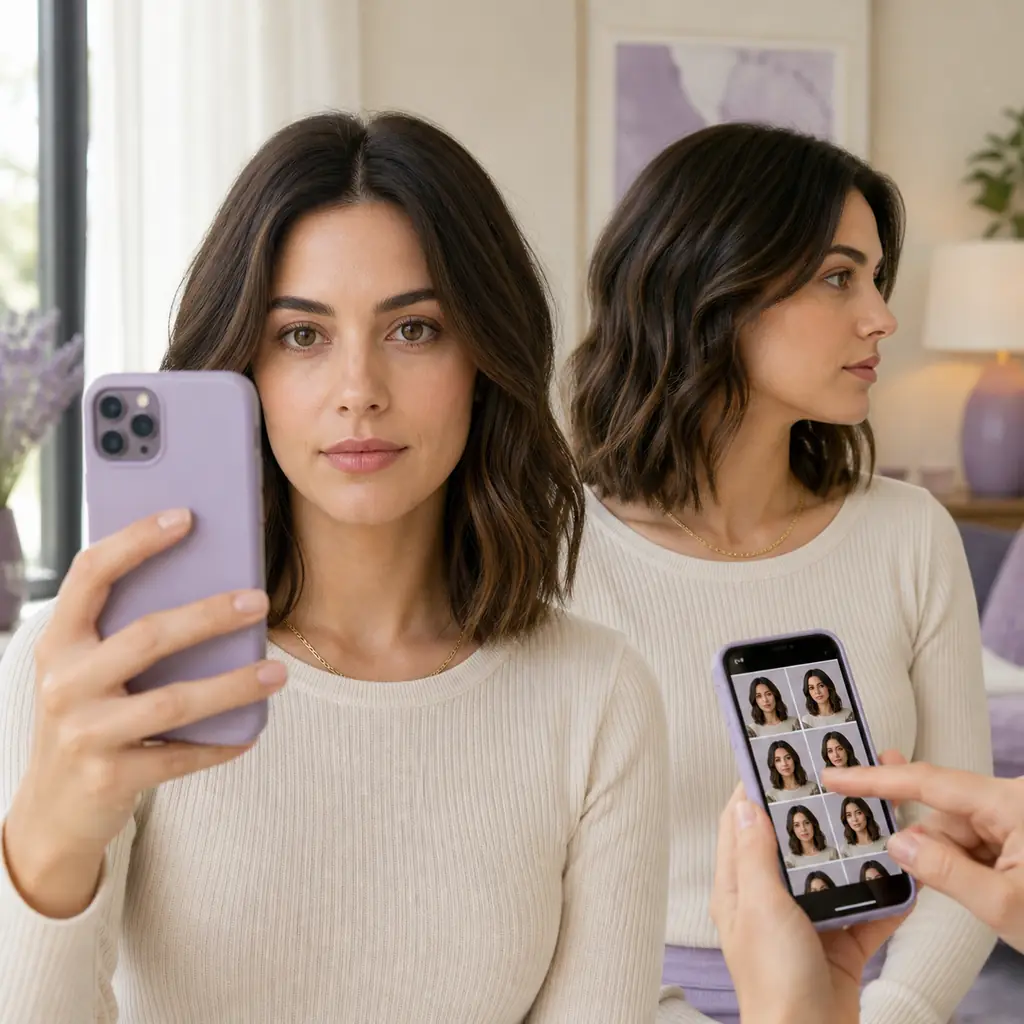
Privacy, accuracy, and limits
An AI hairstyle changer is a visualization tool, not a promise about a physical haircut. Hair thickness, curl pattern, growth direction, color, products, and technique affect the final result. A front image also hides the back and sides, so it is not a complete consultation.
Before uploading a face photo, read the privacy policy and account terms. Check storage, retention, training use, and deletion requests. A free result is not worth using a service whose data handling you cannot understand.
Free offers change. Credits, watermarks, export resolution, queue priority, and sign up requirements can shift without a new page title. Compare workflows rather than a fixed number of generations, and recheck the official tool page before you upload.
FAQ about the best AI hairstyle changer
Is there a completely free AI hairstyle changer?
Some tools offer a free preview, a limited number of generations, or free filters. Truly unlimited photo regeneration is less common because image processing costs money. Check what is free, whether export is locked, and whether an account or watermark is required.
What is the best free AI hairstyle generator for a haircut decision?
Start with a photo based generator that keeps your face and hairline stable and lets you compare several lengths from the same image. A clear result with honest limits is more useful than a large preset count or a claim of unlimited use.
Are AI hairstyle previews accurate?
They can be useful for comparing direction, length, and framing, but they cannot predict the exact cut. Texture, density, growth pattern, color processing, and the back of the head still need a professional assessment.
Should I use an app or a browser hairstyle changer?
Use a browser tool when you want a quick test on any device and do not want an install. Use an app when live camera filters or a saved style library matter more. In either case, read the upload and deletion terms first.
How can I make a hairstyle AI result look more like me?
Use a front facing, well lit photo with your hairline visible, a simple background, and no heavy filter. Keep your face and background unchanged in the prompt, and compare several outputs instead of trusting one render.
Can I show an AI hairstyle image to my stylist?
Yes. Bring two or three references and explain what you want to keep: length, fringe, layers, texture, color, or maintenance. Ask the stylist to adapt the idea to your hair density, growth pattern, and daily routine.
Do free hairstyle apps keep my photo?
Policies differ. Look for clear statements about storage, deletion, training, third party sharing, and account access. If the answer is vague, avoid uploading a personal face photo or choose a local workflow instead.
Ready to compare a new look?
Start with one clear portrait, test the decision that matters most, and keep the reference that a stylist can actually use.
Try a Virtual HairstyleA free preview is a starting point: compare the same photo, read the privacy terms, and confirm the final cut with a professional.